PRE-OPERATION FUNCTION TEST
GTJZ0612E&0812E&1012E&1212E Operation Manual 6-7 © Mar. 2022
Note: The lift speed is in direct proportion to the travel
distance of the joystick.
Drive and brake functions
1. Press the drive/steer function button. The button
should illuminate.
2. Hold the enable button of the joystick and slowly
deflect the joystick forward until the machine
begins to drive forward, then return the joystick to
the center position. The machine should reduce
speed and then stop.
3. Hold the enable button of the joystick and slowly
deflect it backward until the machine begins to
drive forward, then return the joystick to the
center position. The machine should reduce
speed and then stop.
Note: The drive speed is in direct proportion to the
travel distance of the joystick.
NOTICE
The brake must be able to hold the machine at any
slope the machine is able to climb.
Steer function
1. Press the drive/steer function button. The button
should illuminate.
2. Hold the enable button on the joystick, and press
on the left side of the thumb rocker switch for
steer left function, the machine should steer left.
3. Hold the enable button on the joystick, and press
on the right side of the thumb rocker switch for
steer right function, the machine should steer
right.
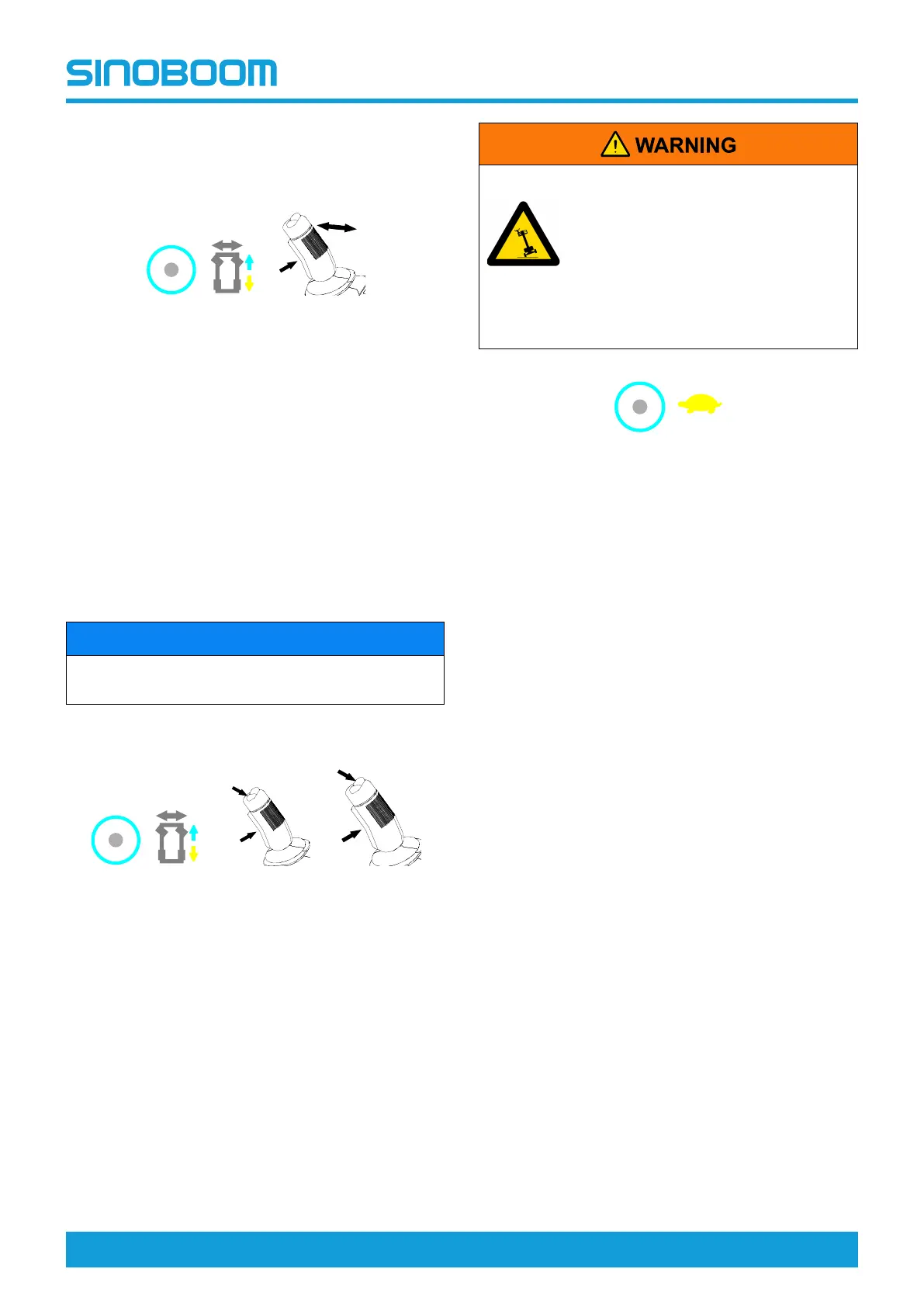
Drive high/low speed select button
TIPPING HAZARDS
Be sure to select the low speed mode
to drive when the machine tilts.
When the tilt alarm sounds, stop all
functional operations except
lowering, and do not continue the
work unless the factor that causes
the tilting is removed.
1. With the machine stowed, push the drive high/low
speed select button, the button should illuminate
and the machine should drive at low speed.
2. Push the button again, the button indicator light
should go off and the machine should drive at
high speed.
TESTING THE DRIVE SPEED
Reasonable drive speed is essential for safe operation
of the machine. The drive function should respond rap-
idly and smoothly to the operator’s operation. Within
the controllable speed range, The machine should be
free of shaking, shock or unusual noise.
1. Pull out the emergency stop buttons on the ground
and platform controls to ON position.
2. Turn the key switch on ground controls to platform
control position.
Low speed testing:
3. —SINOBOOM system:Move upwards the lift func-
tion enable switch on the platform controller, the in-
dicator light should be on.
—DTC system:Press the lift function enable
button, the button should be lit.
4. Hold the enable switch on the joystick and push for-
ward the joystick to raise the platform to the operat-
ing position.
5. —SINOBOOM system:Move downwards the
drive/steer function enable switch on the platform
controller, the indicator light should be on. Hold the
enable switch on the joystick and slowly push for-
ward to full drive position, the machine should
drives at 0.8km/h(0.5mph), or 123~150s for a
driving distance of 30m(98ft 5in).
EMERGENCY
S
T
O
P
4
5
6
7
1
2
3
8
EMERGENCY
S
T
O
P
10
11
12
13
9
EMERGENCY
S
T
O
P
4
5
6
7
1
2
3
8
EMERGENCY
S
T
O
P
10
11
12
13
9
EMERGENCY
S
T
O
P
4
5
6
7
1
2
3
8
EMERGENCY
S
T
O
P
10
11
12
9








 To Next Page