Use and Operation
6-7
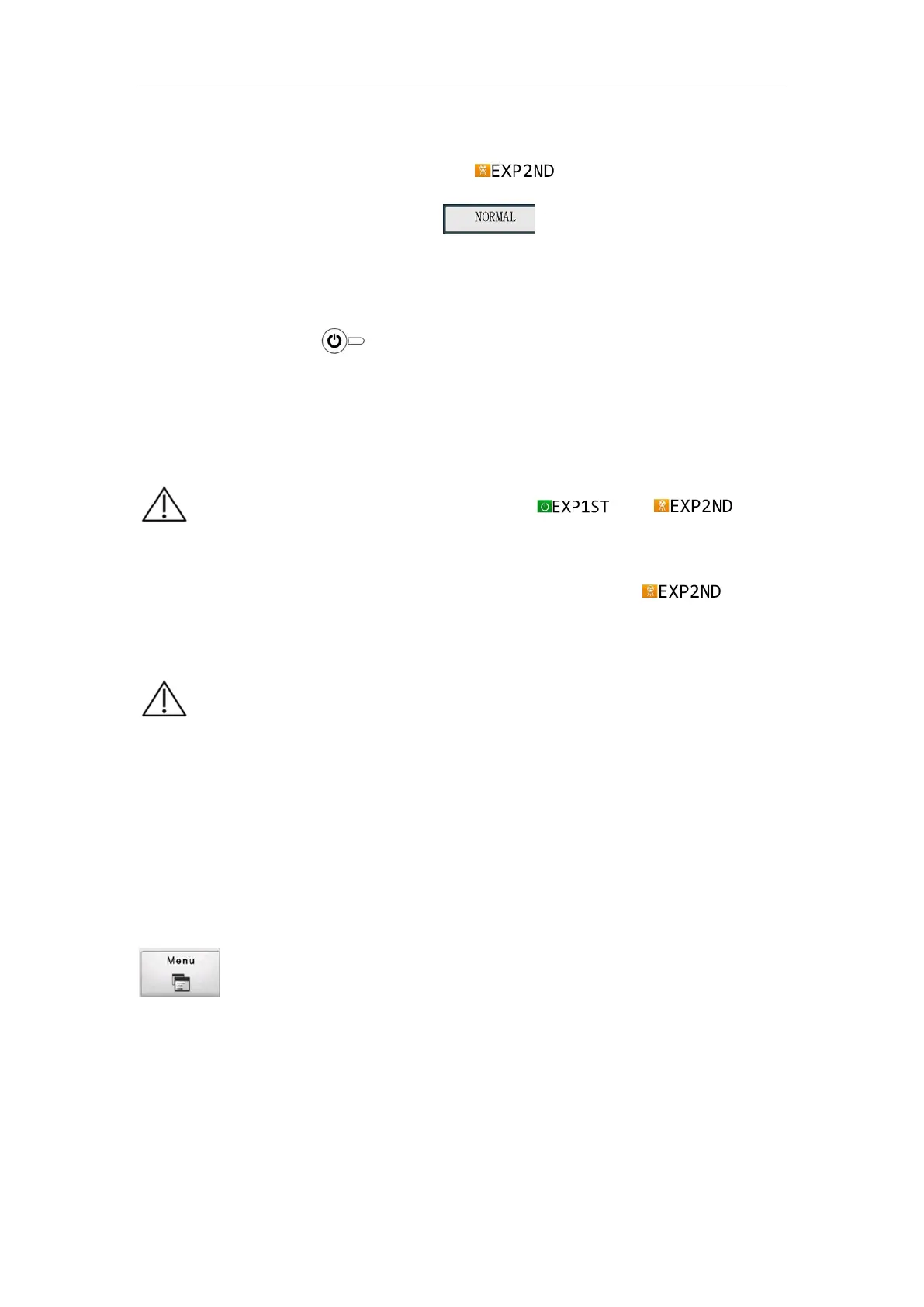
g) When using the exposure hand switch, press the hand switch Level 2, or use the
remote control to do nothing. When
is displayed, the system
enters the exposure state. When
is displayed, the system
completes a normal exposure. The user may release the exposure hand switch.
h) Wait for 5s, then the user may repeat steps d) to g) and do another exposure.
i) Long press the button on the control panel for over 3 seconds, and the
touch screen display of the control panel goes out.
j) After the control panel goes out, toggle the rocker switch on the back cover of
the device to "OFF".
6.1.3 Engineering Mode Function and Operation
When the panel is working in normal state press the engineering menu button
on the panel. Enter the engineering mode password (enter "150"), and then
press "OK" to enter the engineering mode. Hold down the touch screen and drag to
display more contents. Click one of the items in the engineering menu to open and set
the item. The functions corresponding to each menu number are shown in Table 6-1. You
can exit the engineering mode by pressing the "CANCEL" button at the bottom right.
Table 6-1 Engineering Mode Menu and Functions
【
】
【
】
When the control panel displays and , it
means the device is normal, without any relevant error or device
error; and the tube is ready for exposure. When
is
displayed, it means X-ray is emitting, and the sound of exposure
indication can be heard in the exposure.
To restart the device after shutting down, please make sure that the
residual energy of all energy-storage components is completely
released. Please wait until all LEDs on the control panel and the
touch screen go off.


 To Next Page