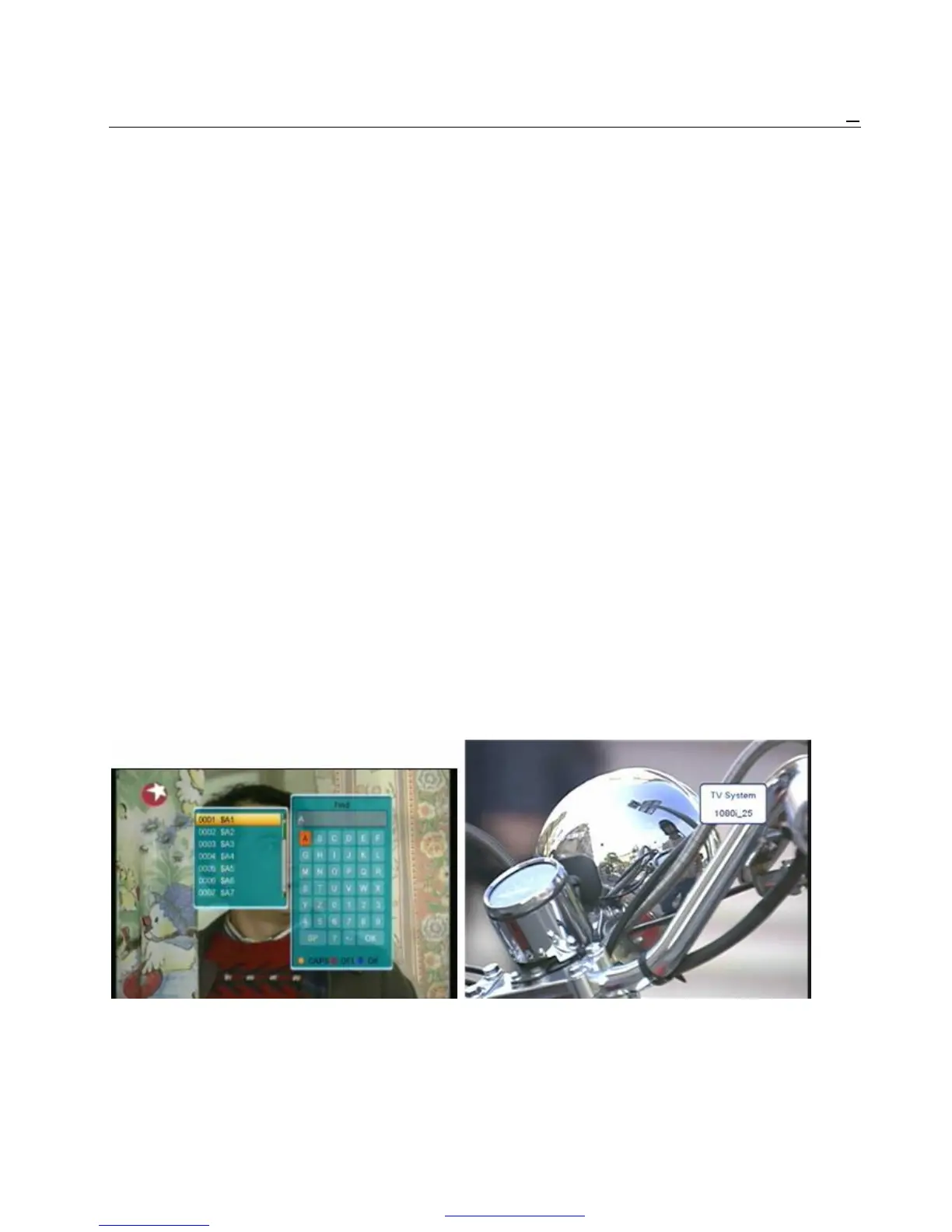
2 Press [Left/Right] key to change satellite. 1 Pressing [FIND] key in full screen can open the “Find”
3 Press [Up/Down] key to move highlight and press window like above. Press Left/Right/Up/Down]
[OK] key to play the highlighted channel. [key to move highlight and press [OK] key to
4 Press [Page Up/Down] key to page up and page input the selected symbol or letter into the dialogue.
Down. The search result display on the right screen.
5 Press [Exit] key to exit the channel list. You can press [Red] key to delete the char, press
[Blue] key to confirm, press [Green] key to cancel.
2.15 Sleep 2 Pressing [Exit] key can close “Find” window.
1 This function can set sleep timer. When you set a
sleep timer and the time arrive, the system will 2.20 Zoom
enter to standby automatically. 1 The [ZOOM] key allows you to magnify a certain
2 Pressing [SLEEP] key, it will switch the mode area on the images
between Sleep Timer Off /10/30/60/90/120 2 Press [ZOOM] key again, the image will enlarge
Minutes. rotate as x1, x2, x4, x6, x8, x12, x16.
3 In “x2 ~ x16” image, using [Up/ Down/ Up/ Down]
2.16 Page Up/Page Down keys to move the image center area you want to
1 In Channel list, press [Page+/Page-] key can page see.
up and page down the channel list. 4 In zoom mode, press [Exit] to close “Zoom”
2 In full screen, press [Page+/Page-] key can switch window.
satellite directly.
2.21 TV/STB
2.17 TEXT 1 Press [TV/STB] key can switch between TV
1 Press [TEXT] key in full screen, you can open mode and STB mode
teletext page on the channel which has teletext
information. 2.22 Menu
2 If the channel has no teletext information, it will 1 Press [MENU] key can open the menu, exit the
show “No Teletext Data” on the screen. current menu to last menu or close the window.
2.18 Subtitle 2.23 Video Format
1 Press [SUBTITLE] key in full screen, you can 1 Press [V.Format] key under Full Screen playback
switch subtitle on or off. for 1st, it will show the current system outputting video
resolution, continuously press this key, system will
switch its outputting video resolution by sequence 576i
2.19 Find -> 480i -> 576P -> 480P -> 720P_50 -> 720P_60 ->
1080i_25 -> 1080i_30.
2.24 Exit
1 Press [EXIT] key can exit the current menu to
last menu or close the win
PDF 文件使用 "pdfFactory Pro" 试用版本创建 www.fineprint.cn



 To Next Page