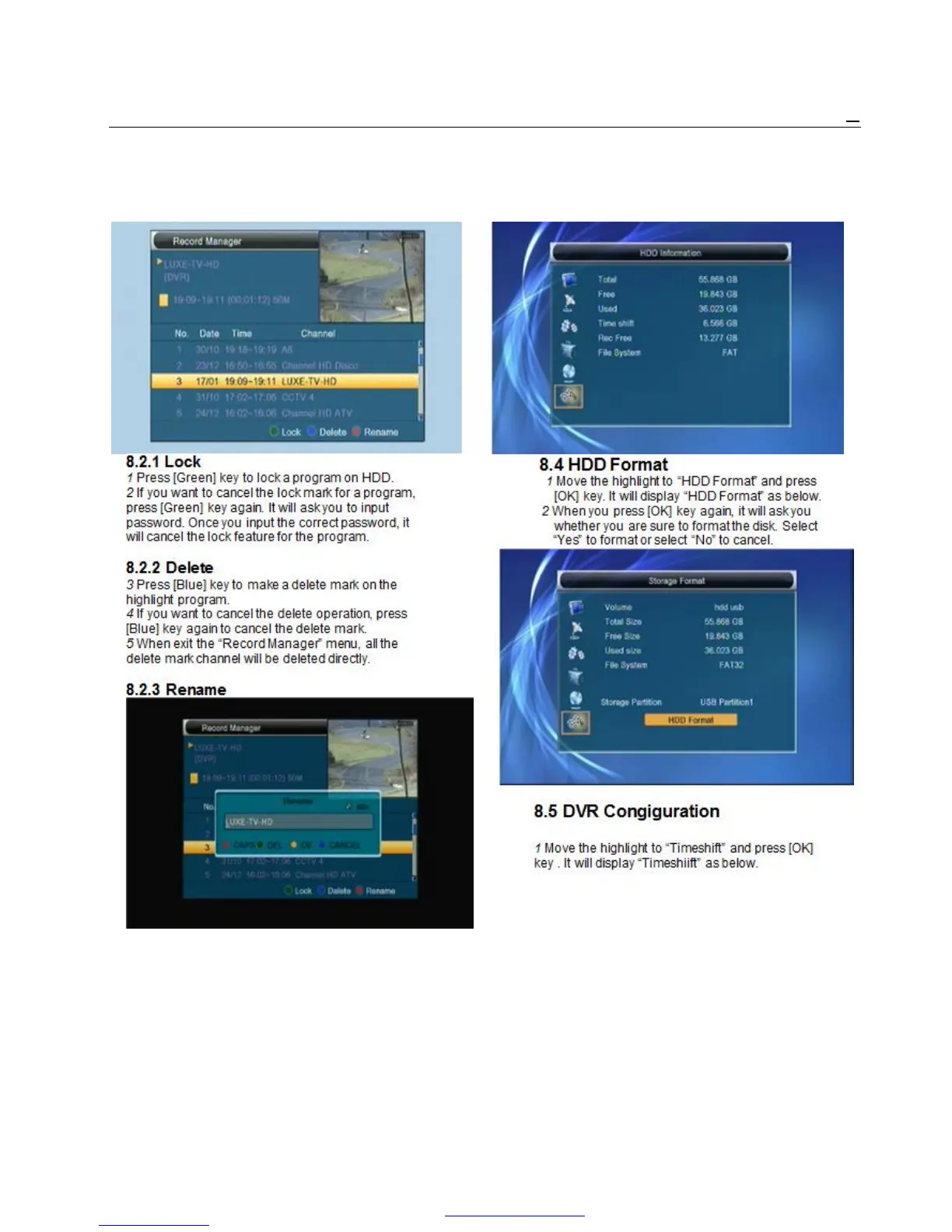
8.2 Record manager 8.3 HDD Information
1 Move the highlight to “HDD Information” and press
[OK] key. It will display “HDD information” as below:
1 Press [Red] key to rename the highlight program.
It will show the “Rename” window.
2 You can press [Red] key to switch capital and lowercase.
3 Press [Blue] key to delete the char on the cursor.
4 Press [Yellow] key to save the modification
5 Press [Blue] key to cancel the modification
PDF 文件使用 "pdfFactory Pro" 试用版本创建 www.fineprint.cn



 To Next Page