A: It is because that you haven’t set any channels as
2.9 Favorite “favorite channel”. Please refer to Favorite
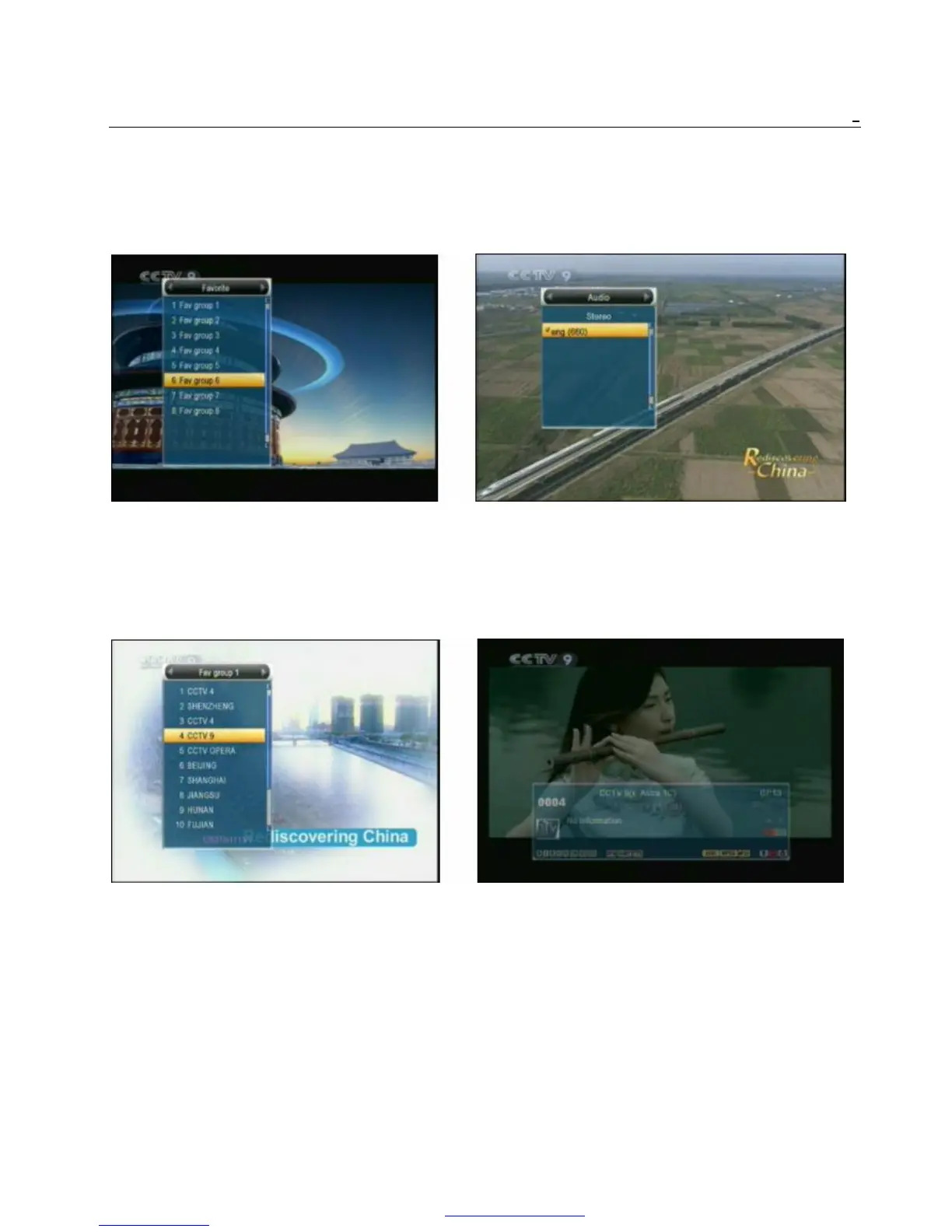
1 In full screen, press [FAV] key, it will display a
window of “Favorite Group” on the left of the 2.10 Audio
screen, which you can watch like below. 1 In full screen, press [AUDIO] key can open the
“Audio” window on the screen.
2 In the window of “Favorite”, you can move 2 You can modify the audio track by press [Channel
highlight by press [Channel Up/Channel Down] Up / Channel Down] key and modify the audio
key and press [OK] key to select favorite group. mode by press [Volume Up / Volume Down] key.
3 In the window of “Fav group X”, you can move 3 Mode: Left/Right/Stereo/Mono
highlight by press [Channel Up/Channel Down]
key and press [OK] key to select favorite 2.11 Information
channels. Pressing [Page Up/Page Down] keys In full screen, press [INFO] key can open information
can implement the “Page up/Page down” function screen, in the window shows the parameters of current
channel.
4 You also can press [Volume Up/Volume Down] 2.12 EPG
keys to select different “Favorite Group”. 1 The STB has an Electronic Program Guide (EPG)
5 Press [Exit] key to exit the current window. to help you navigate channels through all the
? Frequently Asked Question possible viewing options. The EPG supplies
Q: Why the screen displays “No Favorite Channel”, information such as channel listings and starting
after pressing [Favorite] key? and ending times for all available channels.
Press [EPG] key to display EPG screen.
PDF 文件使用 "pdfFactory Pro" 试用版本创建 www.fineprint.cn



 To Next Page