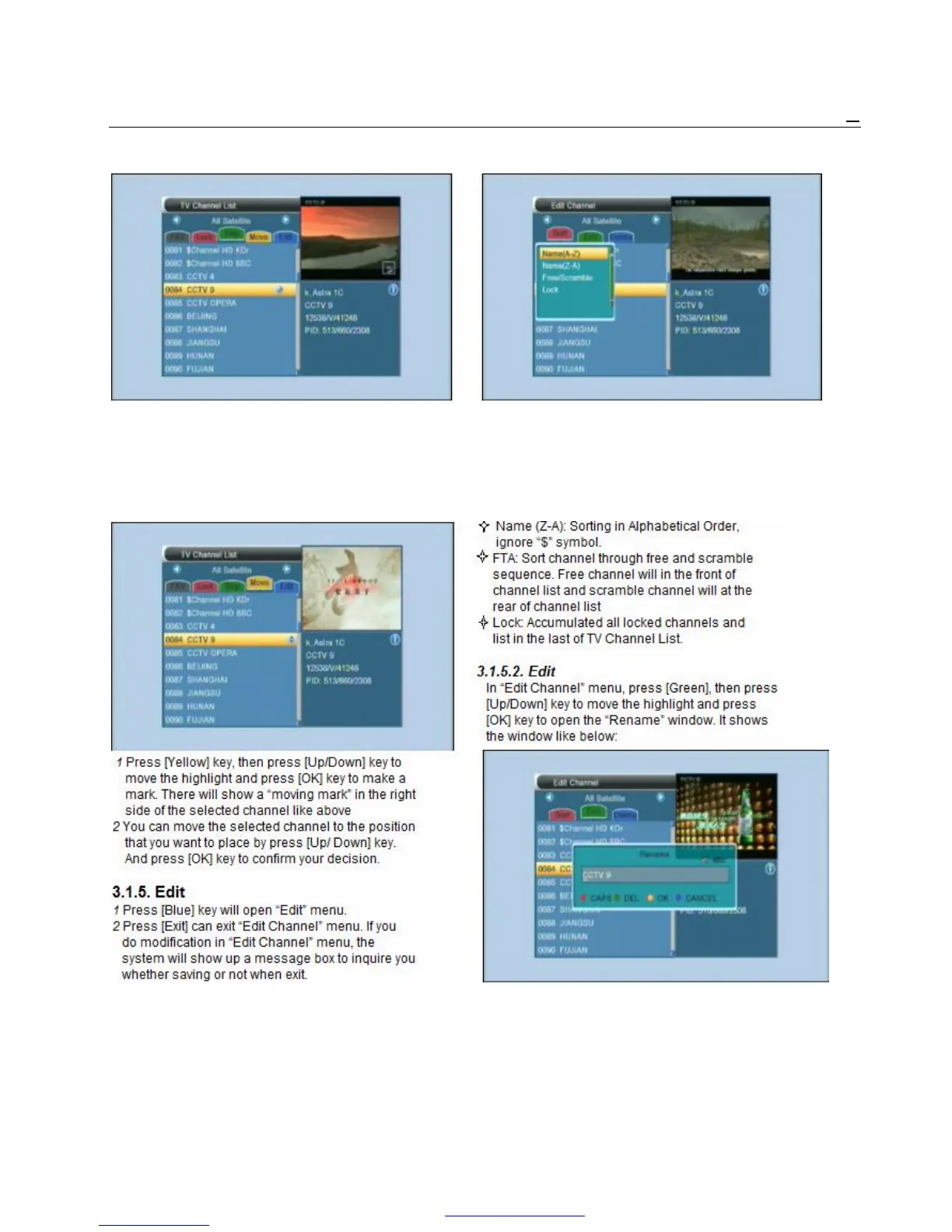
3.1.3. Skip 3.1.5.1. Sort
1 Press [Green] key can enter skip mode. 1 Press [Red] key can open the “Sort” window like
2 Press [Up/Down] key to move the highlight above. There are four kinds of sorting ways. You
and press [OK] to make a “skip mark” in the can press [Channel Up/Channel Down] key to
right side of the highlighted channel. move highlight and press [OK] key to confirm you
3 After save and exit menu, the channel will be selection
skip while user change channel in the full screen. 2 The five kinds of sorting way are:
² Name (A-Z): Sorting in Alphabetical Order,
3.1.4. Move ignore “$” symbol.



 To Next Page