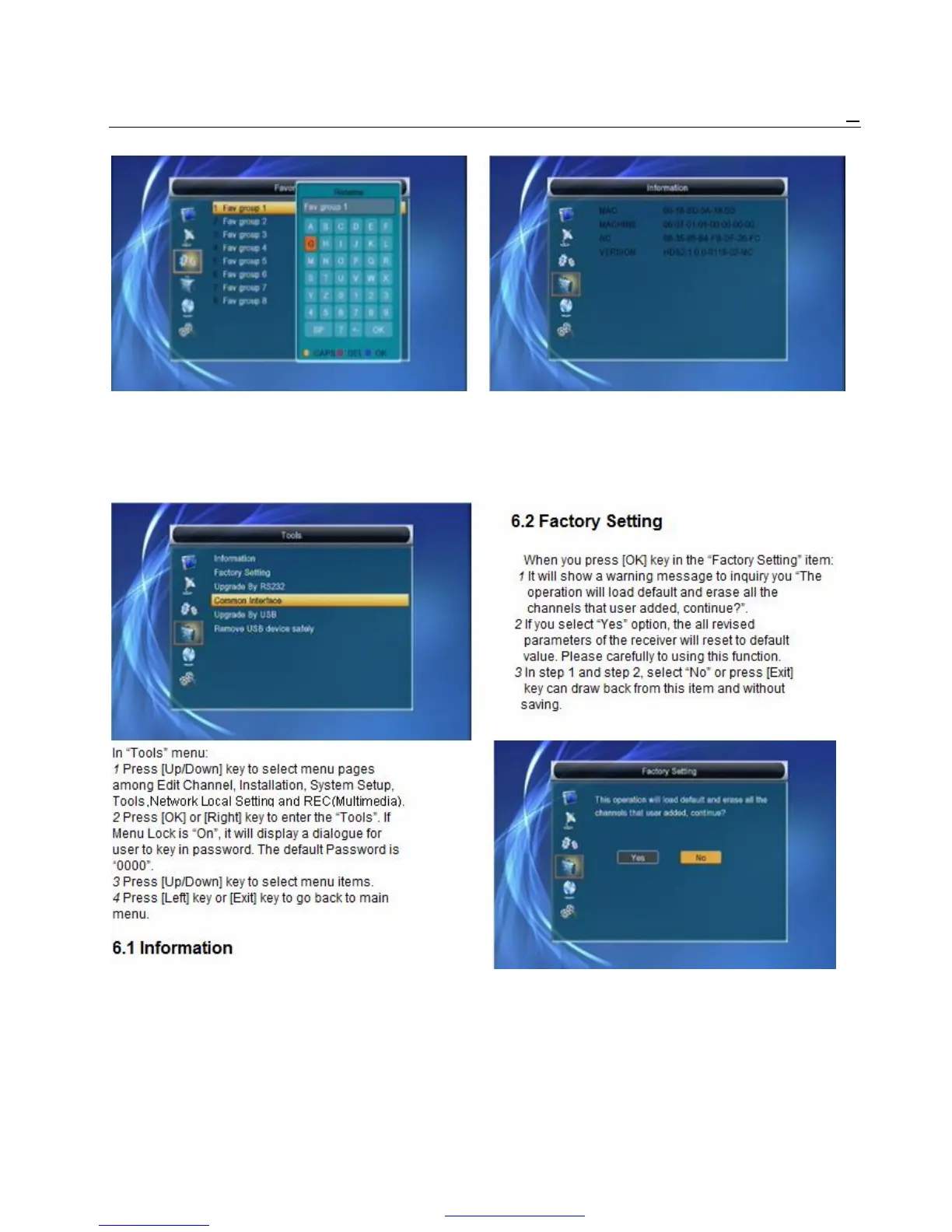
1 Press [Red] key can switch whether capital or not. 1 When you enter to “Information” menu, you will
2 Press [Green] key can delete the char on the or cursor. see a screen like above. The screen displays the
3 Press [Yellow] key can save the modification. items as “MAC, MACCHINE, NC, VERSION ”
4 Press [Blue] key can cancel the operation. information.
2 Press [Exit] key to draw back from “Tools” menu.
6. Tools
When you enter “Tools” menu, you will see a screen like below:



 To Next Page