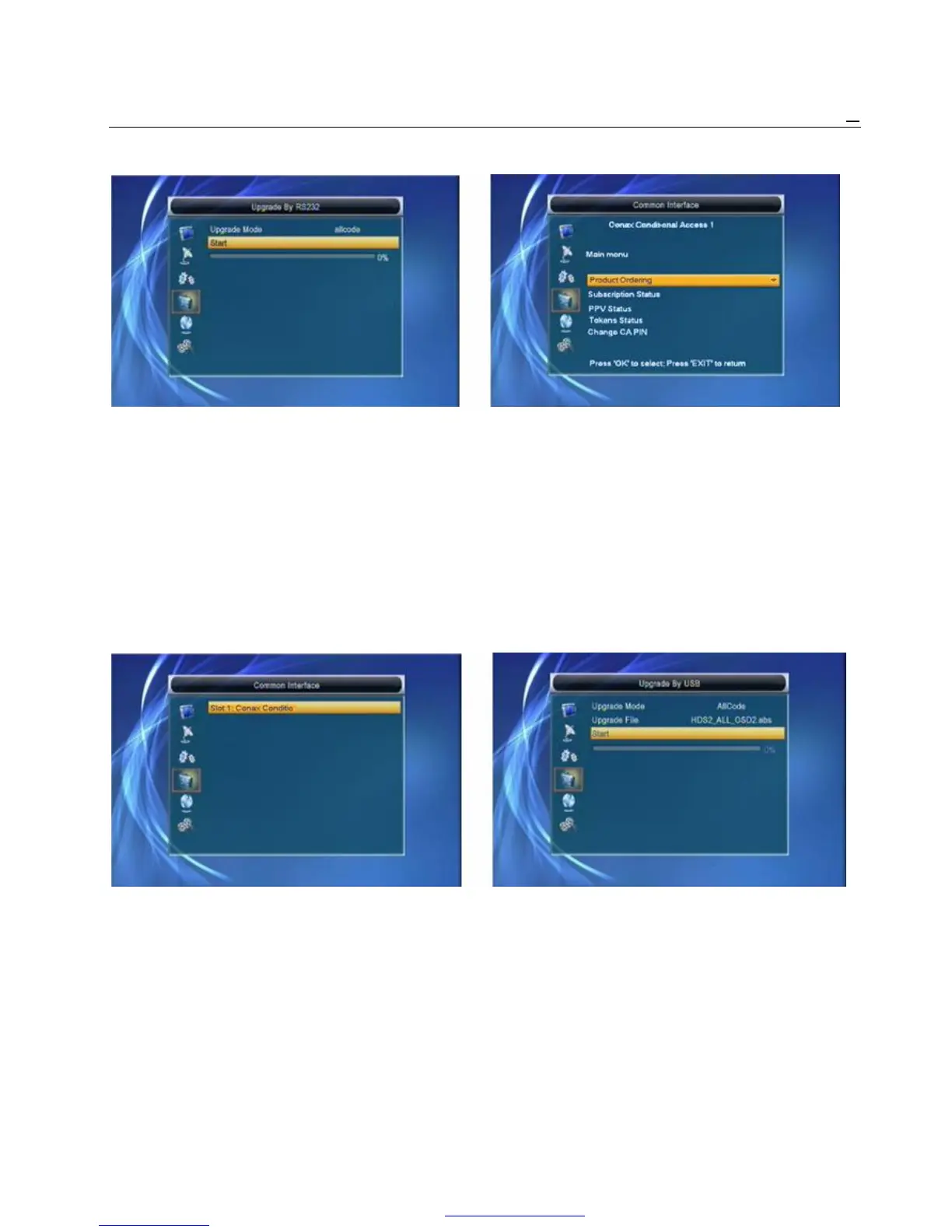
1 We offer the functions for users to connect one receiver 3 In the CAM card information menu, you can
(Master) to the other receivers (Slave) via serial interface. select each item by pressing [Up/Down] Key and
2 Connect master receiver to slave receiver via serial press OK to enter. This information menu format
interface. Enter “Upgrade By RS232” menu receiver and string is according to CI card itself. So,
and press [Volume Up/Volume in master Down] keys different card may be has deferent menu of it.
to switch upgrade mode. Upgrade modes include: 4 Enter Change CA PIN can change the pin code
allcode / maincode /radioback / defaultdb / userdb of the CA card in this CAM card.
3 Turn on slave receiver and it needn’t operate any setting.
4 Move highlight to “Start” on master reeciver and
press [OK] key to start upgrade.
5 Press [Exit] key to save the parameters and draw Back.
6.5 Upgrade by USB
6.4 Common Interface Open Upgrade By USB menu according to Menu
1 Press OK Key when highlight on “CommonInterface” -> Tools-> Upgrade By USB.
will enter the CAM card information Menuselect like below:
2 Press [Up/Down] Key to select slot 1 Press OK key Upgrade Mode has only 1 option: All Code, it means
again to enter this card information menu like below: that you can only upgrade whole file to your STB’s flash.
Please rename your new fw file name to be the format
“all*.abs”, * means any others string is acceptable,
but the initial 3 letters must be “all” and the extension
name must be “.abs”. Then Press OK key to start
upgrade by USB.
PDF 文件使用 "pdfFactory Pro" 试用版本创建 www.fineprint.cn



 To Next Page