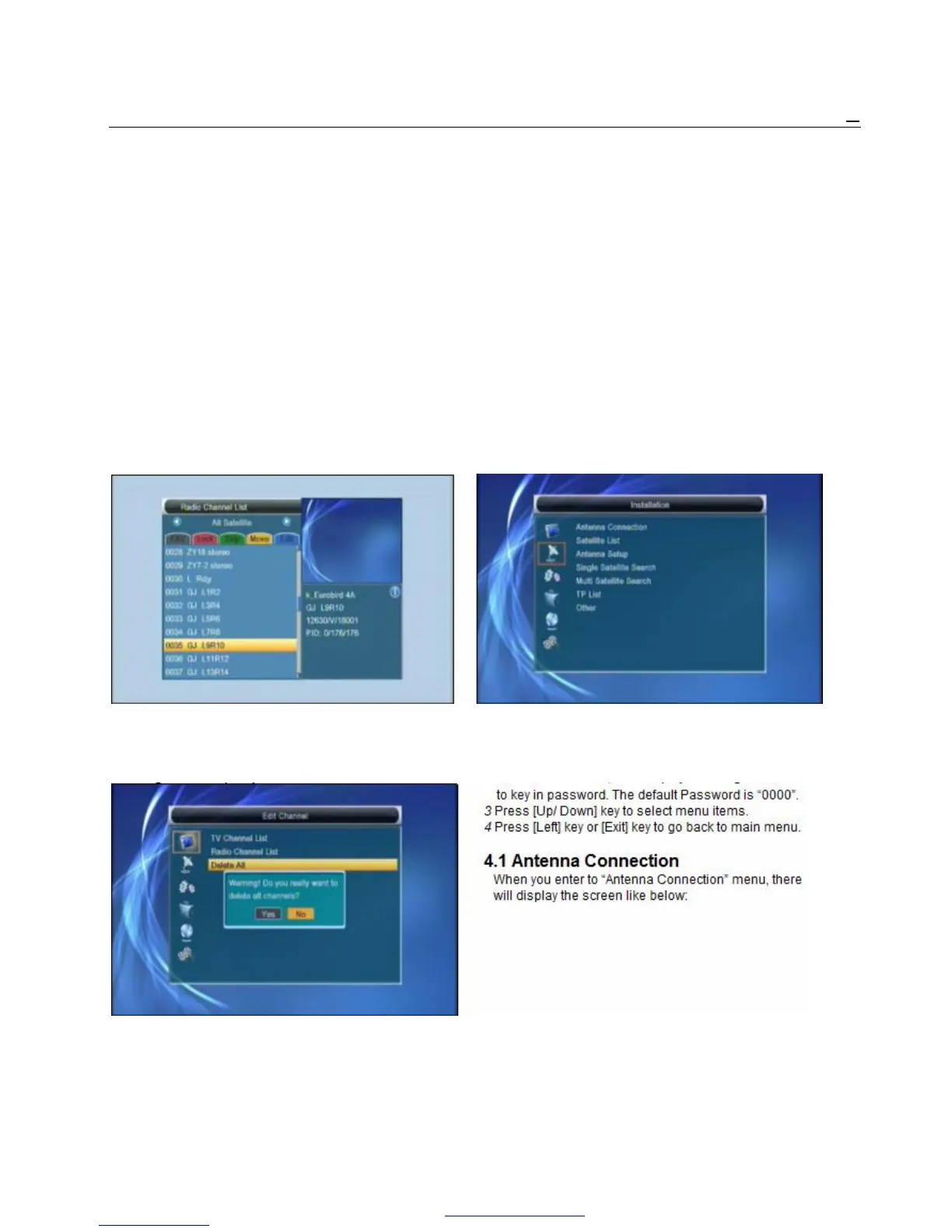
1 Press [Red] key can switch whether capital or not. 2 If you select “Yes”, all channels will be deleted.
2 Press [Green] key can delete the char on the 3 If you select “No” or press [Exit] key, you can exit
Cursor. the function directly without save.
3 Press [Yellow] key can save the modification. ? Frequently Asked Question
4 Press [Blue] key can cancel the operation. Q: IF I incautiously delete all channels,
3.1.5.3. Delete What should I do?
Press [Blue] key, then press [Up/Down] key to
move the highlight and press [OK] key to make a A: there are two ways to restore:
delete mark in the right side of the highlighted
channel. After save and exit “Edit Channel” menu, « To re-search all channels in “Installation” function.
the marked channel will be deleted. « Use “Factory Setting” function to restore all
channels in “Tools” function.
3.2 Radio Channel List
Basically, the operation of “Radio Channel List” is
same as “TV Channel List”, but there is one point
different: In “Radio Channel List” mode, there is no
video information, so it will always display Radio’s 4. Installation
logo in the right side preview window.
1 Press [Up/Down] key to select menu pages
3.3 Delete All among Edit Channel, Installation, System Setup,
Tools , network local setting and REC(multimedia)
1 Press [Ok] key, it will show up a warning 2 Press [OK] or [Right] key to enter the “Installation”. If
message box to inquire you whether delete all or not. Menu Lock is “On”, it will display an dialogue for user



 To Next Page