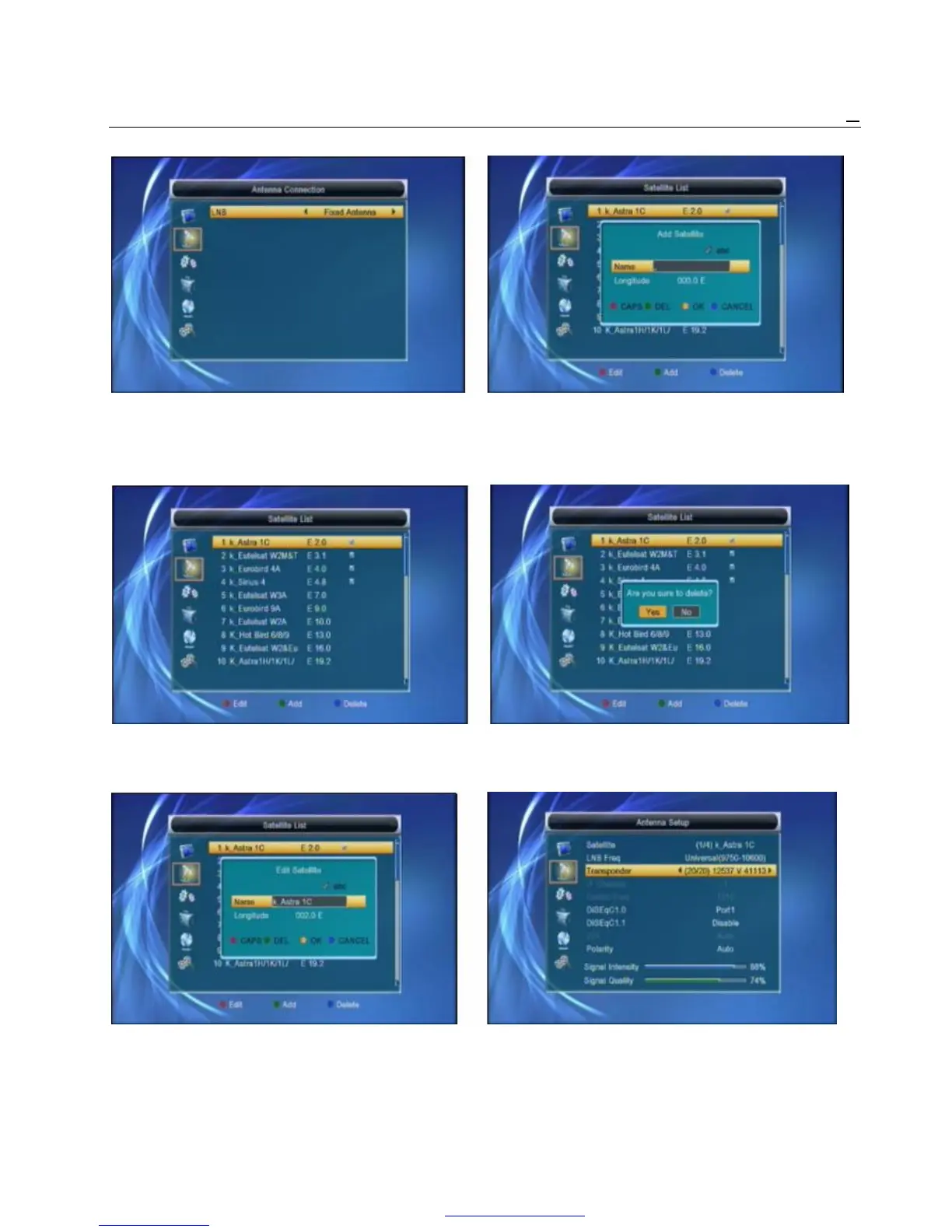
Press [Left/Right] key to select LNB. Option: Fixed 3 Press [Yellow] key, you will be asked “Are you
Antenna / Motor Antenna. sure to delete?”. Select “Yes” to delete the
satellite that highlight focus on. Select “No” to
4.2 Satellite List cancel the operation.
When you enter to “Satellite List” menu, there will
display the screen like below:
1 Press [Red] key, you can enter edit satellite menu. 4.3 Antenna Setup
You can edit Satellite name and satellite Longitude. Fixed Antenna
If you select “Fixed Antenna” in “Antenna Connection”
menu, there will display the screen like below:
2 Press [Green] key, you can enter add satellite menu. In Antenna Setup mode:



 To Next Page