184
SJ30AJE, SJ30ARJE196274AF
Section 5 – Procedures Base
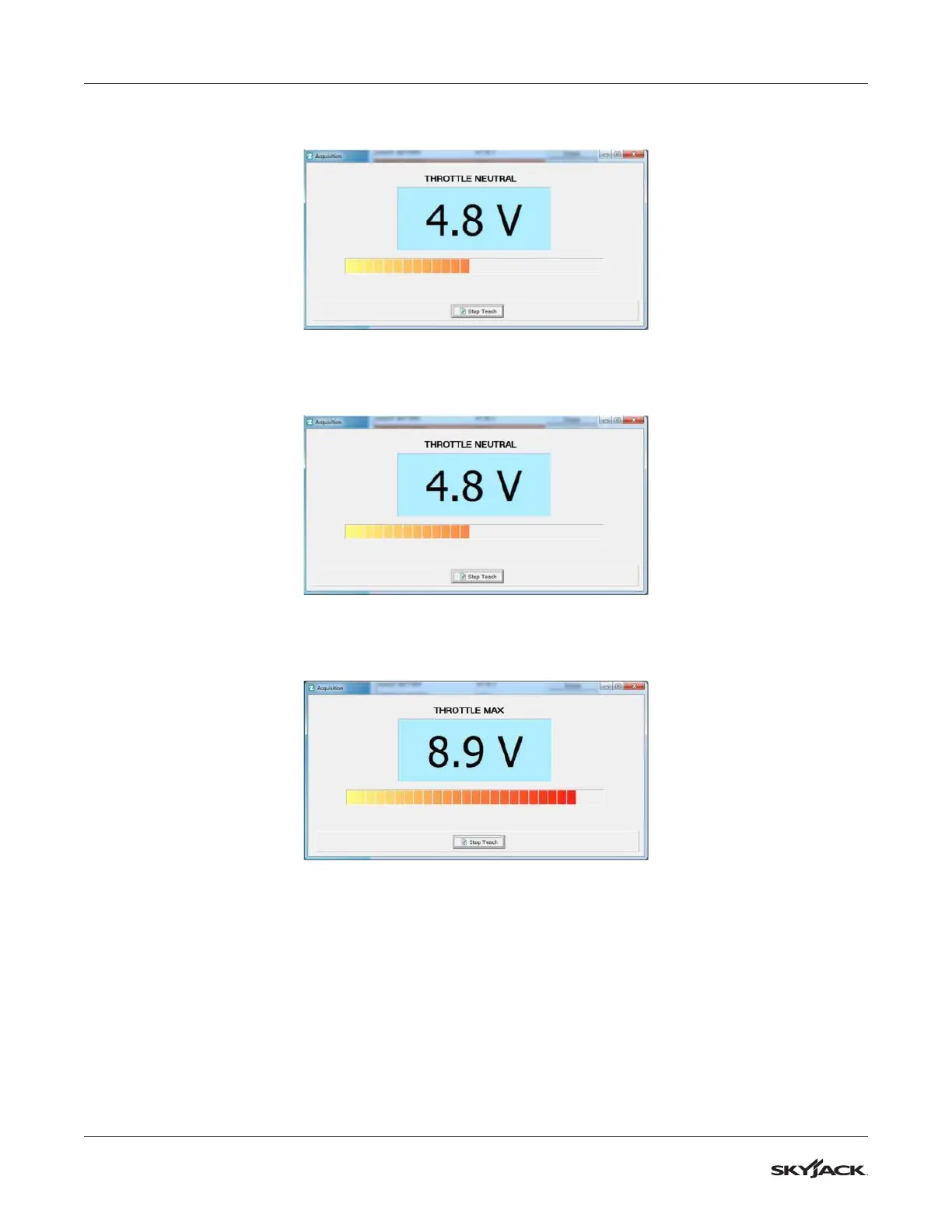
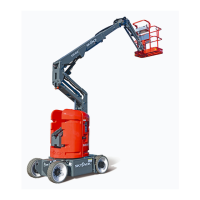
4. Without moving the position of the joystick, click Stop Teach. The dialogue box closes and the value is
stored. You may now move on to programming Throttle Max.
5. Throttle Max: Click Aquire next to Throttle Max. The same dialogue box appears, displaying the value of
the neutral position.
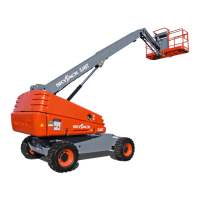
6. Now push the joystick to its maximum position (fully forward). You will see the voltage rise as the joystick is
moved.
7. With the joystick at the maximum position, click Stop Teach. The dialogue box closes and the maximum
value is stored. Note: do not release the joystick until Stop Teach has been pressed and the dialogue box
closes.


 To Next Page