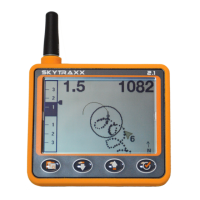
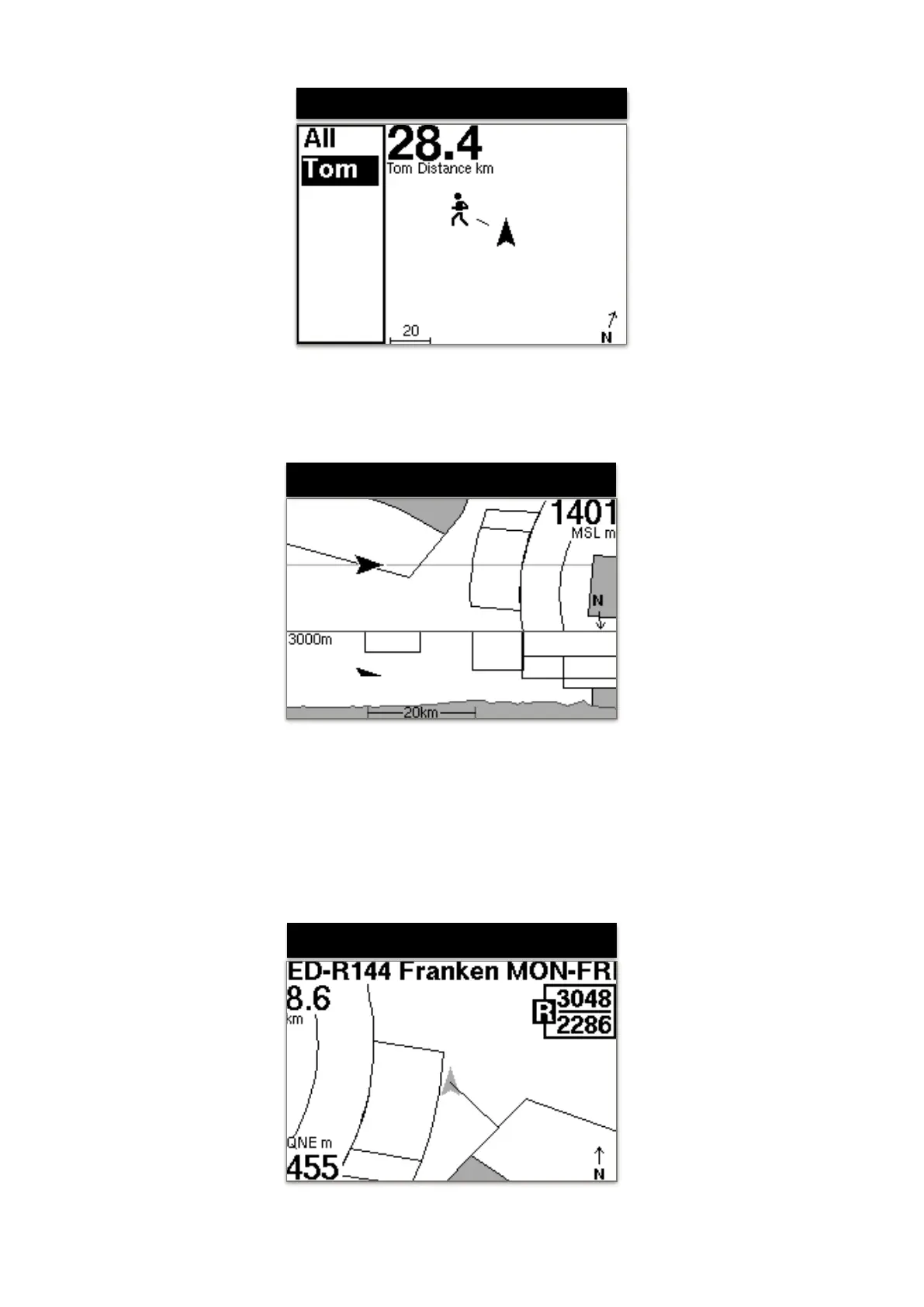
In the FANET Radar, all FANET devices are visible in the reception area. In the left list a
pilot can be selected. It can be seen if the pilot is on the ground, needs help, or is flying.
Via the display fields one can e.g. to show the details like altitude or distance.!
The lower part of the screen displays the cross-section of the terrain and the airspaces.
The own position is shown as a triangle symbol. The upper view shows the plan view of
the airspaces in flight direction to the right. The middle buttons can be used to change
the zoom factor.!


 To Next Page
 Loading...