14. Register Map
14.1 Register Map Overview and Default Settings Values
The Si5341/40 family has a large register map and is divided into separate pages. Each page contains a total of 256 registers, although
all 256 registers are not used. Register 1 on each page is reserved to indicate the page and register 255 is reserved for the device
ready status. The following is a summary of the content that can be found on each of the pages. Note any page that is not listed is
not used for the device. Do not attempt to write to registers that have not been described in this document, even if they are accessible.
Note that the default value will depend on the values loaded into NVM, which is determined by the part number.
Where not provided in the register map information below, you can get the default values of the register map settings, by accessing the
part number lookup utility. Register map settings values are listed in the datasheet addendum, which can be accessed by using the link
above. The register maps are broken out for the Si5341 and Si5340 separately.
14.2 Si5341 Register Map
Because preprogrammed devices are inherently quite different from one another, the default power up values of the registers can be
determined using the custom OPN utility.
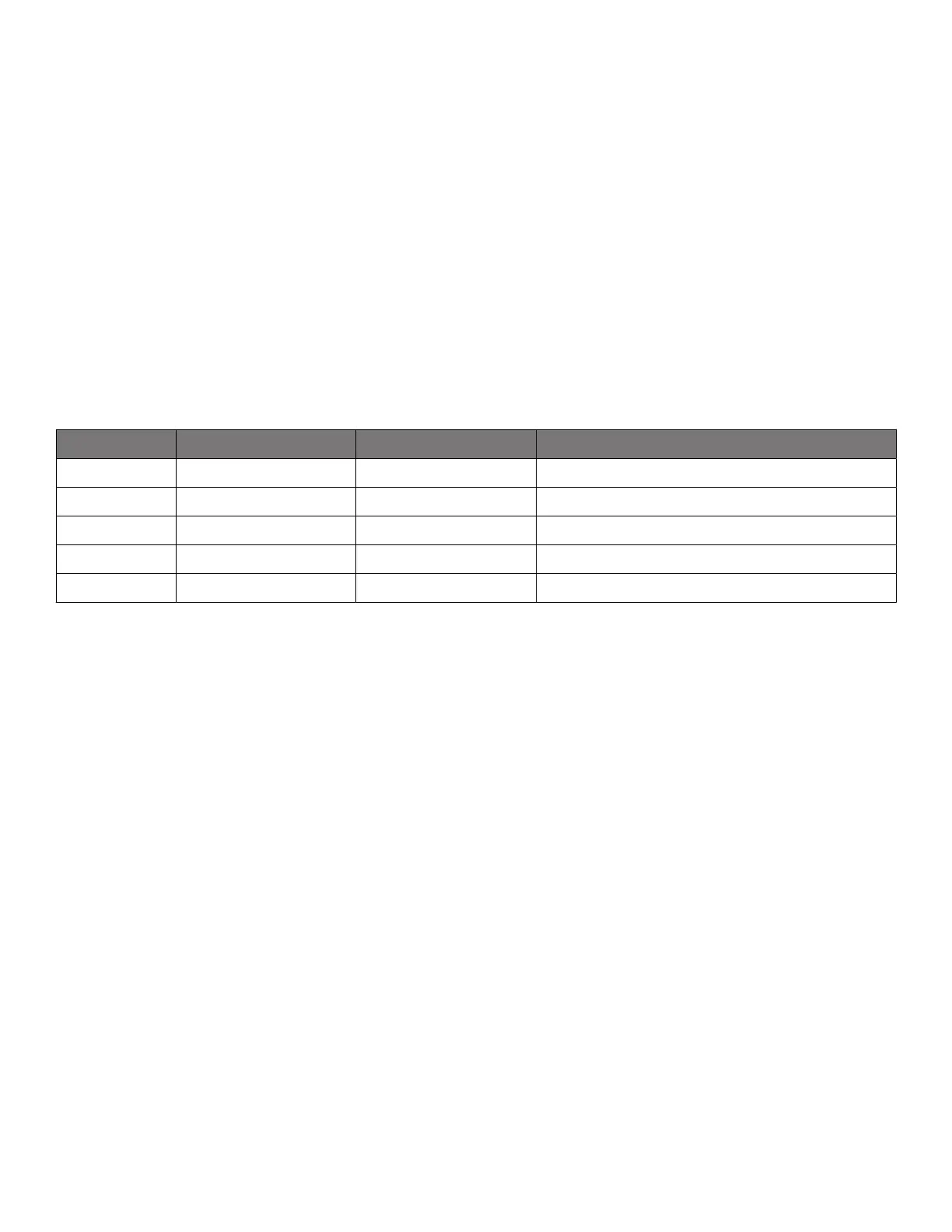
Table 14.1. Register Map Paging Descriptions
Page Start Address (Hex) Start Address (Decimal) Contents
Page 0 0000h 0 Alarms, interrupts, reset, device ID, revision ID
Page 1 0100h 256 Clock output configuration
Page 2 0200h 512 P,R dividers, scratch area
Page 3 0300h 768 Output N dividers, N divider FINC/FDEC
Page 9 0900h 2304 Control IO configuration
R = Read Only
R/W = Read Write
S = Self Clearing
Registers that are sticky are cleared by writing “0” to the bits that have been set in hardware. A self-clearing bit will clear on its own
when the state has changed.
Some registers that are listed in the Data Sheet Addendum are not documented in the Register Map below because they are set and
maintained by Clock Builder Pro. In almost all circumstances, these registers should not be modified by the user. For more details,
please contact Silicon Labs.
Si5341, Si5340 Rev D Family Reference Manual • Register Map
Skyworks Solutions, Inc. • Phone [781] 376-3000 • Fax [781] 376-3100 • sales@skyworksinc.com • www.skyworksinc.com
59 Rev. 1.3 • Skyworks Proprietary Information • Products and Product Information are Subject to Change Without Notice • July 26, 2021 59


 To Next Page