Page 20 of 66
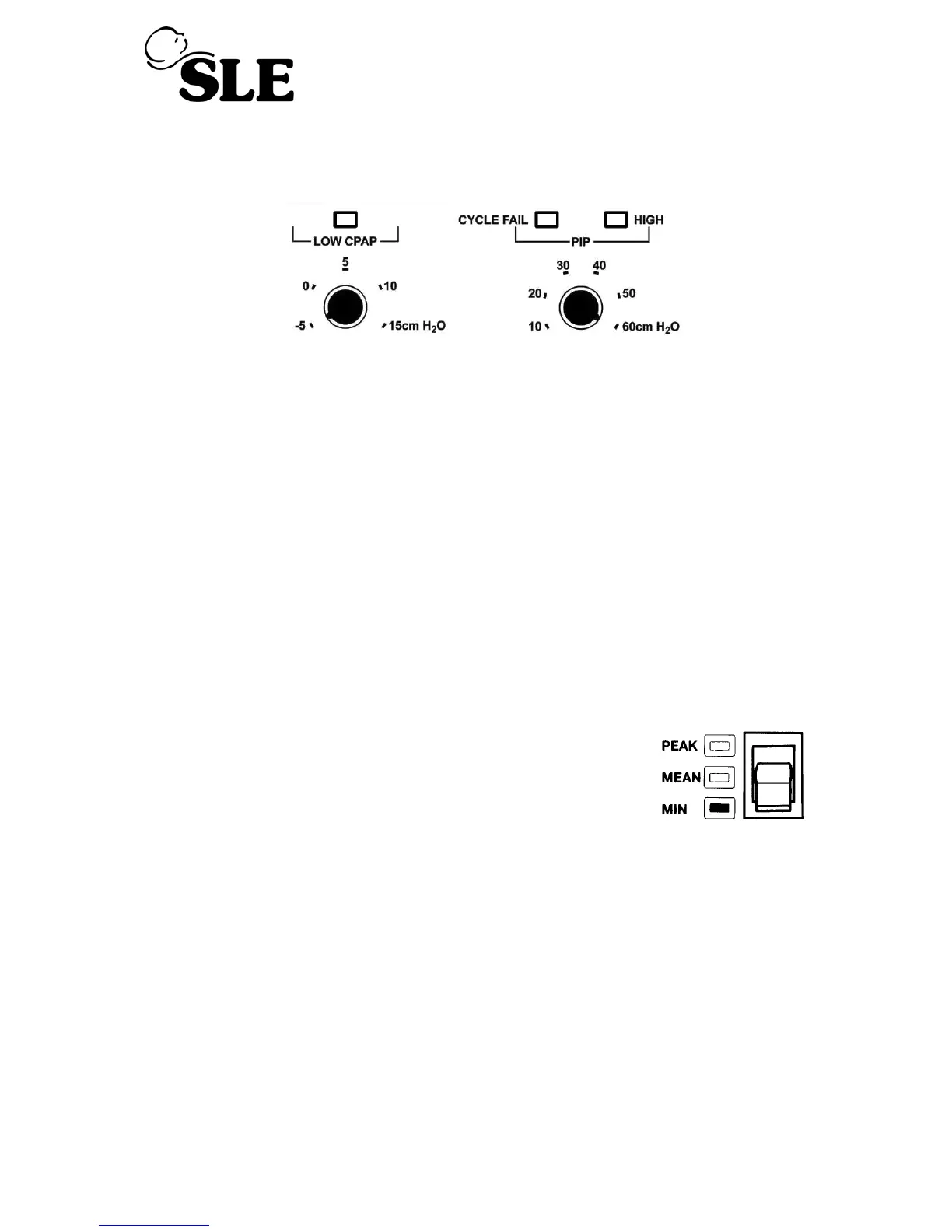
8.2 Pre-setting alarm limits
Set the CPAP alarm control to -5 cmH
2
O and the PIP alarm control to 60 cmH
2
O
8.3 Power On Automatic Test
Set ventilator mode switch to CPAP.
The ventilator will now carry out a self test as follows.
Power LED shows green and an automatic test of functions & alarms is initialised.
Firstly the displays and audible alarms are turned on for approximately two seconds to
demonstrate that they are operable, then for a further three seconds all the digital
displays show a sequence of numbers from O to 9 before returning to their normal
state.
Note: Block LED does not come on during this sequence.
8.4 Pressure Display
Set CPAP/PEEP regulator to give 10 cmH
2
O on the pressure
display with the pressure display selector switch in the MIN
position.
Set the INSP pressure to 40 cmH
2
O
Set the INSP Time to 0.5min
Ensure that :-
• LED Pressure display reads 10 cmH
2
O ± 2 cmH
2
O
• CPAP/PEEP gauge reads 10 cmH
2
O
• Inspiratory cycle is initiated when manual breath button is pressed. (The pressure
display will read 50 cmH
2
O and then return to 10cmH
2
O)
Press reset to cancel the cycle fail alarm.



 To Next Page