Page 27 of 66
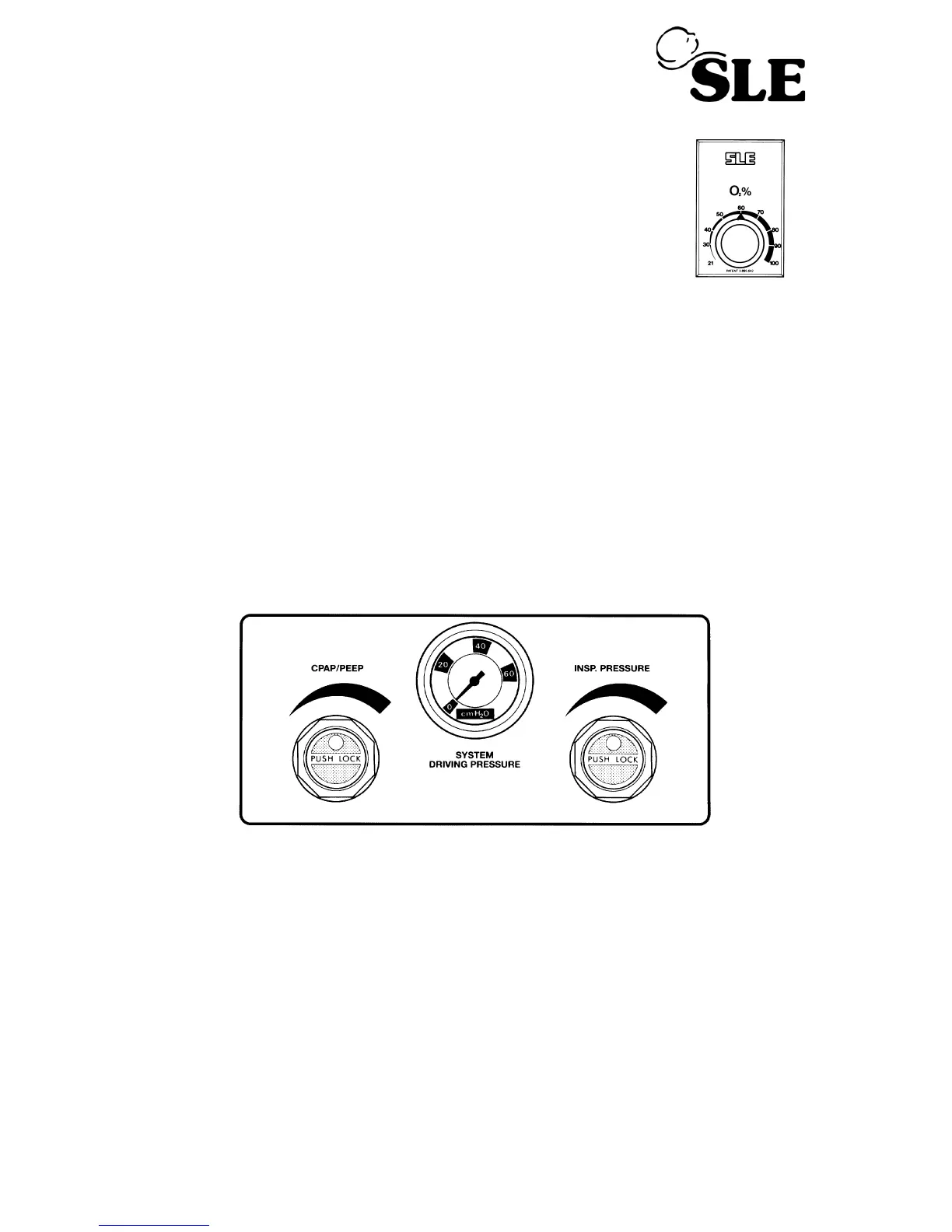
Step 5. (a) Set required O
2
concentration by means of O
2
Blender
Control. %O
2
Oxygen will be monitored and displayed in
Fl0
2
Digital Display. The unit should now be ready to
connect to a patient.
• Changes will take 30 seconds to stabilise on the FlO
2
display.
Oxygen - Clinical use. Oxygen is a drug and should be prescribed as such.
Exposing a baby to elevated concentrations may lead to Retrolental Fibroplasia.
Oxygen - Fire Hazard. Oxygen vigorously supports combustion and its use
requires special precaution to avoid fire hazards. Keep all sources of ignition
away when oxygen is in use. Do not use oil or grease on oxygen fittings or
where oxygen is used.
8.12 To Use the SLE2000 in CPAP Mode
As in steps 1 to 5 plus:
(a) Increase CPAP/PEEP pressure to required level
These Controls are lockable. Push to lock, Pull to unlock.
• Pressure will be indicated on the digital display.
(b) Set the CPAP alarm to the required level.
8.12.1 Manual breaths in CPAP mode.
Note: Exclusive to CPAP mode.
To set the parameters for the manual breath advance the mode switch to CMV. Set
the Pressure Display switch to Peak. Set the required Inspiratory time. Increase the
INSP. PRESSURE regulator to required pressure. Check by pushing the manual
breath button. Return the Pressure Display switch to Min. Return the mode switch to
CPAP.



 To Next Page