Page 130 (Model K)
Note: If functional testing the
ventilator without a flow
sensor fitted the Volume Limit
button and the Flow v Time &
Tidal Volume v Time windows
will not appear.
Step 38 Verify that:
the ventilator is cycling,
the I:E ratio in the breath parameter panel reads 1.0 : 1.0,
the waveforms appear in the waveform windows.
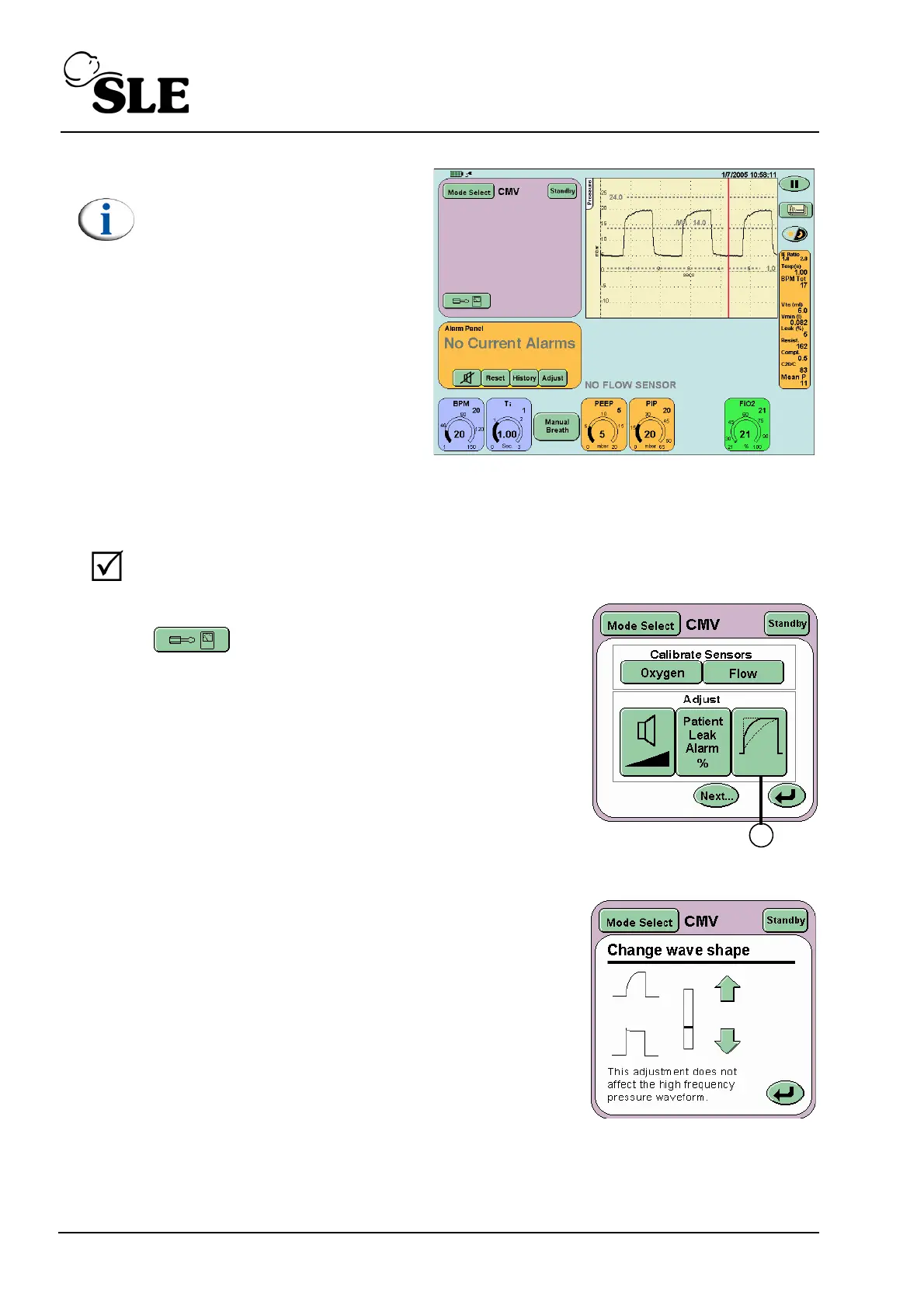
Step 39 Press the Options and Service Data button
on the Mode Panel to activate the
Services panel.
Press the Wave Shaping button (D).
From the Change Wave shape panel set the
indicator bar at the midpoint.



 To Next Page