(Model K) Page 139
Step 61 Remove the test lung and connect the calibration analyser
Verify that:
the PIP is 25 mbar.
Refit the test lung.
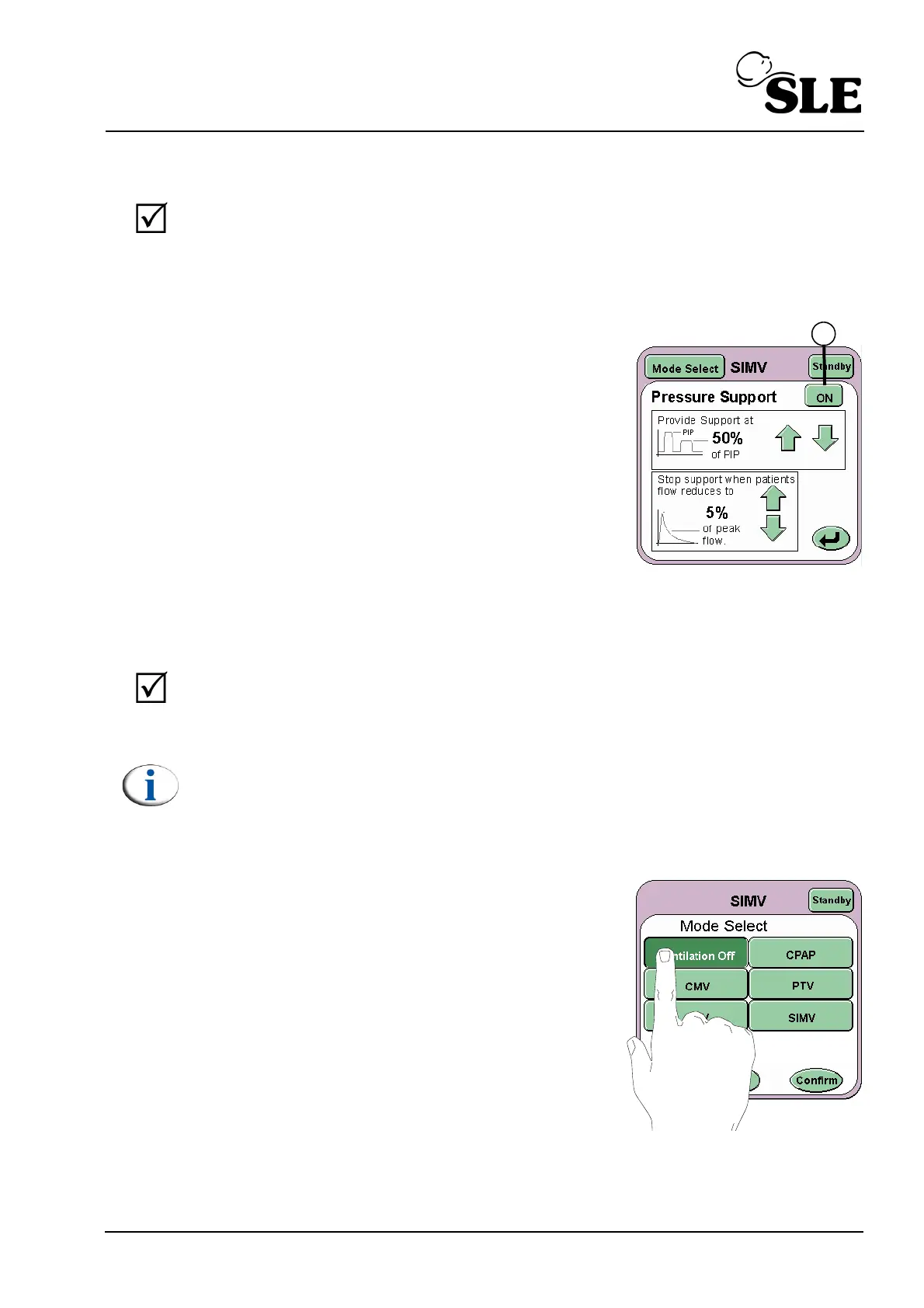
Step 62 Press the PSV Setup button to display the
Pressure Support settings panel.
Set provide support to 50% of PIP and stop support
at 5% of peak flow.
Press the ON/OFF button (F) to activate pressure
support.
Trigger a number of breaths and observe that the next supported breath s now
50% of the original setting i.e. 12-13 mbar
Verify that:
a triggered breath is now supported to 50% of the original setting i.e.
12-13 mbar
Note: due to the SIMV windows you may trigger breaths that are not
supported.
Step 63 Set Pressure Support to OFF
Step 64 Select Ventilation Off from the Mode Select
panel. Press the confirm button.
Functional testing is now complete.



 To Next Page