2. Pairing with your phone
ON
SW375
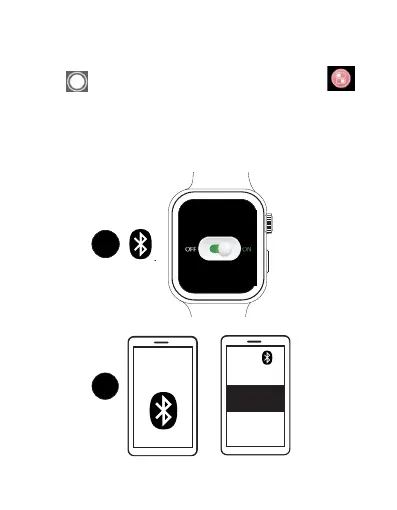
To pair with your phone, do the following:
1. Tap in the shortcut menu, or tap the Switch app
in the main menu, and tap On to turn on your watch Bluetooth,
then "ON" will turn green.
2. Make sure your phone Bluetooth is on. Search for “SLIDE
WATCH”, then tap “SLIDE WATCH” and “OK” to connect.
2
EN 12



 To Next Page