3. Pairing with SLIDE Fitness
Open the SLIDE Fitness app on your phone and tap Health
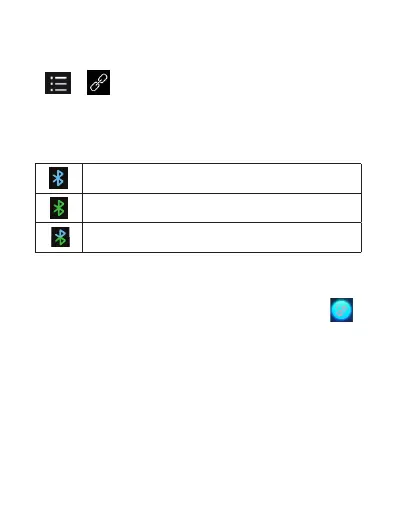
> > >"SLIDE_LE" > Pair to pair, when asked "
Allow SLIDE WATCH to display your phone notifications?",
select Allow to sync with your phone. Look for the below
indications of connection status:
Notes:
1. When watch is disconnected from your device or SLIDE
Fitness app, your watch will vibrate and display the icon
to alert you of the disconnection.
2. The SW375 will automatically be paired with your last
sucessfully connected device the next time it is started.
Successfully paired with your phone
Successfully paired with SLIDE Fitness app
Successfully paired with both phone and app
EN 13



 To Next Page