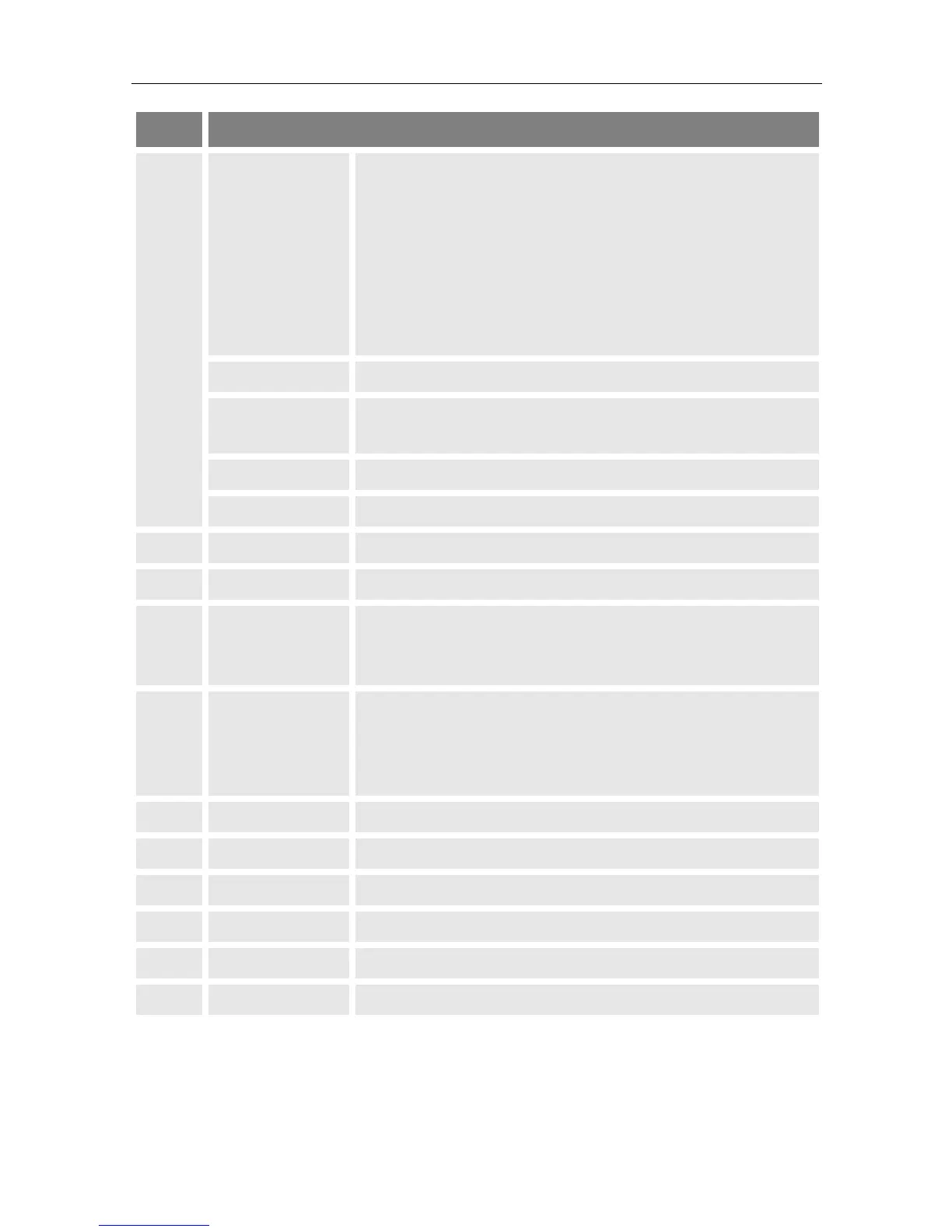
off Meter is switched off, power supply un-
Meter is switched off, power supply plugged,
meter charging.
Meter is switched on, power supply plugged,
meter charging.
Meter is switched on, power supply un-
plugged.
Glows when the meter receives a signal.
Glows when the meter is switched to (analogue) video
input.
TV LED Glows when the meter is in TV mode (standard).
Glows when the meter is in radio mode.
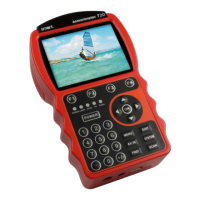
Press to switch the meter on and off.
6 Number keys Press to enter digits and numbers.
Press to create and save a screenshot of the display
when a USB data storage device is connected to the
meter.
Press to navigate through menus/submenus:
Press ▲,▼ to switch between stations,
Press ◄,► to adjust the volume.
Press to confirm your selection / display station list.
Press to return to the main menu.
Press to exit the current menu.
Press to switch to (analogue) video input.
Press to enter the Settings submenu (in TV mode only).
Press to enter the Packet Control submenu.
Press to start automatic station search.


 To Next Page