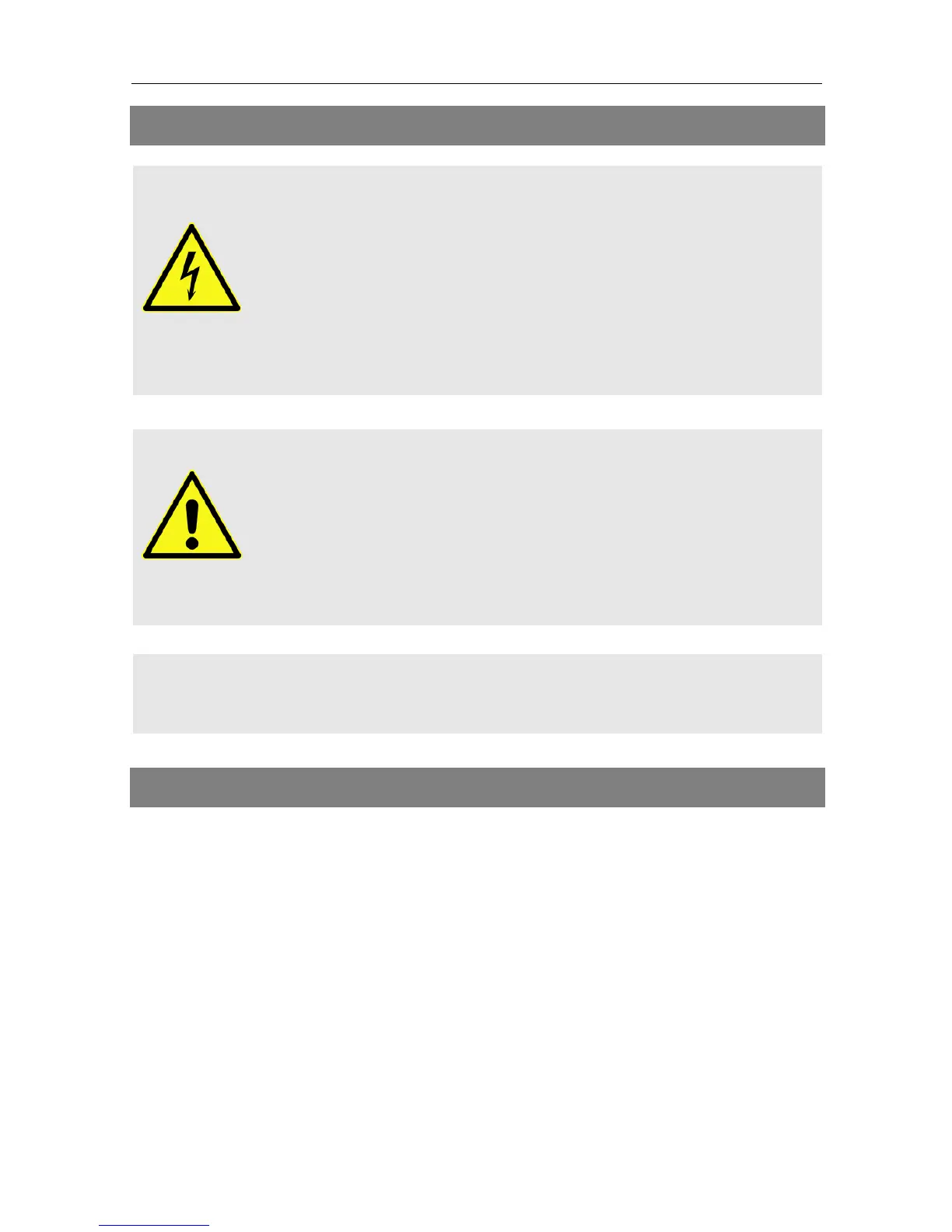
Before you start cleaning the meter, disconnect the me-
ter from the power plug. Unplug the power plug from
the socket.
Never use a wet wipe to clean the meter or power plug.
Make sure that meter and power plug are always kept
dry.
Always use solvent-free cleaning agents (no benzine, no
thinner).
Use a soft lint-free wipe to clean the housing and dis-
play of the meter. If the meter is very dirty, you may use
mild, solvent-free soapsuds or spirit for cleaning.
You may use compressed air (max. 2 bar) to clear the
keypad of dirt. Do not use any solvents for cleaning.
15 Transporting and Storing the Meter
If you want to transport the meter or if you intend to stop using the meter,
handle the device as follows:
1. Disconnect the meter and all connected devices from the power sup-
ply.
2. Remove the aerial cable from the device.
3. Remove all other cables connected to the meter.
4. Put the meter, the cables and the user manual into the original packing.
5. Store the meter and the accessories in a dry and dust-free place.
6. Make sure that the meter is protected from frost.


 To Next Page