To play a video
N O T E
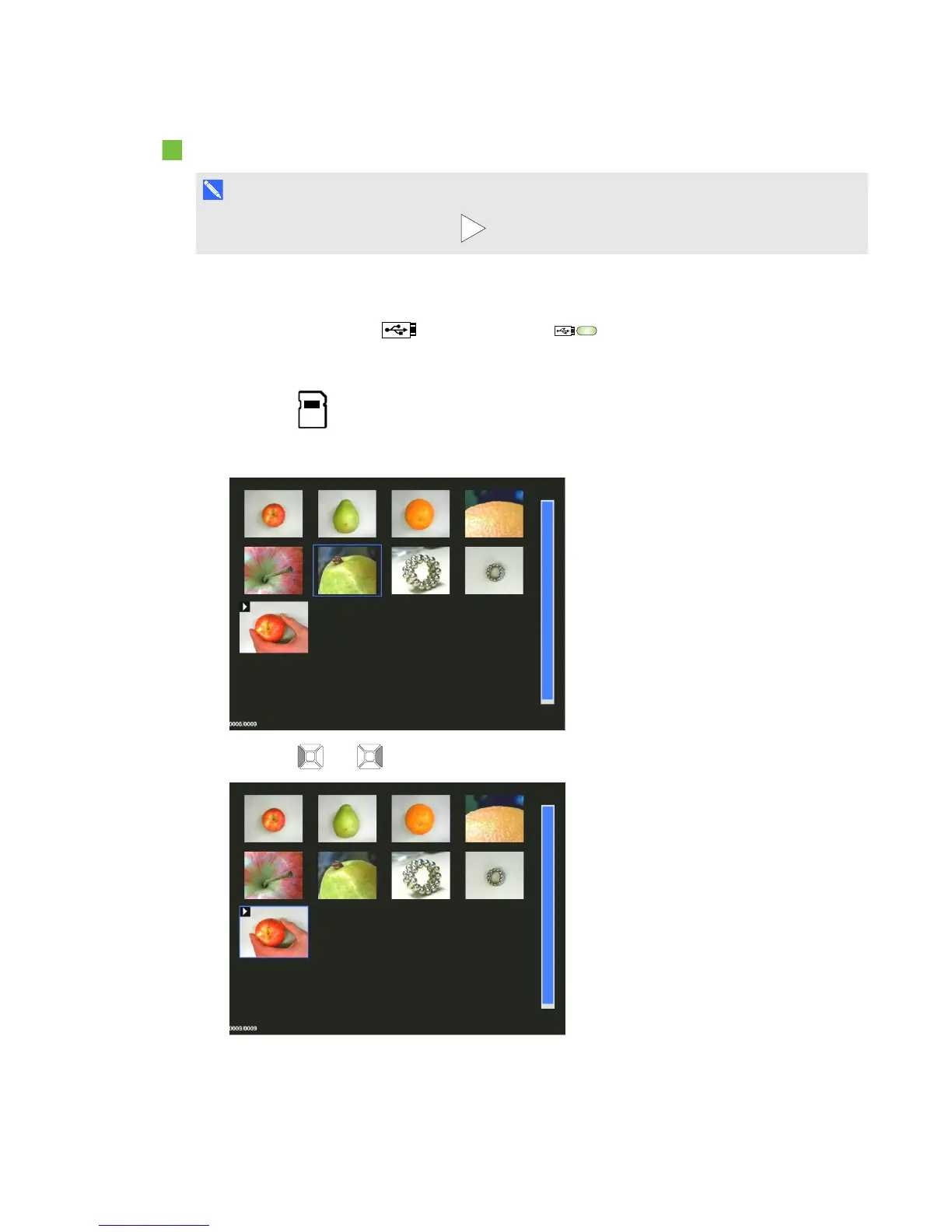
In the thumbnails view, videos have a symbol in the top left corner of the thumbnail image.
1. Connect your document camera directly to a projector another display. For connection
information, see page 13
2.
Set the USB switch to . The USB indicator on the control panel is lit.
3. Insert an SD/SDHC card or a USB drive in the appropriate receptacle.
4.
Press the buttonon the control panel.
Thumbnail images from the memory source are displayed.
5.
Press the and buttons on the control panel to toggle between images.
C H A P T E R 6
Using your SMARTDocumentCamera in Playback mode
55



 To Next Page