Chapter 2 • The X-431 Scanner Components
©X-431 USA 2-3
Cables
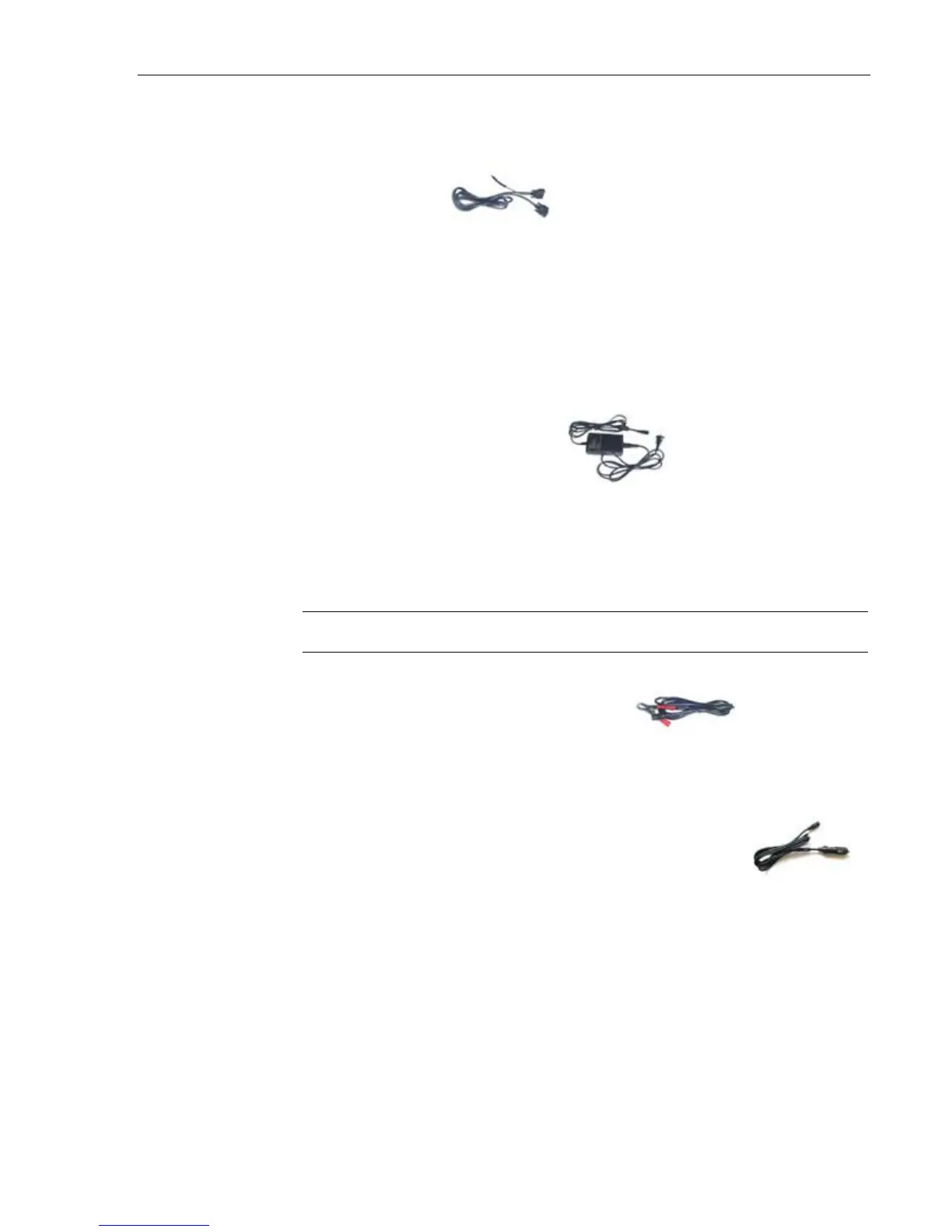
Main Cable
The Main Cable has one end attached to the Smartbox and the other end
attached to a connector, which is then attached to the vehicle. A power
adapter cord is attached to one end of the cable to allow you to power the unit
from a standard wall outlet, the car battery, or cigarette lighter.
A 15ft extended cable is also available.
X-431 Power Adapter
The X-431 comes with a 12DC power adapter that plugs into any standard
wall outlet. Use this if you’d like to use the unit without being connected to
a car.
NOTE • If you are not connected to a car, you cannot view diagnostic data.
X-431/CPDA Battery Cable
Use this cable to get power directly from the battery.
X-431/CPDA Cigarette Lighter Cable
Use this cable to get power from the vehicle’s cigarette lighter socket.
WARNING: Do not use the power cables listed above if the unit is receiving
power from the vehicle’s diagnostic socket.



 To Next Page