Chapter 4 • Downloading Downloading New Updates
©X-431 USA 4-15
NOTE • You may not need to download every car line. In the United
States, it is unlikely that you will work on Opel or Fiat. Keep in mind that
you can always come back and download anything else you might need
later.
After you have finished downloading all of the car lines that you need, your
next step is transfer the software to the CF Card.
Downloading to the CF Card Reader
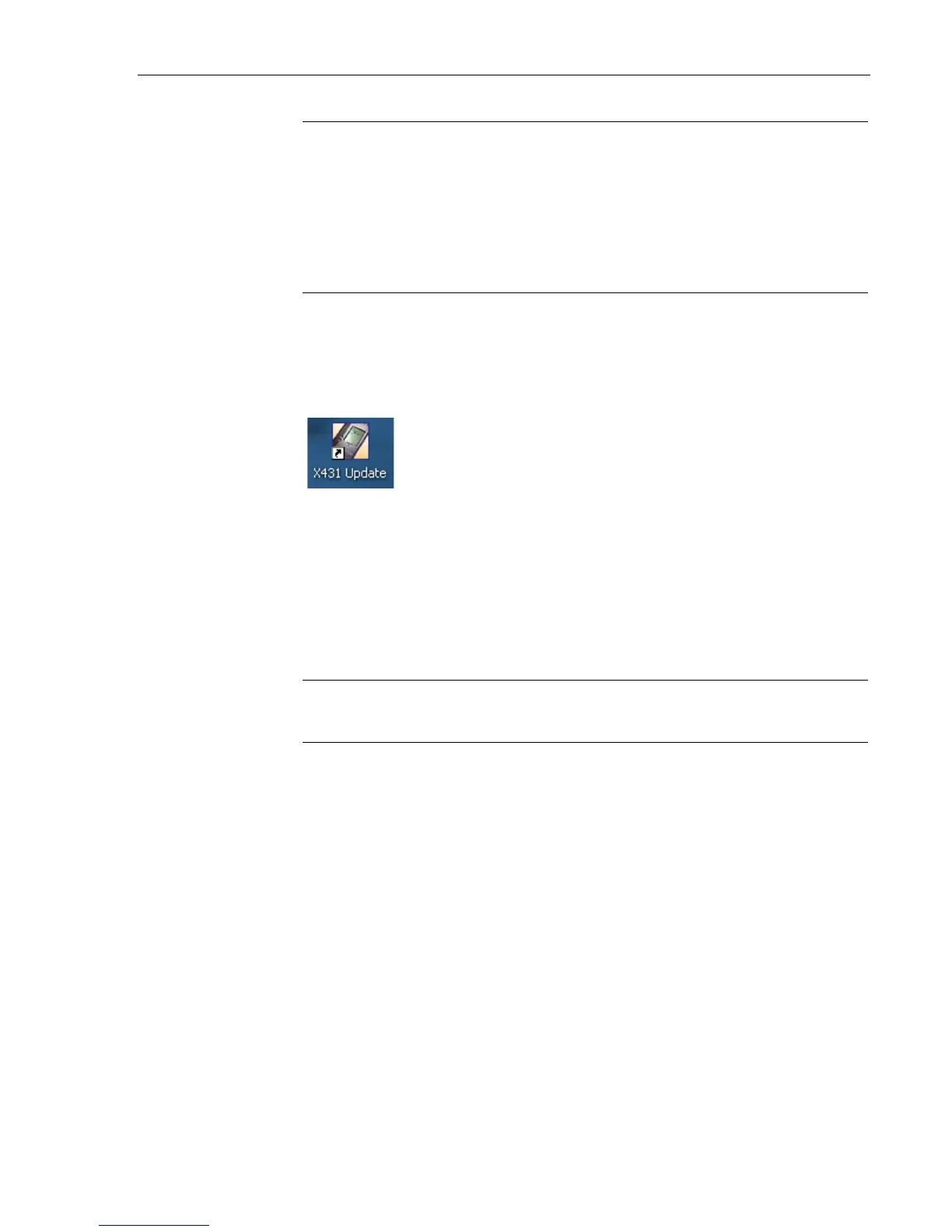
If you go to your Desktop, you will notice a new icon has been added to it.
You will use this program to transfer software to the CF Card.
Updating the CF Card
1. If you have not already done so, connect one end of the USB cable to
the CF Card Reader and the other end to a free USB port on your PC.
2. Install CF Card into reader.
NOTE • If you are running Microsoft Windows 98, see “CF Card
Reader - Operating System Requirements” on page 3-1.



 To Next Page