Chapter 4 • Downloading Downloading New Updates
4-14 ©X-431 USA
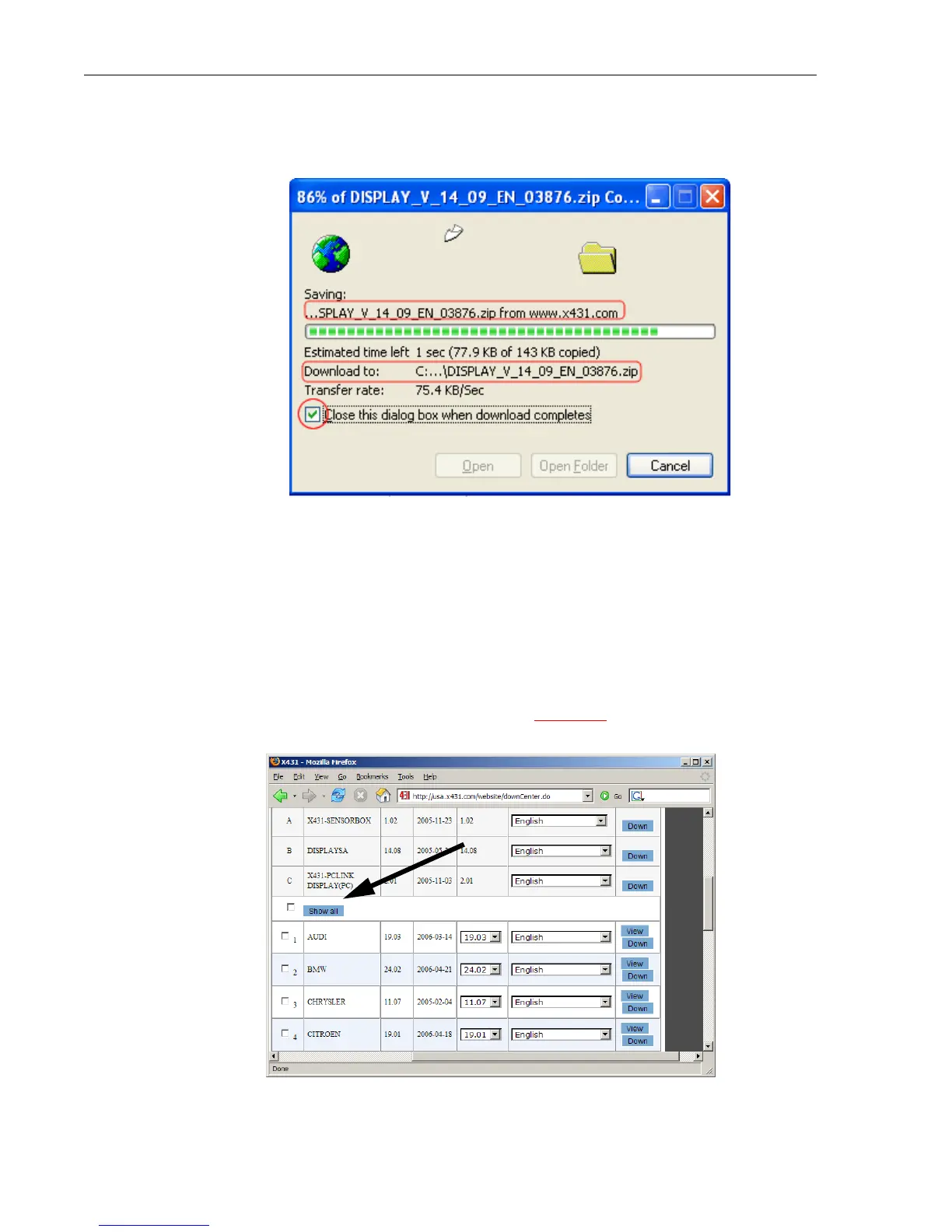
a. The following window will appear notifying you of your
download’s progress.
Click the checkbox that reads, “Close this dialog box when
download completes” if you want to return directly to the previous
window once the download is finished.
20. Repeat steps 19-22 for the remaining software downloads.
Show All
If you need to download many car lines, and would like to see all available
car lines while downloading, click the Show All link just above vehicle car
lines. Note, the checkbox to the left is not associated with ‘Show All’.



 To Next Page