Chapter 3 • Registration Technical Requirements
3-2 ©X-431 USA
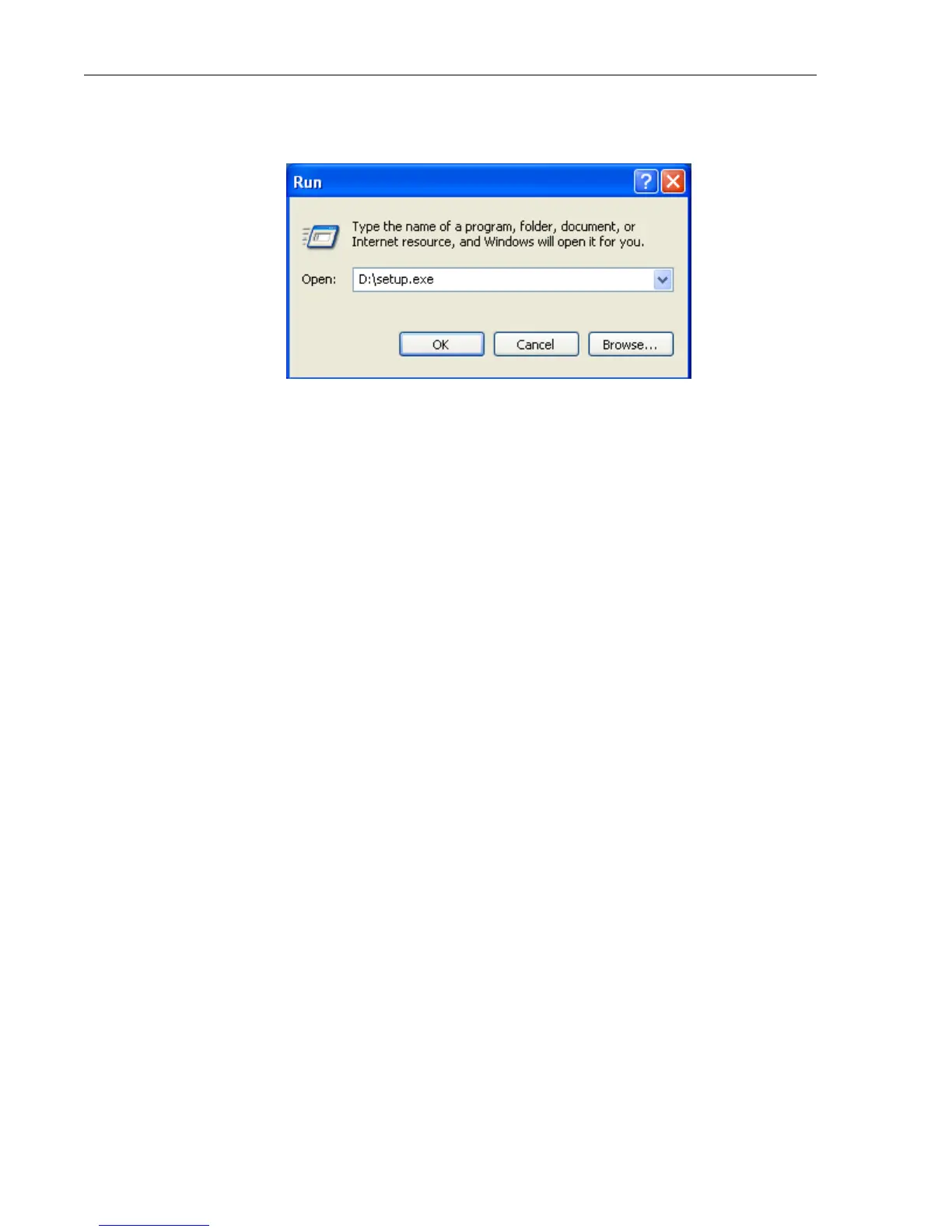
4. Type D:\setup.exe, where D represents your CD-ROM drive. Press
ENTER.
5. The InstallShield Wizard will appear. When the Welcome screen
appears, click Next. Follow the steps the Wizard provides.
6. Reboot your PC.
7. Connect one end of the USB cable to the CF Card Reader and the other
end to a free USB port on your PC.
When the CF Card Reader is installed successfully, a Removable disk
icon will be added in the My Computer catalog.
Internet Connection
A Broadband or DSL connection is recommended. A dial-up connection
works, but it is much slower.
USB Port for CF Card Reader
A free USB port is required for the CF Card Reader. You should plug your
CF Card Reader in now, but make sure the CF Card is NOT in the Reader.
A pop-up window should appear saying “New Hardware has been found.”



 To Next Page