Chapter 4 • Downloading Downloading New Updates
©X-431 USA 4-19
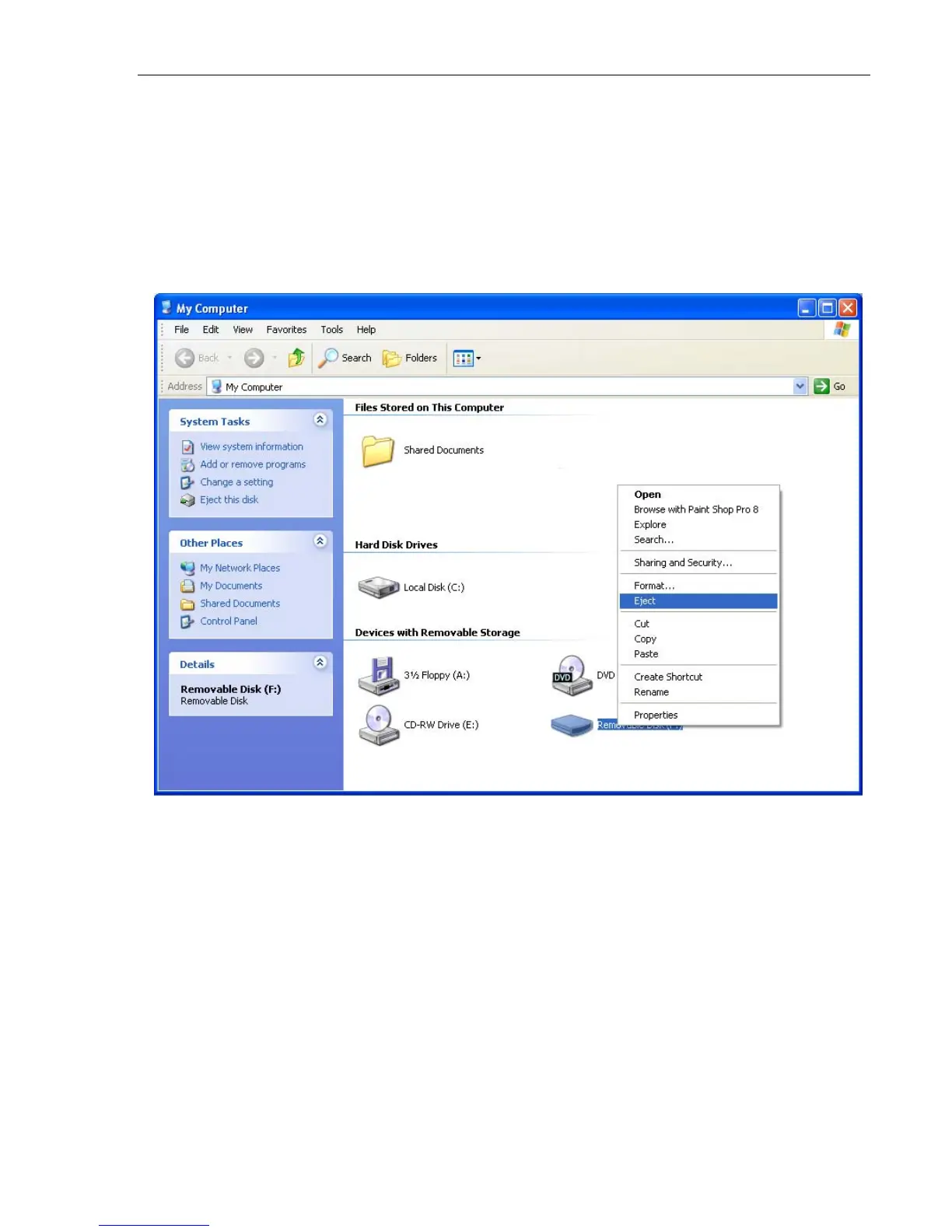
Ejecting the CF Card
If you pull out the CF Card without ejecting it, you can lose data. Always
follow these steps to eject the CF Card.
1. Open My Computer from your Desktop or the Start menu.
2. Right-click Removable Disk. A pop-up menu appears.Click Eject.
It is now safe to remove the CF Card.
Formatting the CF Card
Formatting the CF Card deletes all of the files that are stored on it. You may
experience errors while trying to update your card. Formatting your card
clears the data and allows a fresh update to complete succesfully.
To do this, follow these steps.
1. Open My Computer from your Desktop or the Start menu.



 To Next Page