Chapter 4 • Downloading Downloading New Updates
4-18 ©X-431 USA
NOTE • The correct drive is a Removable Disk drive. If you are not
sure which is the right drive, the way to check is when the CF Card is
inserted in the Reader, the correct drive will have two folders in it:
DATA and GAG (as shown in the previous screenshot).
5. Once you have selected your updates and determined your source and
target folders, click the X431 Update icon.
NOTE • The light on the CF Card Reader will flicker while the card
is being updated.
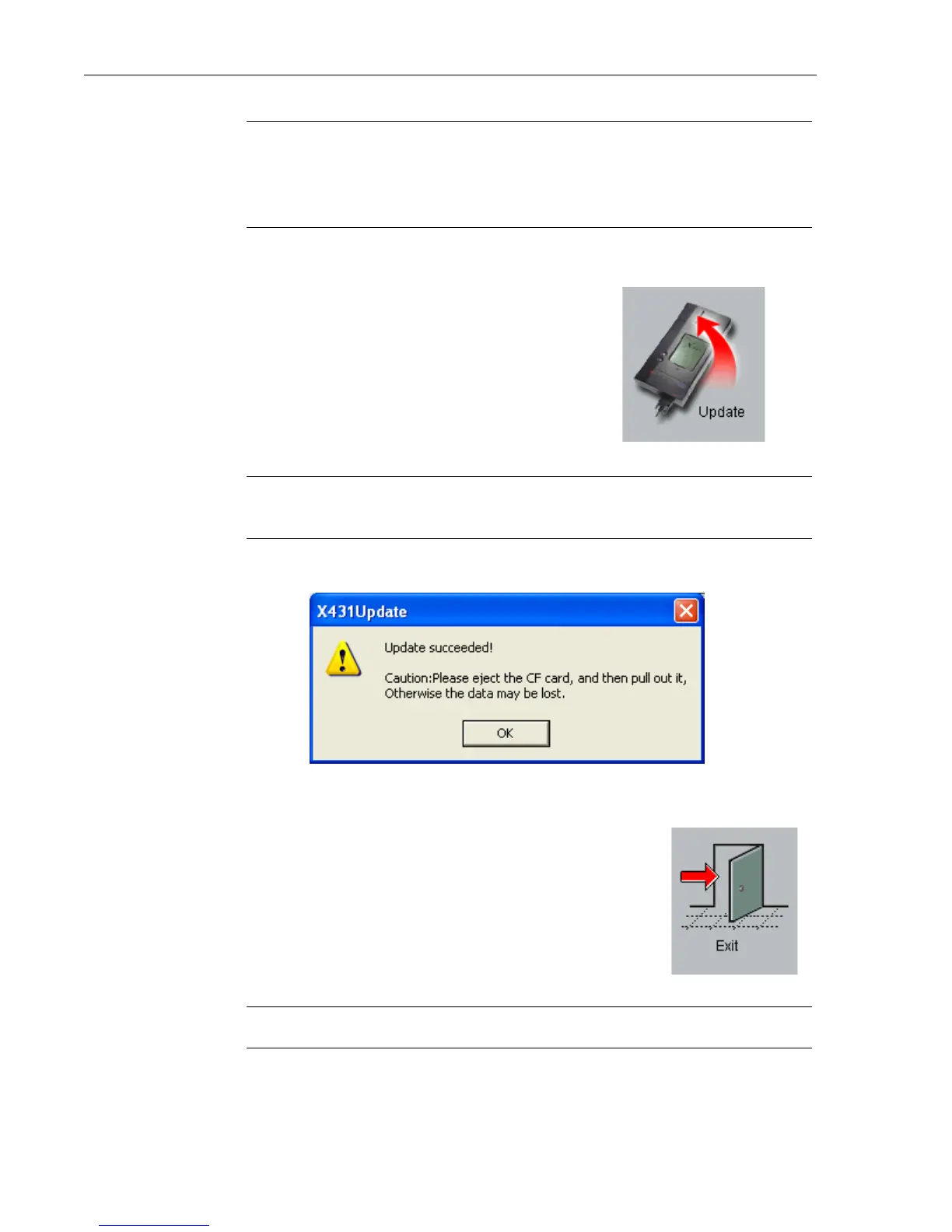
6. When it is finished updating, a pop-up window will appear.
Click OK.
7. Your CF Card is now updated. Click the Exit icon.
WARNING • DO NOT REMOVE THE CF CARD YET.



 To Next Page