Chapter 5 • Using the X-431 Connecting to a Vehicle
©X-431 USA 5-9
Connecting to a Vehicle
There are a few things to keep in mind when using the X-431.
• Always use the OEM connector that comes with the X-431, even if the
vehicle has an OBDII socket.
• If the unit is cold, the monitor may not function properly. Allow it to
warm up before using.
• The X-431 is powered by the vehicle’s battery. If the battery voltage is
less than 10, the unit will notify you by beeping.
You are now ready to connect to the car.
1. Take the appropriate connector and attach it to the free end of the main
cable. Then take that end and attach it to the car.
2. Turn on the X-431.
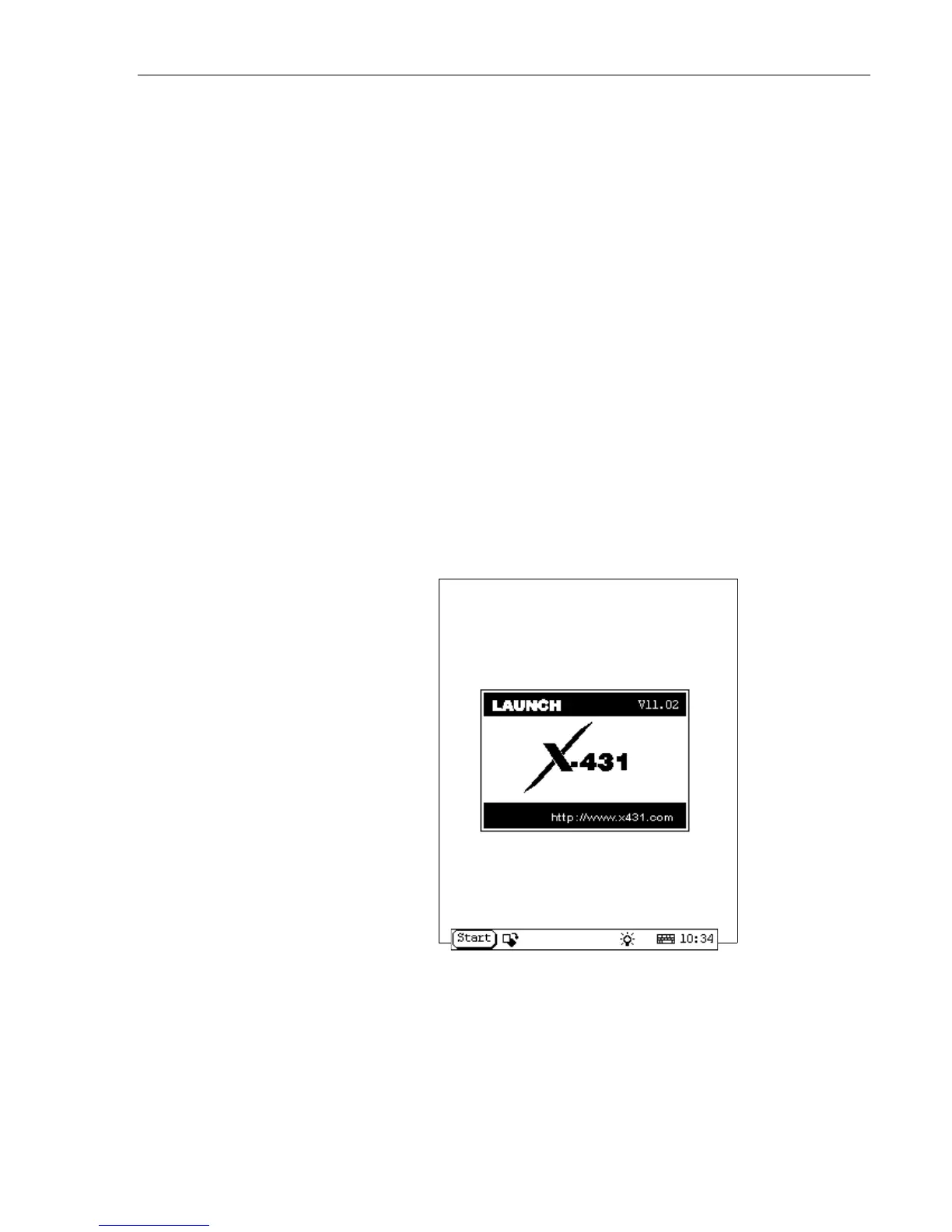
3. Allow it to run until you see “LAUNCH” displayed across the screen.
Then press the Hot Key (button above the power key). The following
screen will appear:



 To Next Page