©X-431 USA 5-1
1 (877) GET-X431
5 • Using the X-431
To Get Started
Now that you have registered your unit and downloaded all of the necessary
software, you are ready to start using the X-431.
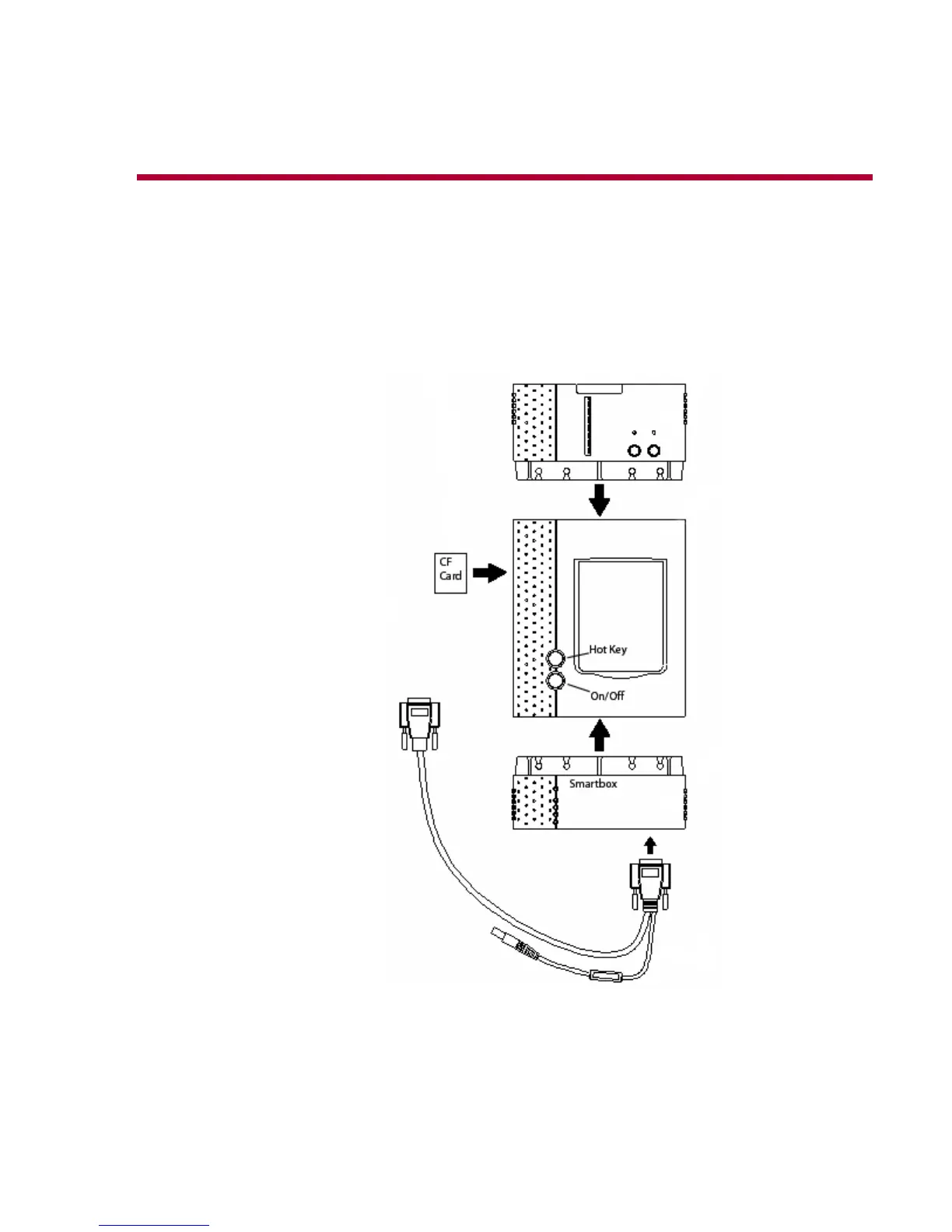
1. Begin by connecting the main cable and inserting the CF Card (the label
on the CF Card that reads “Up Side” should face up).
2. Connect the X-431 Power Adapter to the main cable’s power adapter
cord and plug the other end into a wall outlet.
3. Press the On/Off button to turn the X-431 on.



 To Next Page