Chapter 5 • Using the X-431 To Get Started
5-8 ©X-431 USA
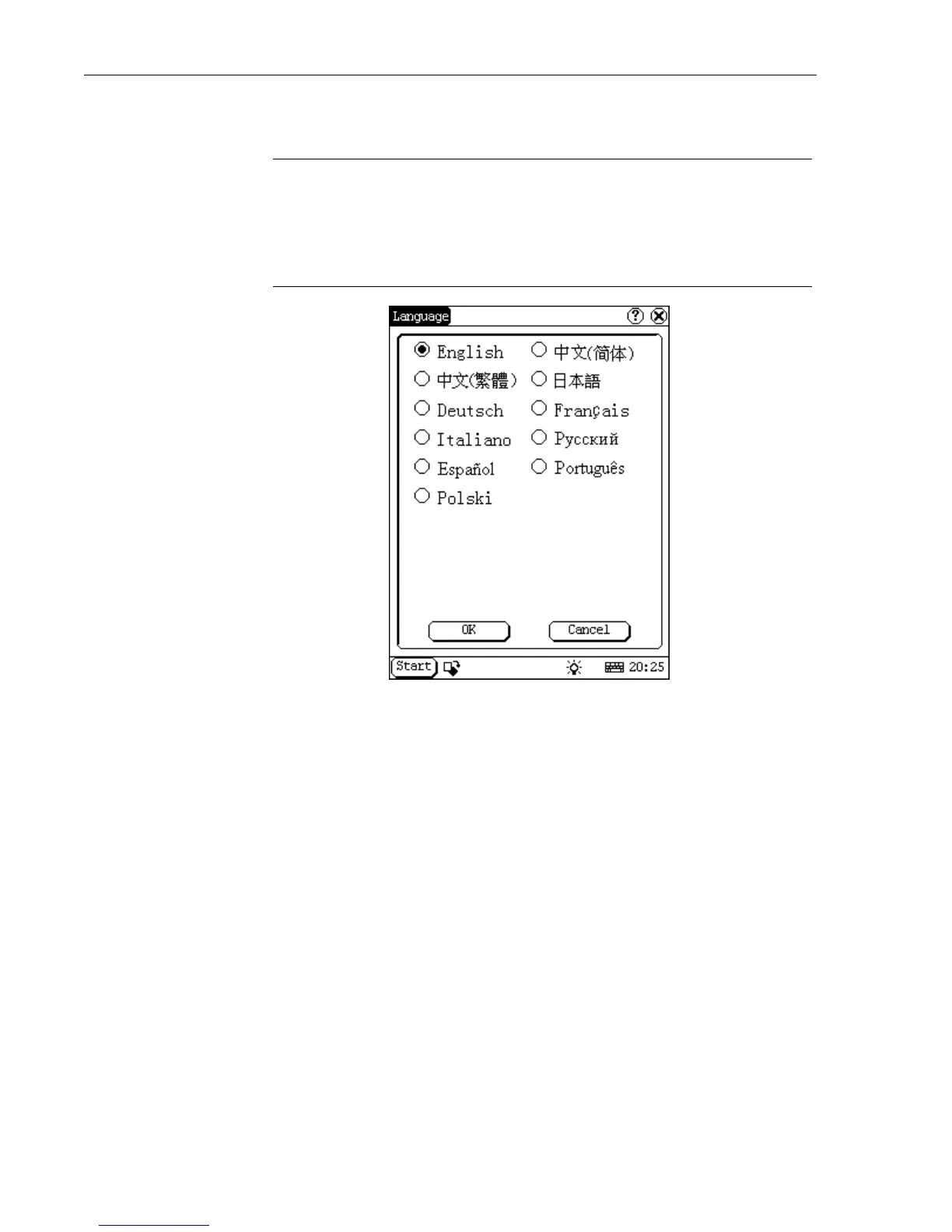
The language screen allows you to change the language.
WARNING • To change the language, you have to download the
software updates in that language. DO NOT
ATTEMPT TO CHANGE THE LANGUAGE
WITHOUT DOWNLOADING THE CORRECT
SOFTWARE UPDATES FIRST.
10. Close the Control Panel by selecting the X in the upper right hand
corner.
You are now ready to start scanning vehicles. Turn off the unit and choose
your first vehicle. To turn off the unit, refer to the following section.
Turning Off the X-431
There are two correct ways to turn off the X-431.
•Select Start and then select Turn off. It takes 4 seconds for the unit to
power down. If possible, you should always follow this procedure to
turn off the unit.
• This method should only be used if the X-431 gets hung or is
unresponsive. Hold down the On/Off button until the screen turns off.
Never unplug the connector from the vehicle without turning the unit off
first.



 To Next Page