Chapter 5 • Using the X-431 To Get Started
©X-431 USA 5-7
f. Open the Keyboard. Select AM or PM.
g. Tap the Hours field to establish your cursor there and then use the
Keyboard to input the correct hour.
h. Repeat this procedure for Minutes and Seconds.
i. Close the Keyboard and select OK.
j. You are now back on the Date/Time screen. Select Quit to return to
the Control Panel.
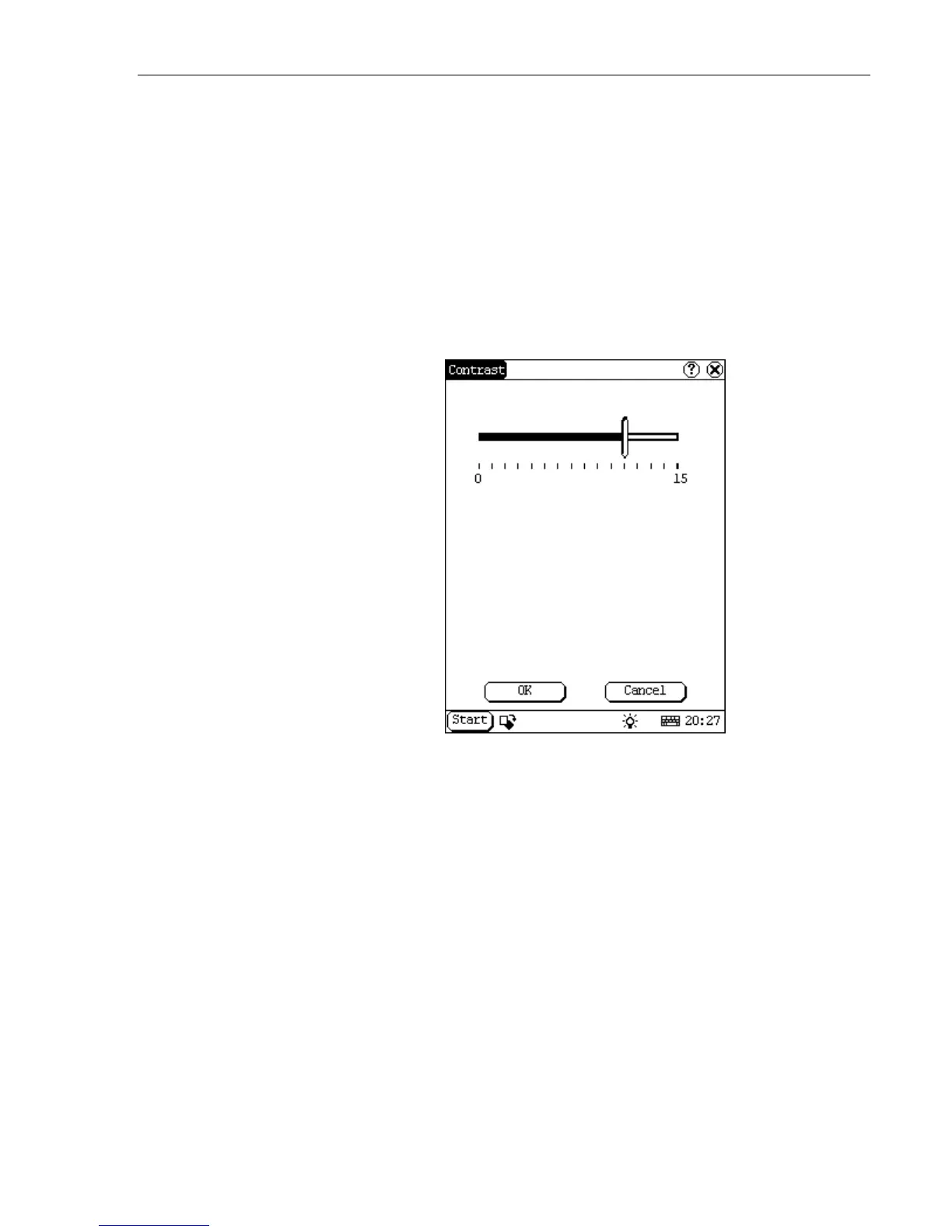
9. Now select contrast.
Use the slide-scale to adjust the contrast and then select OK. Wait while
the configuration updates.



 To Next Page