Chapter 5 • Using the X-431 To Get Started
5-6 ©X-431 USA
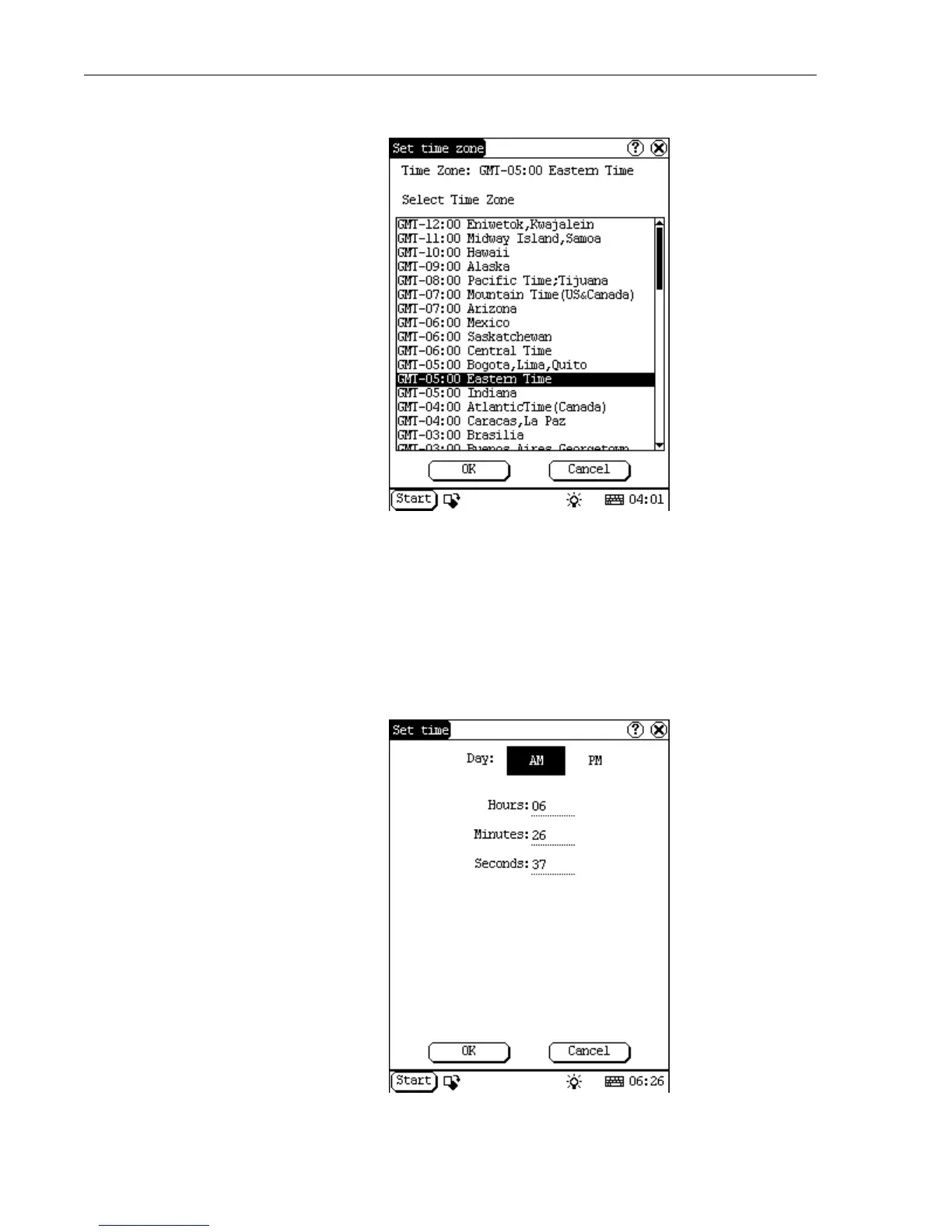
b. You must set the time zone first. Select Set time zone.
c. Select your time zone and click OK. The top of the screen will read,
“Updating configuration, please wait...” When it is finished, you will
be returned to the Date/Time screen.
d. Now you must set the date. Use the calendar to locate today’s date
and select it. Then select Set date. The date at the top of the screen
will change.
e. Now set the time by selecting Set time.



 To Next Page