Chapter 4 • Downloading Downloading New Updates
4-20 ©X-431 USA
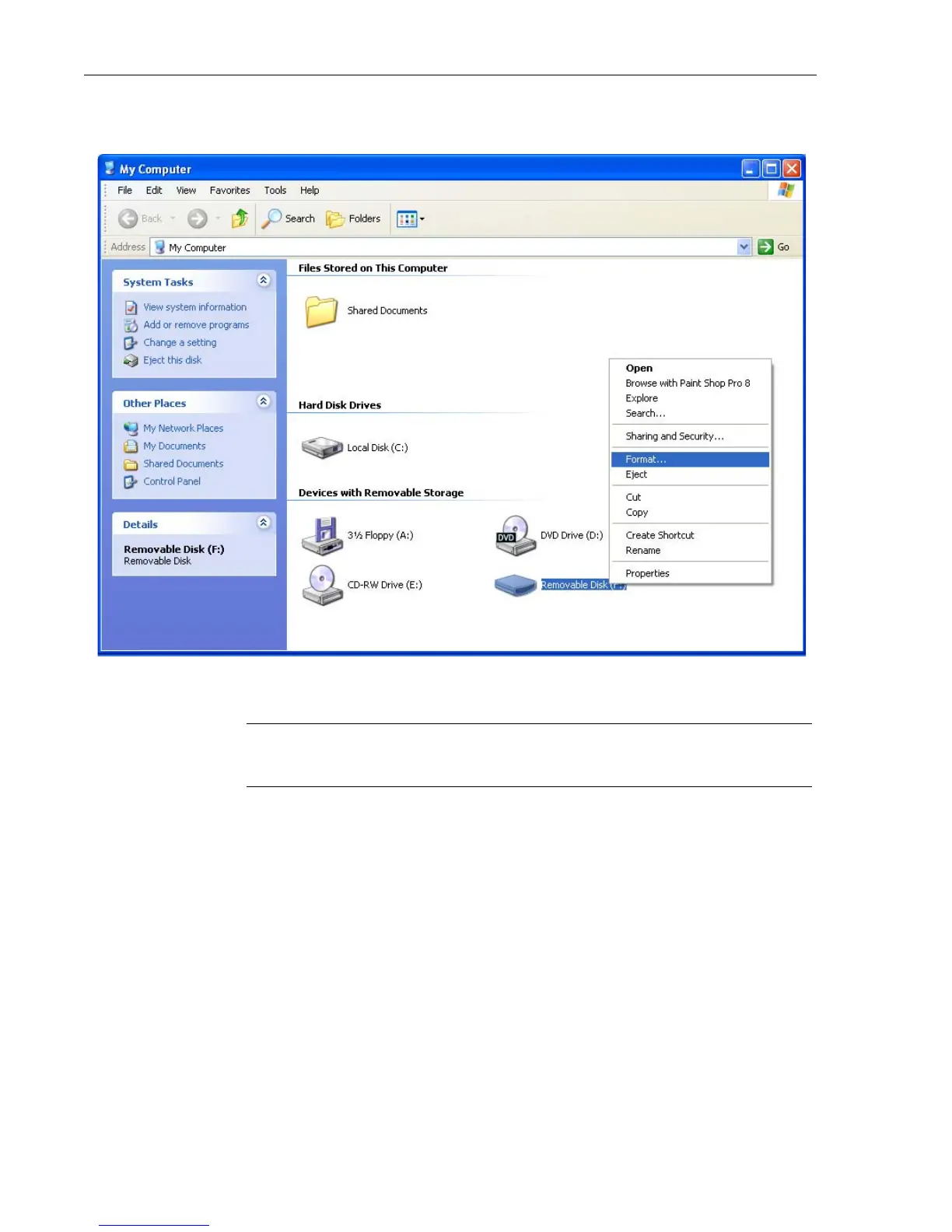
2. Right-click Removable Disk. A pop-up menu appears.Click Format.
The CF Card is now formatted.
NOTE • You may want to format your CF Card if you do not plan to use
all of the car lines. Format your card first and then update it.
Deleting Old Software Versions from CF Card
You can delete old versions of software from your CF card using the same
X431 Update software on your desktop.
1. Connect your CF Card to the reader
2. Double Click the X431 Update software icon on your desktop
3. Select the software versions you’d like to delete by placing a
checkmark next to its name (See Figure 4-1)



 To Next Page