Chapter 5 • Using the X-431 Connecting to a Vehicle
5-12 ©X-431 USA
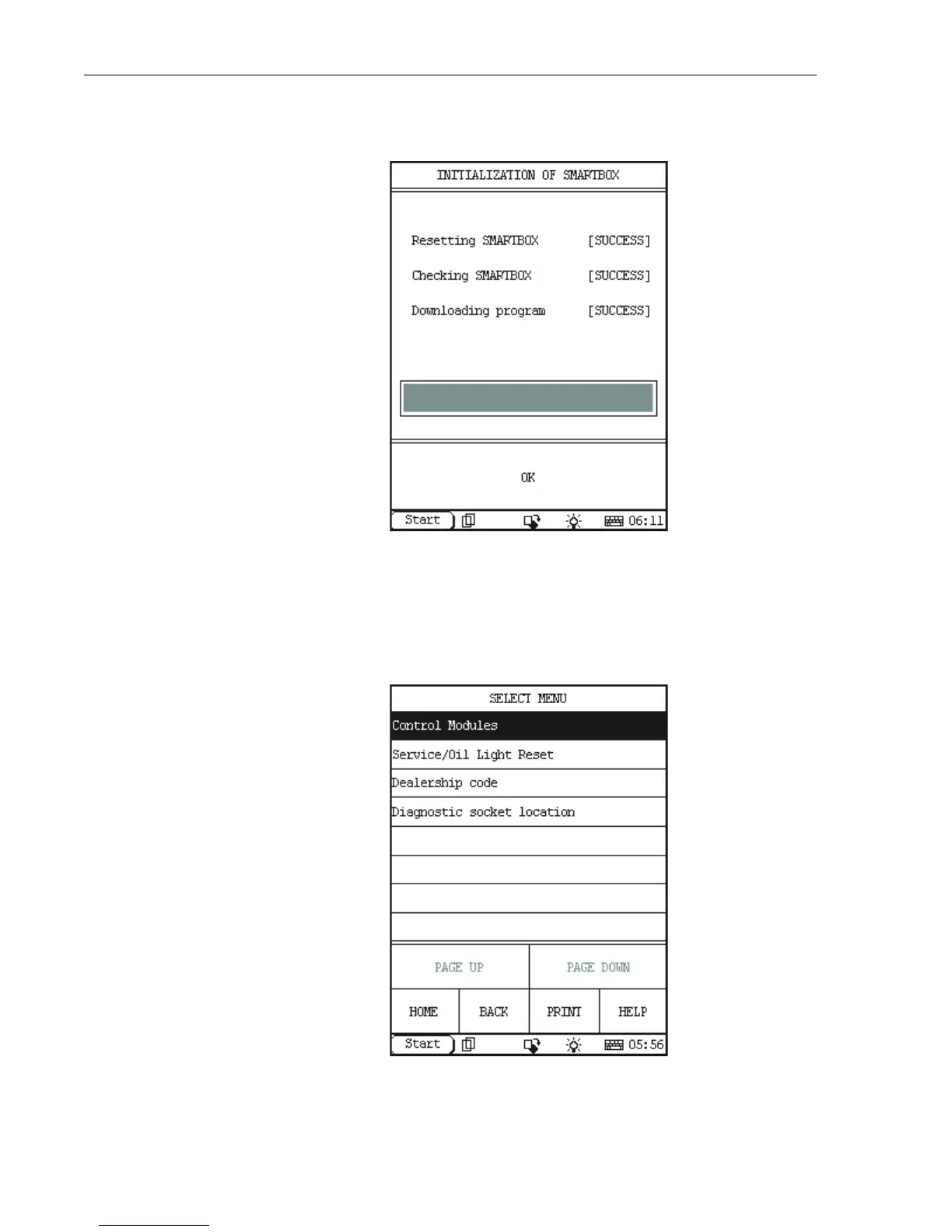
7. The Smartbox will now be initiliazed (that is, the software stored on the
CF Card will be uploaded to the Smartbox), as shown below.
When initialization is finished, press OK.
8. Your X-431 is now ready for diagnosis. A screen similar to the
following is displayed. (Note, for some vehicles lines, you may be
required to select the vehicle model on which you are working before
this screen is displayed.)



 To Next Page