EasyManua.ls Logo

smartvue S9C1 - User Manual

smartvue S9C1
119 pages
Print Icon
To Next Page IconTo Next Page
Loading...
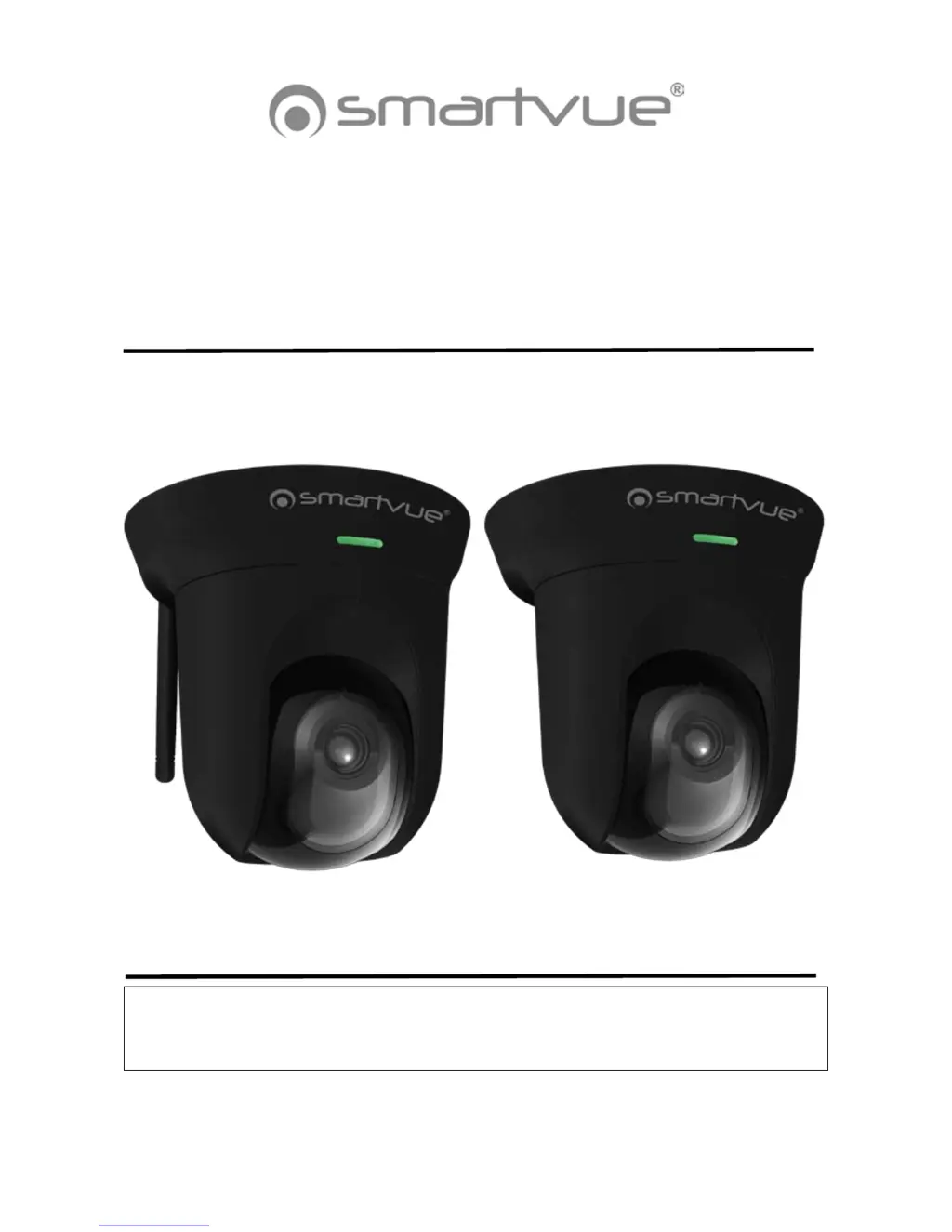
SMARTVUE S9C1 / S9C2
HD Network Camera User's Manual
www.smartvue.com
S9C1 S9C2

Questions and Answers

  • J
    Jessica LoweryAug 11, 2025
    Why is WPS button not working on my smartvue S9C1 with WEP?
    • E
      eric89Aug 11, 2025
      The WPS button on the smartvue Security Camera may not function if your router is using WEP security mode because the WPS feature of the S9C1 model does not support WEP. Ensure that your router settings are configured correctly.
  • D
    dawn74Aug 21, 2025
    What to do if smartvue S9C1 Security Camera has audio issues with multiple cameras?
    • F
      freemandavidAug 21, 2025
      If you experience audio issues while using multiple smartvue network cameras, it might be due to using the same Internet Explorer session for each camera. To resolve this, restart Internet Explorer each time you switch between cameras.
  • A
    Andrew BarkerAug 30, 2025
    How to fix operational problem in smartvue S9C1 Security Camera?
    • D
      Donna AlexanderAug 30, 2025
      If you are experiencing an operational problem with your smartvue Security Camera, refer to the Reboot and Restore function.

smartvue S9C1 Specifications

General IconGeneral
WirelessWi-Fi
LensFixed
ConnectivityWi-Fi
Power Supply5V DC
Weather ResistanceIP65
StorageMicroSD card (up to 128GB)
CompatibilityiOS, Android
AudioTwo-way