Using 3GPP-compatible Mobile Devices
To view the streaming media through 3GPP-compatible mobile devices, make sure the
Network Camera can be accessed over the Internet. For more information on how to
set up the Network
Camera over the Internet, please refer to Setup the Network Camera
over the Internet.
To utilize this feature, please check the following settings on your Network Camera:
1. Because most players on 3GPP mobile phones do not support RTSP authentication,
make sure the authentication mode of RTSP streaming is set to disable.
For more information, please refer to RTSP Streaming.
2. As the bandwidth on 3G networks is limited, you will not be able to use a large video
size. Please set the video and audio streaming parameters as listed below.
3. As most ISPs and players only allow RTSP streaming through port number 554,
please set the RTSP port to 554. For more information, please refer to RTSP
Streaming.
4. Launch the player on the 3GPP-compatible mobile devices.
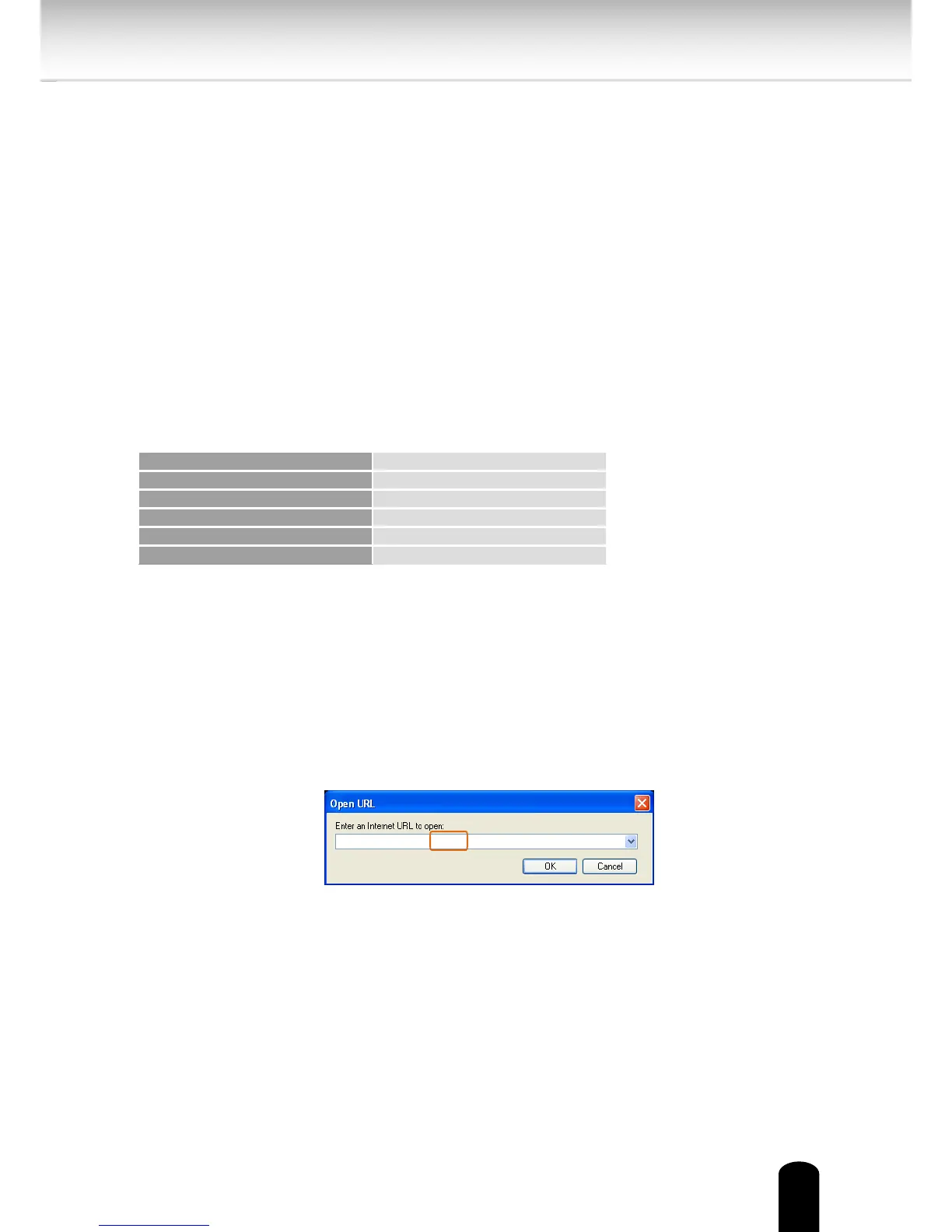
5. Type the following URL commands into the player.
The address format is rtsp://<public ip address of your camera>:<rtsp port>/<RTSP
streaming access name for stream 3>.
For example:


 To Next Page