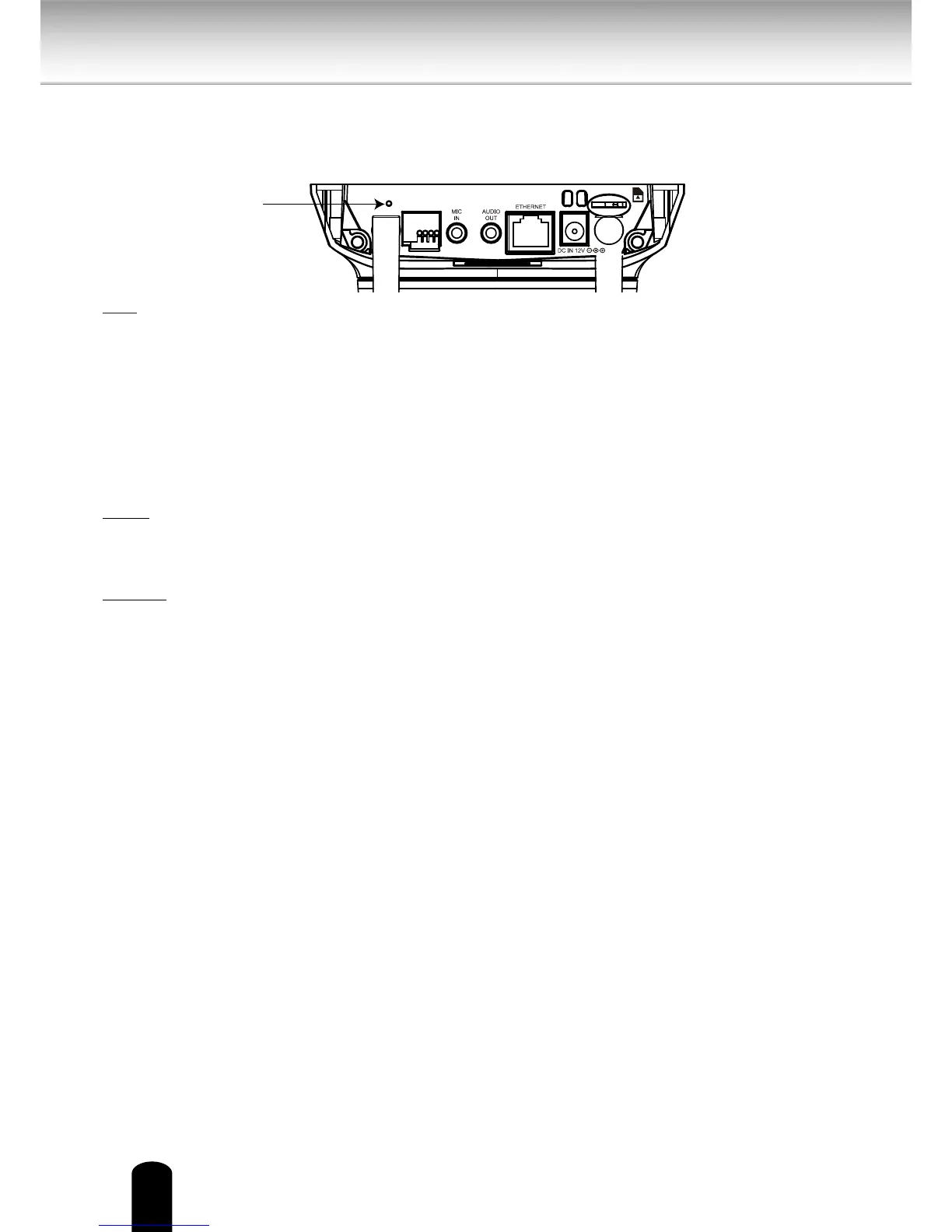
WPS/Reset
This button is used dual purposes.
WPS: (S9C1 only)
Push the WPS button of your wireless access point. Press and release the WPS recessed
button on the back of the camera using a paper clip or small object. The ESSID and
encrypted key of the wireless access point will be sent to the camera and the wireless
LAN settings are complete.
The reset button is used to reset the system or restore the factory default settings.
Occasionally, resetting the system can return the camera to normal operation. If the
system problems remain after resetting, restore the factory settings and install again.
Reset: Push and hold the reset button for 2 - 6 seconds using a paper clip or small
object until the status LED (Green and Red) is unlit. Wait for the Network Camera to
reboot.
Restore: Press and hold the recessed reset button until the status LED (Green and red)
rapidly blinks. It takes about 30 seconds. Note that all settings will be restored to
factory default. Upon successful restore, the status LED will blink green and red during
normal operation.
SD/SDHC Card and Capacity
This network camera is compliant with microSD/SDHC 16GB / 8GB and other preceding
standard SD cards for local storage.
● There is a limit to the number of rewrites that is possible with the SD memory card.
Replacing the SD memory card when performing maintenance is recommended.
● Do not use 512MB and below SD memory cards.
● The camera system reserves approximately 60MB in SD memory cards. Any images
are not recordable on this space.
● Carefully read the User’s guide, precautions on use, and any other information
supplied with a purchased memory card.
● An SD memory card can be used for repeated storage. The lifespan (number of
rewrites possible) of an SD memory card is greatly aected by the capacity of the SD
memory card.
● Do not use a memory card containing the data recorded by another device with the
camera as this may result in the camera not functioning correctly.
● Do not modify, overwrite the data, or change the folder name of an SD memory card.
It may result in the camera not to function correctly.
● If you unmount or remove the SD memory card from camera, you have to turn OFF
the recording status in Recording window and Application window.
WPS/Reset
Button


 To Next Page