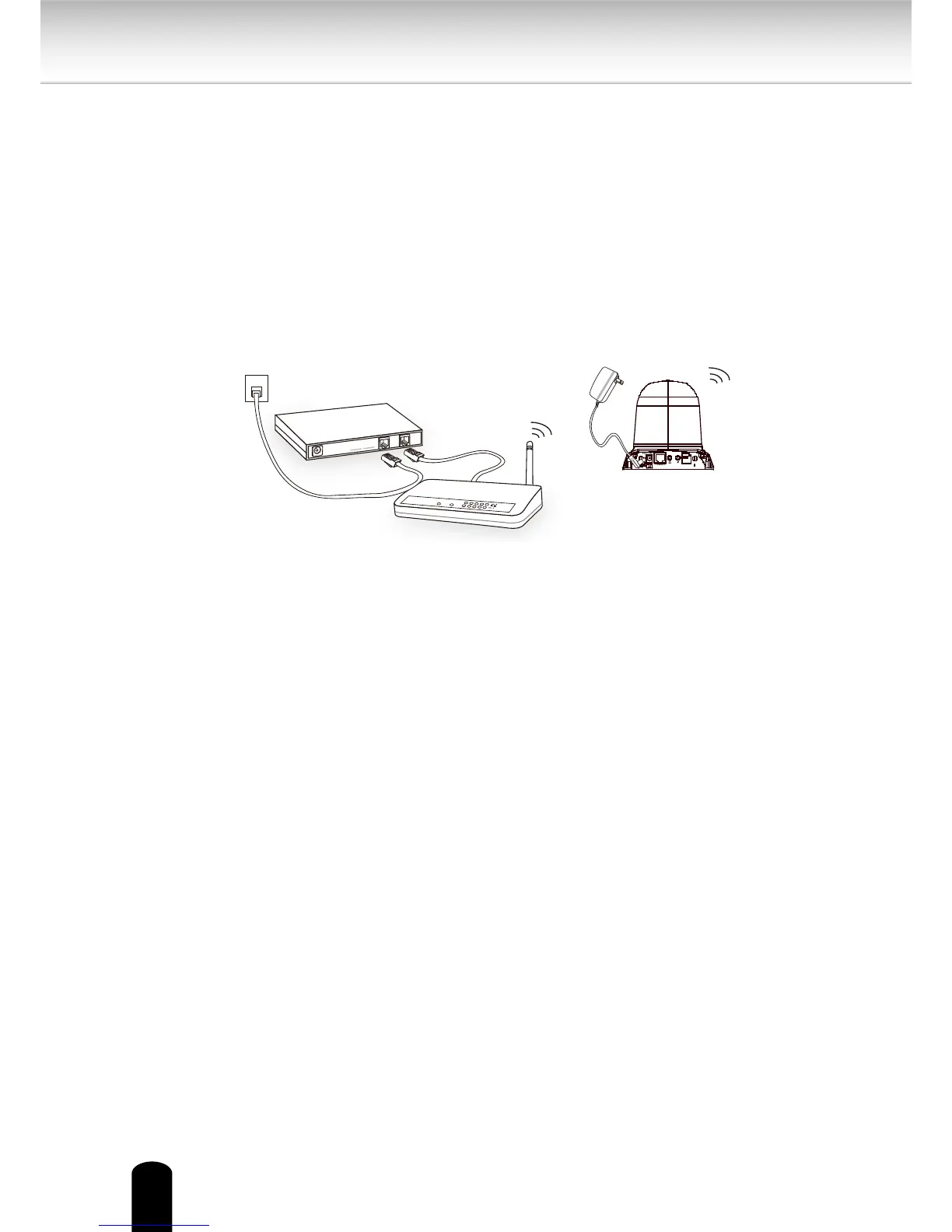
Set up the Network Camera through Wireless Connection (S9C1 only)
1. Check the SSID and wireless security currently set on your wireless access point (AP).
2. Go to S9C1's Conguration > Wireless.
3. Set in the SSID and wireless security consistent with the setting on your AP.
4. Select the Wireless mode as "Infrastructure".
5. Click Save. The Network Camera will reboot.
6. Wait for the live image to refresh in your browser. Then, unplug the power cable and
Ethernet cable from the Network Camera.
7. Replug the power cable to the camera. The Network Camera now operates in
wireless mode
.
1. SSID, abbreviated from Service Set Identier, is the name assigned to the wireless
network. The S9C1's factory SSID setting is set to "smartvueS9".
2. Select "Ad-Hoc" wireless mode if you want the S9C1 to communicate without using
an AP or wireless router.
3. Wireless networking has many security issues. It's very important that you define
effective wireless security policies that guard against unauthorized access to
important resources.
4. For detailed information about wireless connection, please refer to Wireless LAN on
page 59.


 To Next Page