15
snom 720 User Manual Setting up the Phone
Connecting a headset
You can use wired as well as wireless headsets with the phone.
• Wired headsets
If you want to use a wired headset, connect it to the RJ audio jack labeled "
".
Note: If both a wired and a wireless headset are connected to the phone, incoming calls
will go to the wireless headset.
• Wireless headsets
You need a Bluetooth-compatible adapter to use a Bluetooth-compatible headset with your phone.
◦ Connecting the base station of your headset via the snom EHS Adapter
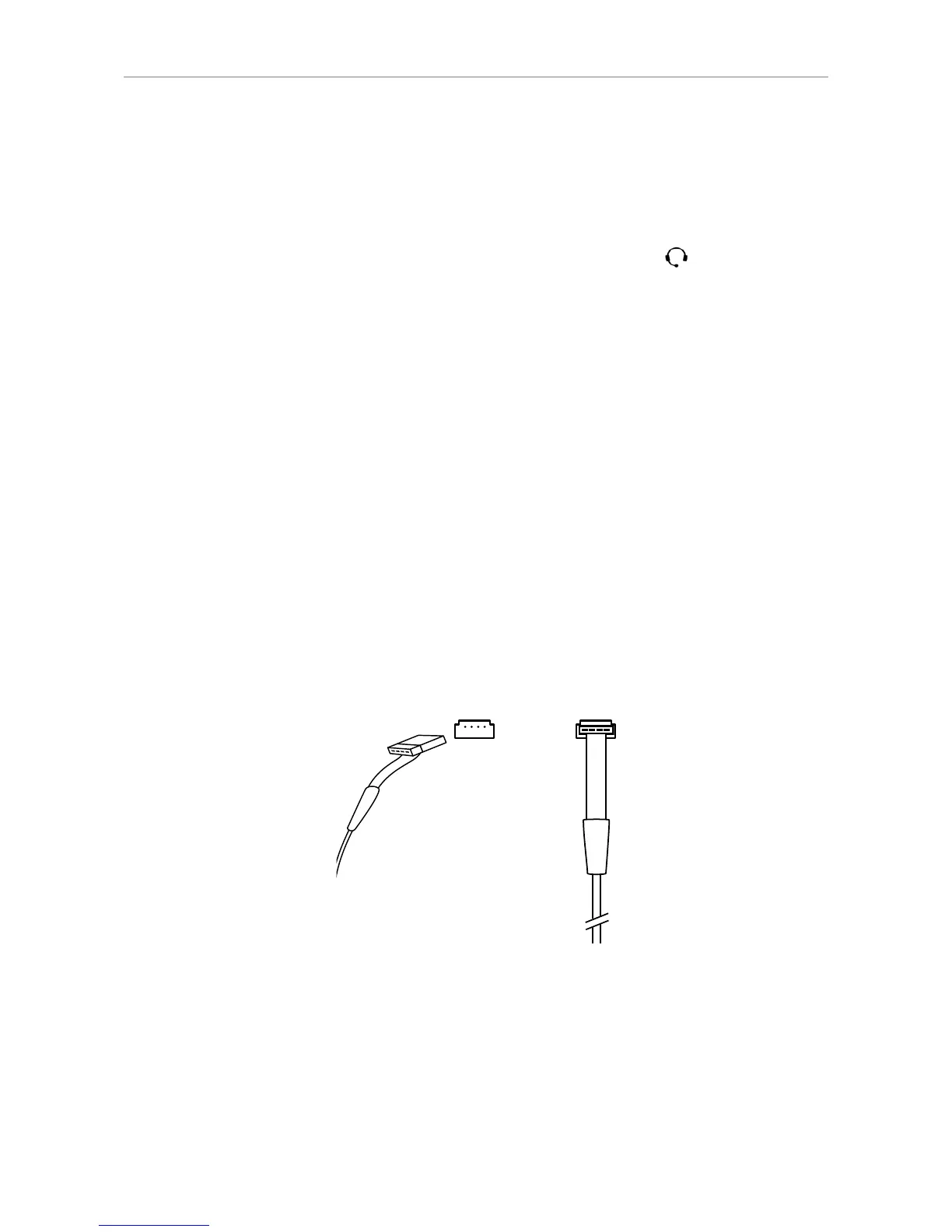
Connect the snom connector of the 7xx adapter cable to the port on the back of the phone, as
shown in Fig. 1 and 2, below.
Note: You need to remove the footstand to gain access to the connector (see
"Attaching and detaching the footstand" on page 12). After you have inserted
the plug, make sure that the cable is lying flat against the bottomshell of the phone
while you are attaching the footstand to the phone. Twisting or curling up the
cable may result in damaging the cable and the wires inside it.
Please refer to the Quick Start Guide of the snom EHS Advanced and the manual of your
wireless headset for further information on how to connect the snom EHS Advanced and the
headset.
Fig. 1 Fig. 2
◦ Connecting the headset to the phone via a Bluetooth-compatible adapter
Insert the adapter into the USB port on the back of the phone. See also the Quick Start
Guides of the snom USB BT and the snom HS BT or the manual of the third-party headset.
Attention: Starting with firmware version 8.7.2.11, the snom HS BT's parameter
will be the default setting for USB headsets.
If your phone is running an earlier firmware version, enter the parameters of the
snom HS BT manually on the phone's web interface at > Advanced > Audio >



 To Next Page