NETYS RT Hot Swap 7 - 11 kVA - 551574B - SOCOMEC
53
EN
9. LCD DISPLAY & SETTINGS
Please refer to Chapter 3: Operation Panel to learn how to use the
operation panel and understand every icon/ diagram.
Each of the display diagrams shown in this chapter is for reference only.
Actual display depends on the operation of the UPS.
The following ow chart helps you to understand how to navigate each display screen.
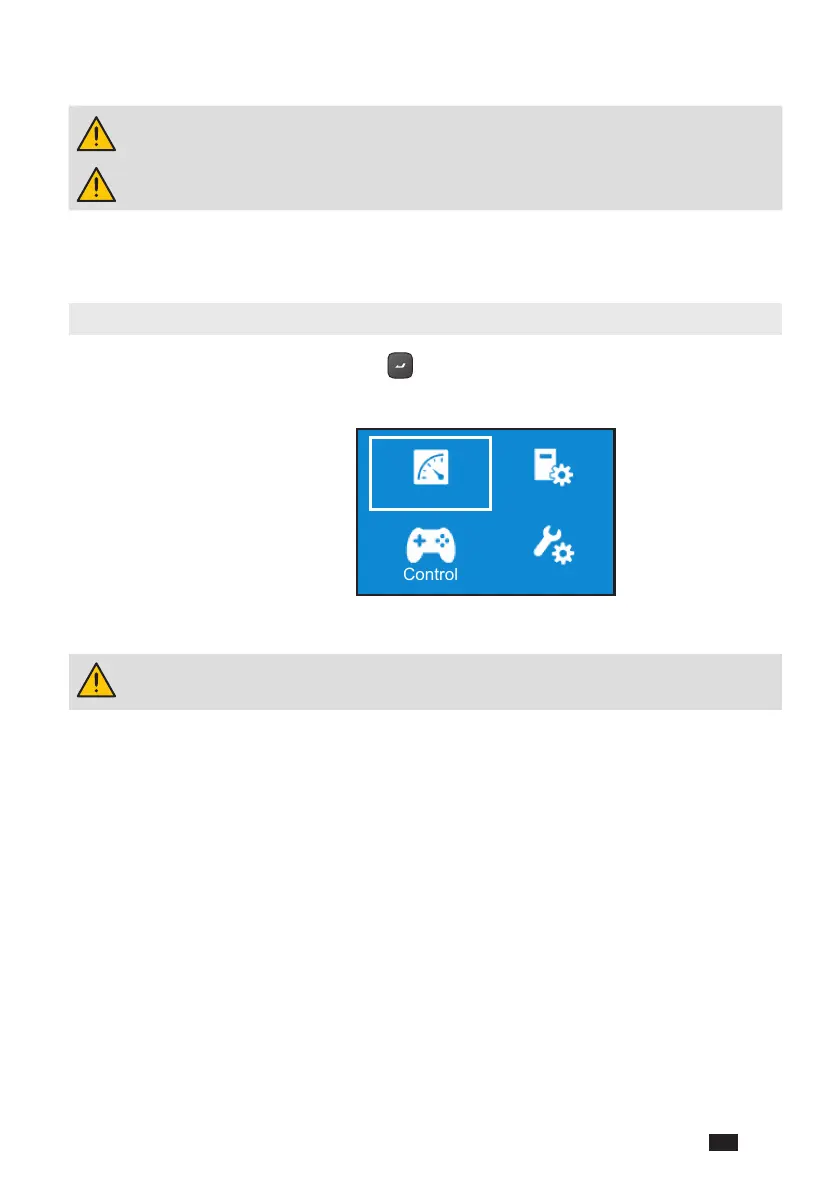
9.1. Main Menu
In the Main Screen, press the button for 0.1 seconds to enter the Main Menu.
You can set up relevant items here.
Please note that only qualied service personnel can perform setup
actions.
Measurement
Control
Setting
Maintenance
Main Menu




 To Next Page