Paramount MX User Guide
118 | Page
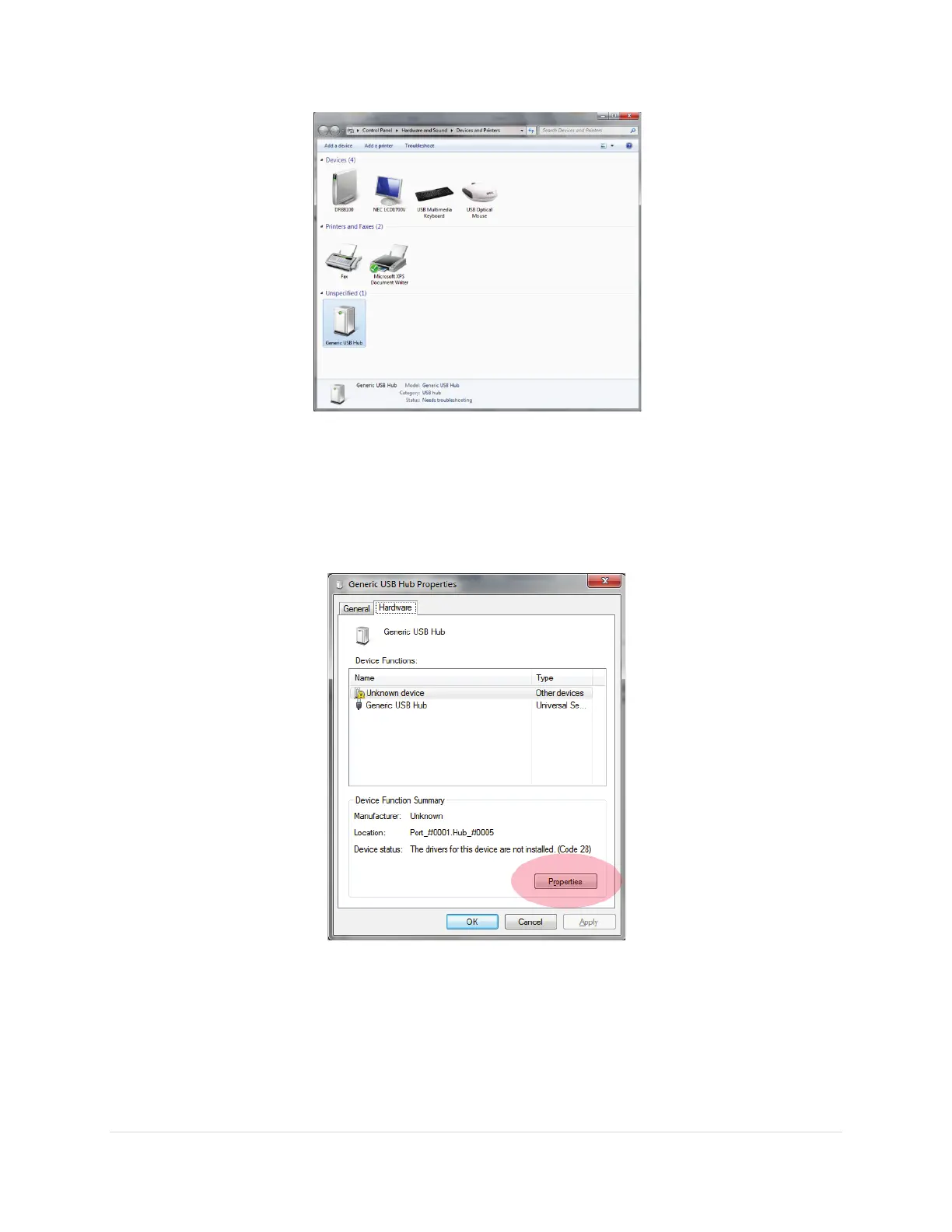
Figure 57: Generic USB Hub listed on the Devices and Printers window.
5. Right-click on the Generic USB Hub icon then select the Properties command on the pop-up
menu.
6. On the Hardware tab of the Generic USB Hub Properties window, click the Properties button
(Figure 58).
Figure 58: The Properties button on the Hardware tab of the Generic USB Hub Properties window.
7. Next, click the Update Driver button from the General tab on the Unknown Device Properties
window (Figure 59).



 To Next Page