Paramount MX User Guide
119 | Page
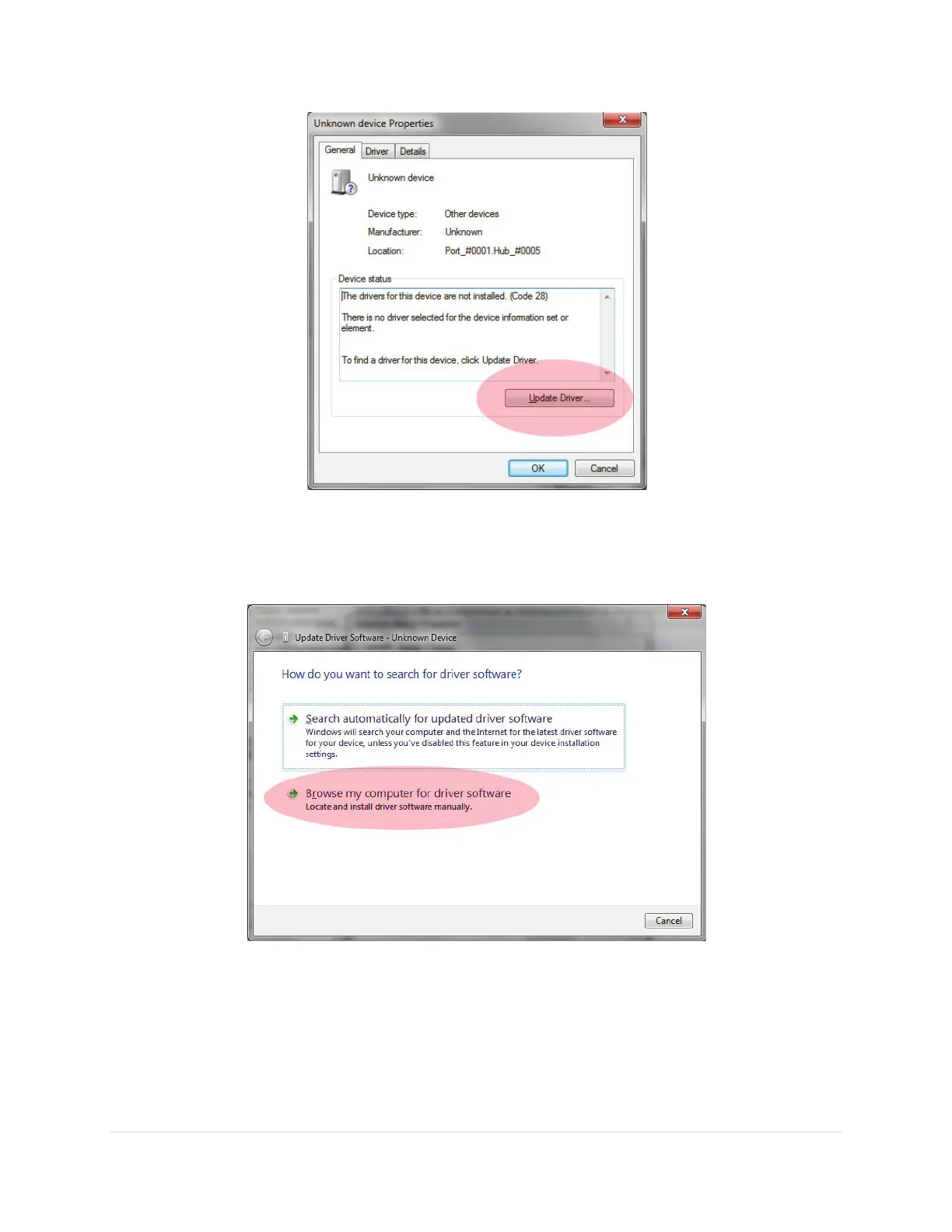
Figure 59: Update Driver button on the General tab of the Unknown Device Properties window.
8. Click the Browse My Computer for Driver Software link on the Update Driver Software –
Unknown Device window (Figure 60Figure 36).
Figure 60: Browse for the computer driver software.
9. On the Update Driver Software – Unknown Device window, click the Browse (Step 1 in Figure
61) button and select the folder where TheSkyX Professional Edition is installed and then click
the Next button (Step 2 in Figure 61). The name of the driver file is MKS 5000 Driver.inf. If this
file is not present in this folder, the software driver installation will fail.



 To Next Page