L10US-IB20, L10US-IB40, L10US-IB60 L10US-IB00, L15US-IB40, L15US-IB60 L15US-
IB00, L20US-IB60, L20US-IB00 UPS
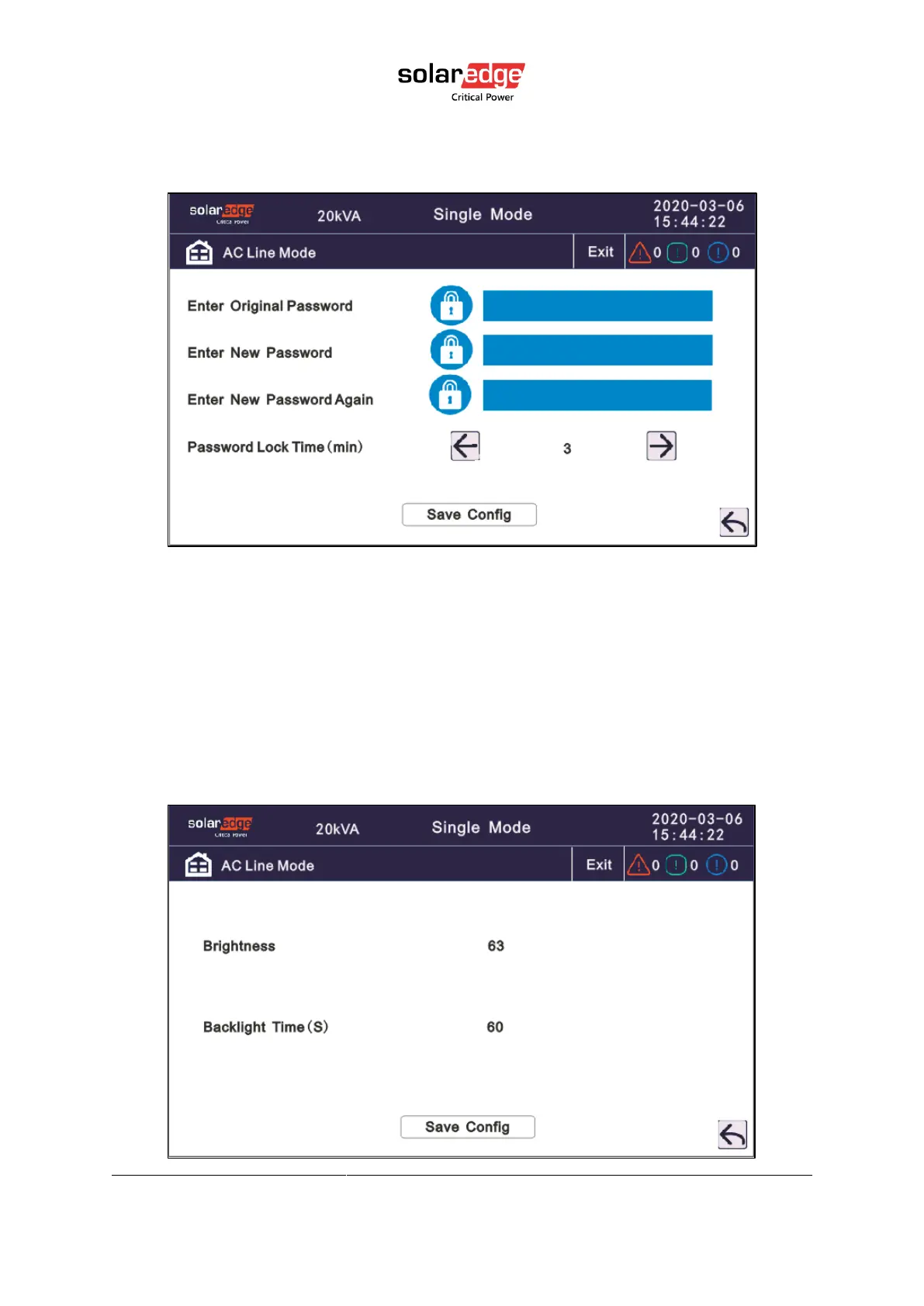
Password lock time: when the LCD is not touched, it needs to re login when the setting value
is set, click left or right icon to change the value.
4.3.6.4. Brightness and backlight time
Click the icon to change value.
Brightness: Click the text to input new value and click the save config icon to save. Value
range is 10~63, default value is 63.
Backlight time: LCD backlight delay time, click the text to input new value and click save
config icon to save. Value range is 1~255, default value is 60.



 To Next Page