L10US-IB20, L10US-IB40, L10US-IB60 L10US-IB00, L15US-IB40, L15US-IB60 L15US-
IB00, L20US-IB60, L20US-IB00 UPS
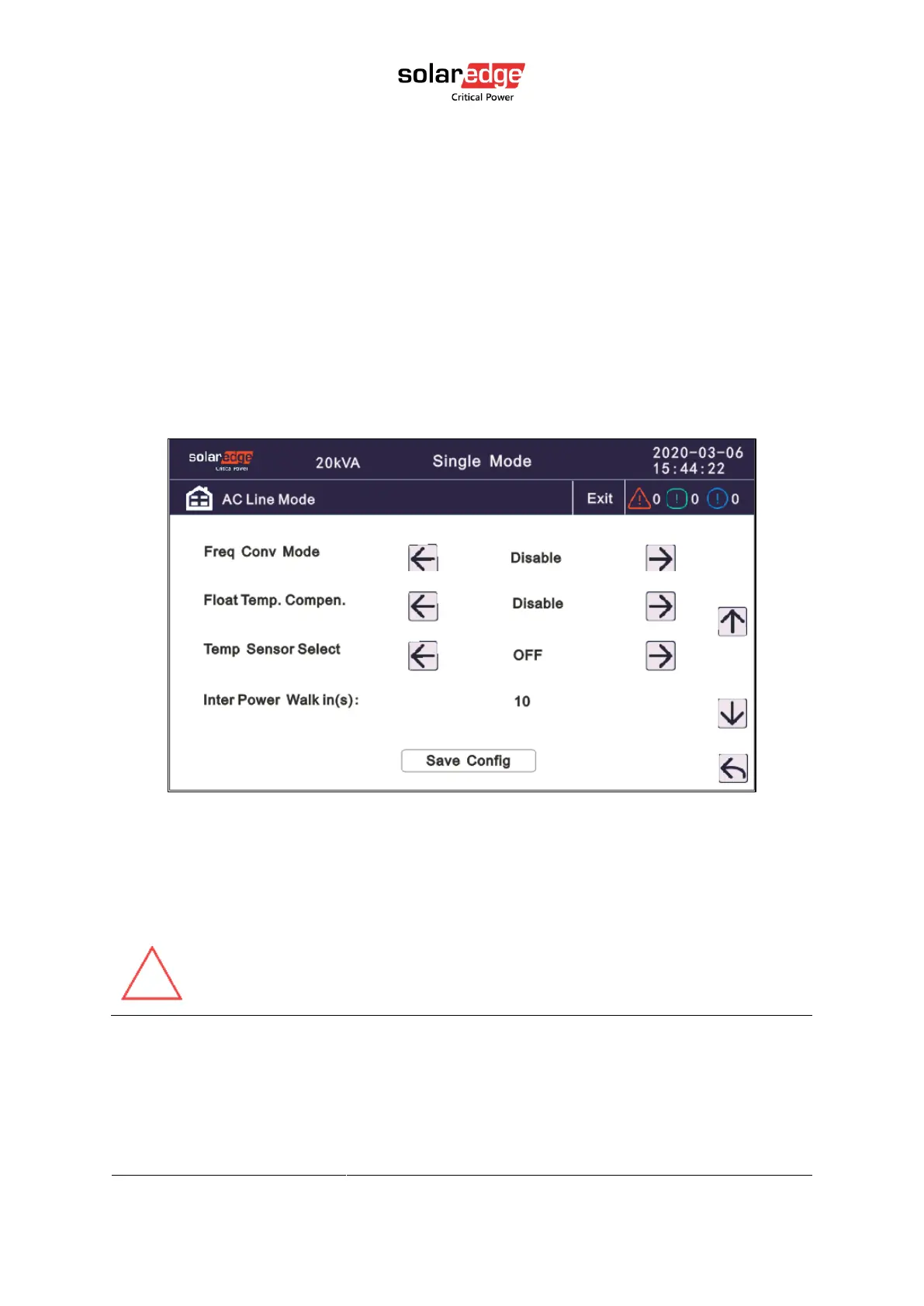
• Freq Conv Mode: Frequency conversion mode, enable output frequency set 50Hz or
60Hz, input frequency is 60Hz or 50Hz, UPS no alarm not battery and bypass abnormal.
Default is Disable.
• Float Temp. Compensation: temperature sensor compensation switch, when need to
connect battery temperature sensor, change the value to enable.
• Temp Sensor Select: temperature sensor type select has two types: NTC and RS485. NTC
for single and short distance. Rs485 for multiple and far distance.
• Inter Power Walk in(s): When UPSes are in parallel mode. this enables the UPS to
control the interval that each UPS transfers from battery mode to normal mode, which
reduces the impact on the generator or power grid. The value can be 1~200, default
value is 10.
4.3.7.2. Parallel setting
• Parallel ID: Parallel ID, must modify the ID after setting work mode to parallel mode. The
value can be 1 to 2, default value is 1, maximum allowed value is 2, because only two
UPSes of this model can be connected in a parallel system.



 To Next Page