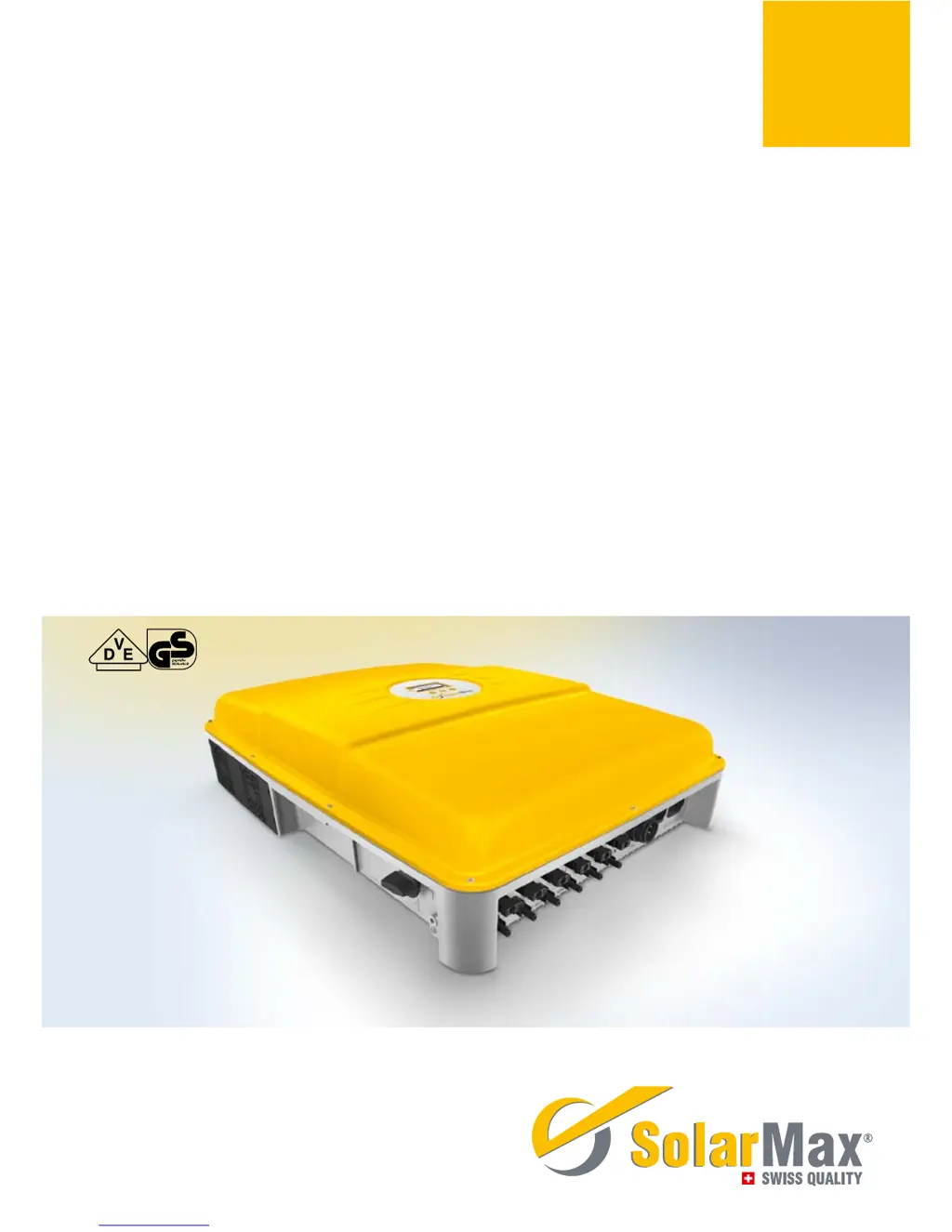
What should I do if my SolarMax 10MT2 displays 'Error DC polarity'?
- BBrittney MaySep 13, 2025
This message indicates that one or more DC connections are connected incorrectly (incorrect polarity). Connect the DC supplies correctly.
What should I do if my SolarMax 10MT2 displays 'Error DC polarity'?
This message indicates that one or more DC connections are connected incorrectly (incorrect polarity). Connect the DC supplies correctly.
What should I do if my SolarMax 10MT2 Inverter displays 'L and N interchanged'?
This message indicates that a phase and the neutral conductor are incorrectly connected (interchanged). Connect the AC supplies correctly.
What does 'Burst error' mean on my SolarMax 10MT2?
A 'Burst error' indicates that the inverter disconnected from the grid five times or more on the same day. This warning is displayed for the remainder of the day. Check your plant’s status logger in MaxWeb xp (if present) or check the grid parameters. If this happens repeatedly, contact our SolarMax Service Centre.
What to do if SolarMax 10MT2 displays 'Mains error Mains error BP'?
This indicates that the grid has been switched off. If this problem continues to occur, contact the responsible grid operator.
What to do if SolarMax Inverter shows 'Vac 10min too high (L1 L2 L3) Vac 10min too high BP (L1 L2 L3)'?
The maximum 10-minute average value of the mains voltage at the specified phase is too high. If this problem continues to occur, contact the responsible grid operator.
What to do if my SolarMax 10MT2 displays 'Insulation fault DC Insulation fault DC BP'?
This indicates that the insulation resistance of the PV generator against earth is too low. Check the PV generator to resolve this issue.
What to do if SolarMax 10MT2 displays a blank screen?
If the SolarMax Inverter display remains blank, several factors could be at play. First, ensure that the DC disconnector Q1 is switched on. If it is, check that the irradiation is sufficient for operation; if not, wait. Also, verify that the PV generator strings are correctly connected. An incorrectly connected PV generator (where plus and minus connections have been mixed up) can also cause a blank display, so ensure proper connection. If none of these resolve the issue, it could indicate an internal failure.
What to do if SolarMax 10MT2 shows 'No mains No mains BP'?
This message means that there is no mains voltage or the AC supply has been interrupted. You should check the AC supply to resolve this issue.
What does it mean when my SolarMax Inverter shows 'Vdc too high (VDC3, VDC2, VDC1)'?
This message indicates that the DC input voltage at the specified DC connection is too high. Immediately switch off the DC disconnector Q1 and disconnect the PV generator from the inverter. Then, check the sizing of the PV generator.
What to do if the display of my SolarMax Inverter remains blank?
If the display is blank, several factors could be at play. First, ensure that the DC disconnector Q1 is switched on. If it is, check if the irradiation is sufficient for operation; if not, wait. Also, verify that the PV generator strings are correctly connected. If these steps don't resolve the issue, and the PV generator connections are correct, it may indicate an internal failure.
Identifies the manual's intended users and provides guidance on its storage.
Explains various symbols used in the manual and on the inverter for clarity.
Specifies correct usage and essential safety precautions for the inverter.
Illustrates the internal functional components and connections of the inverter.
Details the physical layout, dimensions, and external components of the inverter.
Covers essential aspects of handling, storing, and selecting an installation location.
Addresses requirements for protecting the PV plant from lightning strikes.
Lists included items and provides instructions for physically mounting the inverter.
Introduces the various electrical connection points and options for the inverter.
Explains the built-in surge protection mechanisms on DC and AC sides.
Details the process for connecting the inverter to the AC grid.
Outlines the steps for connecting the PV generator's DC output.
Covers status signalling contacts and external input monitoring functions.
Details communication sockets and external protective conductor requirements.
Discusses the integrated leakage current sensor and ELCB selection.
Provides instructions for safely switching the inverter on and off.
Guides through the first-time setup and configuration of the inverter.
Explains how to use the inverter's front panel display, buttons, and menu system.
Provides an overview of the menu hierarchy and access to main operational data.
Details how to access current measurements and historical operating statistics.
Covers setting parameters for advanced functions and system configurations.
Explains how to initiate and conduct the automated system test.
Details the settings for RS485 and Ethernet interfaces for data exchange.
Explains the meaning of status messages and LED indicators for device status.
Covers status information related to startup, grid operation, and communication activity.
Provides contact details for technical support and service inquiries.
Offers systematic steps to diagnose and resolve common issues, warnings, and errors.
Outlines simple maintenance tasks and procedures for environmentally sound product disposal.
Lists key electrical parameters, input/output ratings, and efficiency metrics.
Illustrates how ambient temperature affects output power for different models.
Details parameter variations required for different countries and grid codes.
Explains the duration and conditions of the product guarantee.
Outlines cases where the guarantee does not apply.
Confirms adherence to Electromagnetic Compatibility and Low Voltage Directives.
Lists specific harmonized standards the products meet for safety and performance.