23
Chapter 2 Hardware Setup
How to tackle with Jumpers:
• Do not remove the jumper when power is on. Always make sure the power
is off before changing any jumper settings. Otherwise, mainboard
could be damaged.
• In the Jumper setting diagram, all jumper pins covered with black marks
stand for closed pins by jumper caps.
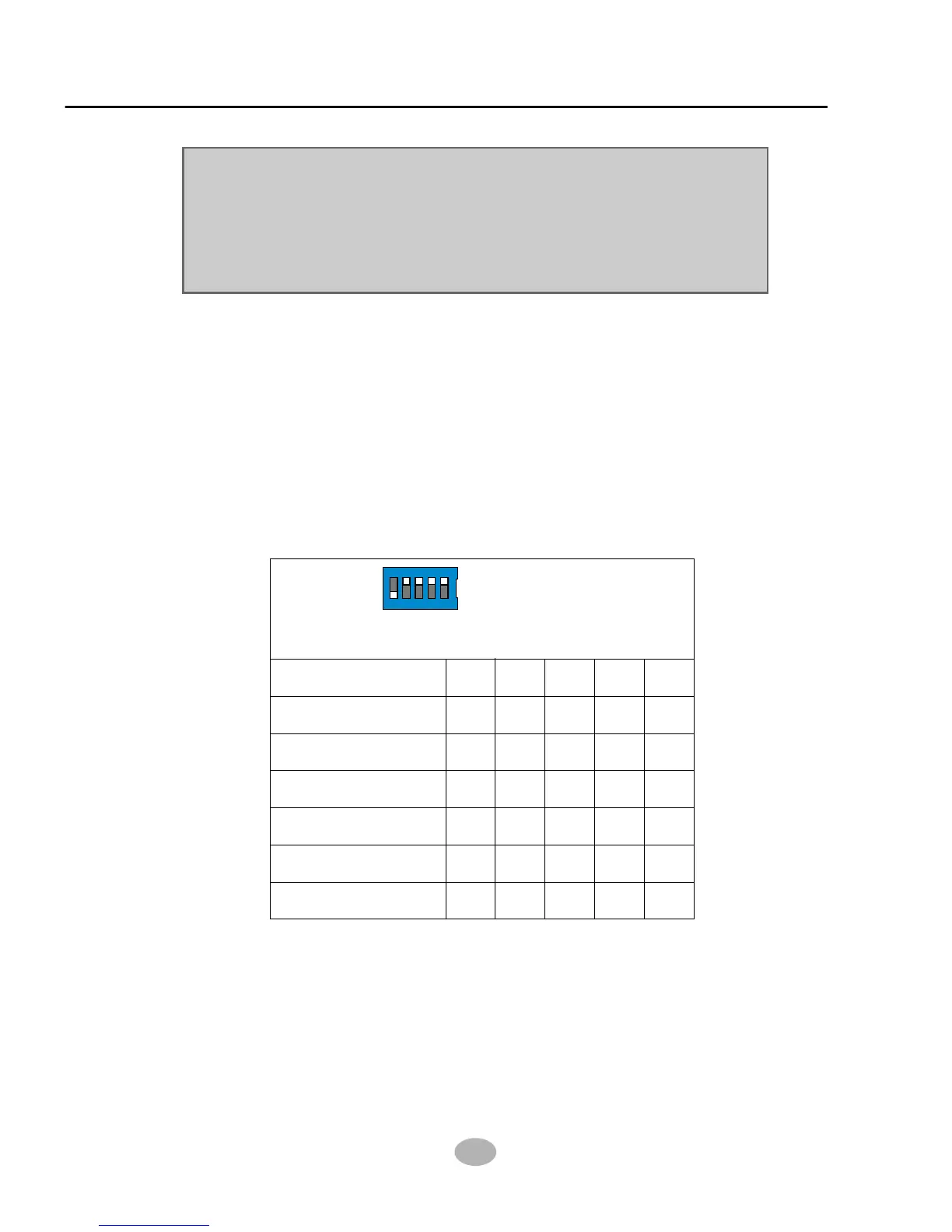
2-6.1 Switch 1 CPU Clock Select
• This Series of mainboards are shipped to users with a 5-DIP Switch 1,
by which user can select a CPU clock to match with the Pentium 4
processor selected on board. So users are not recommeded to take
Switch 1 as a tool for overclocking. It is saver and more advisible for
users to select the CPU clock as close as possible to the one marked on
the selected CPU.
• Advice from our Engineering Team:
If you insert a Pentium 4 processor of 100MHz to the CPU socket and
select 103MHz or any higher Switch setting, you are taking the risk of
breaking the stability of your CPU as well as the mainboard. Overclocking
should always take all other components on board into account.
ON
DIP
SW1
On
Off
1 2 3 4 5
CPU Clock Select
S1 S2 S3 S4 S5CPU clock (MHz)
100
(Default)
103
105
111
130
133
off
on on on on
on
on on on
on on on
on
on on
on on
on on on on
off
off
off
off off
off
off off
off
* Off On On On On (Default)



 To Next Page