85DR-C
82
Run the “FREQUENCY/VOLTAGE CONTROL” as following:
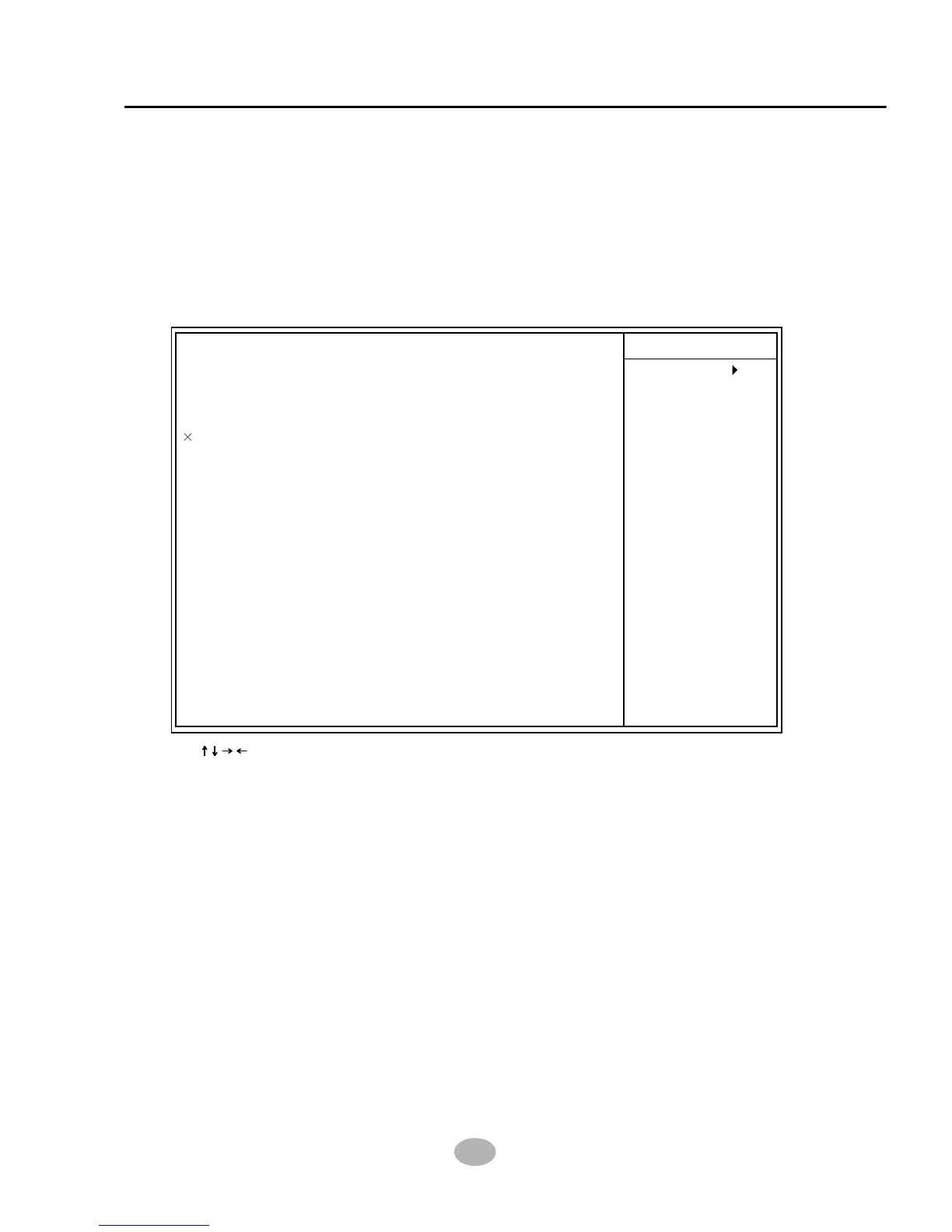
1. Choose “FREQUENCY/VOLTAGE CONTROL” from the Main Menu and
a screen with a list of options will appear:
4-6.9 Frequency/Voltage Control
2. Use one of the arrow keys to move between options and modify the
selected options by using PgUp / PgDn / + / - keys.
<F1>: “Help” gives options available for each item.
<F5>: Get the previous values. These values are the values with which the
user starts the current session.
<F6>: Load all options with the BIOS default values.
<F7>: Load all options with the Setup default values.
3. Press <ESC> to return to the Main Menu when you finish setting up all
items. please read the following explanatory information for your
Frequency/Voltage Control configuration:
Item Help
Menu Level
:Move Enter:Select +/-/PU/PD:Value F10:Save ESC:Exit F1:General Help
F5:Previous Values F6:Fail-Safe Defaults F7:Optimized Defaults
CMOS Setup Utility - Copyright (C) 1984 - 2001 Award Software
Frequency/Voltage Control
RedStorm Overclocking Tech
CPU Vcore Select
AGP Voltage Select
DIMM Voltage Select
CPU Clock Ratio
Use CPU Linear Freg
CPU Clock
AGP Div Freq
Auto Detect PCI clk
Spread Spectrum
CPU0 Skew Adjust
CPU1 Skew Adjust
CPU2 Skew Adjust
3V66 Skew Adjust
PCI Skew Adjust
PCI_F Skew Adjust
PCI_3V66 Skew Adjust
Press Enter
Default
1.5V
2.5V
8X
Default
100MHz
Default
Enabled
Disabled
Disabled
Disabled
Disabled
Disabled
Disabled
Disabled
2.0ns



 To Next Page