Chapter 4 BIOS Setup
67
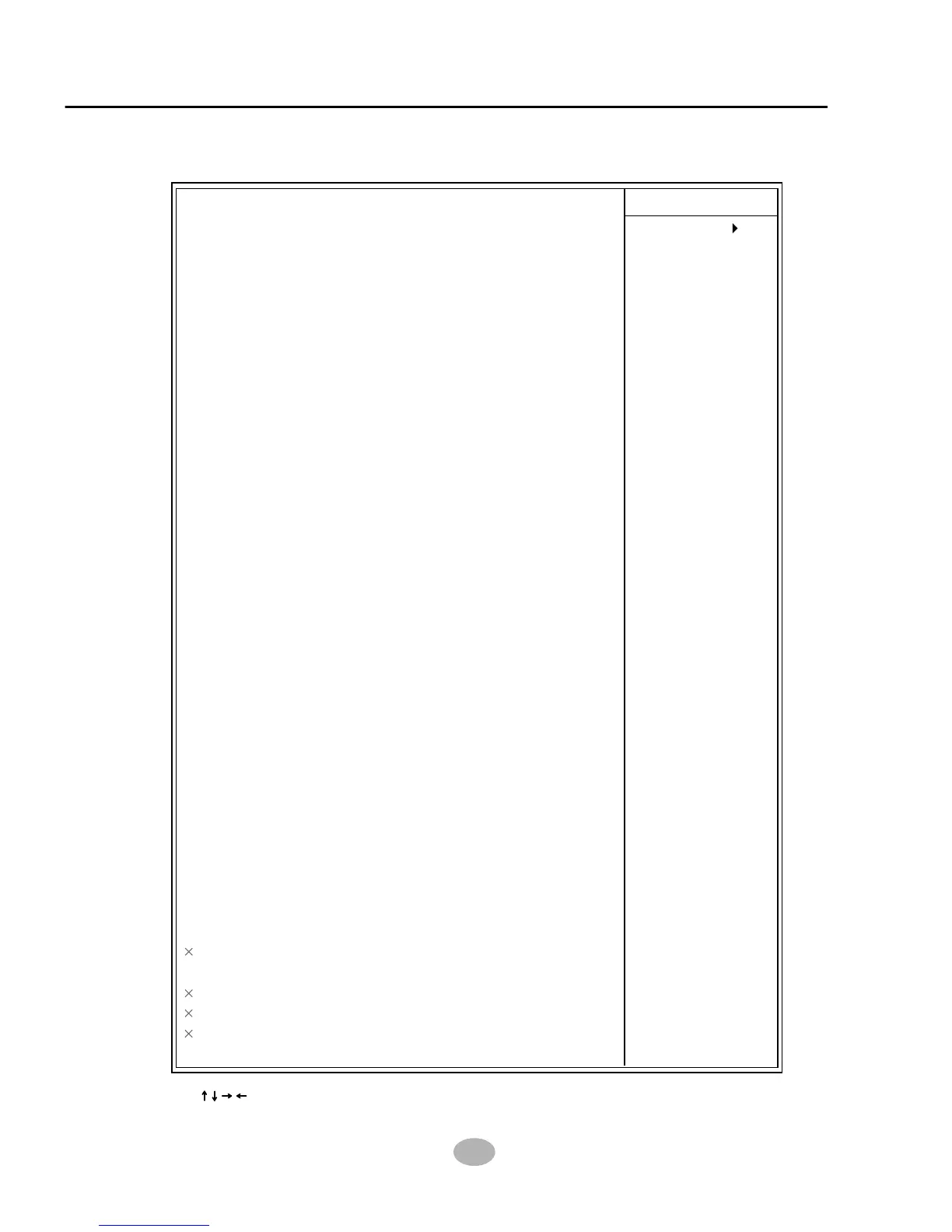
On-Chip Primary PCI IDE Enabled
IDE Primary Master PIO Auto
IDE Primary Slave PIO Auto
IDE Primary Master UDMA Auto
IDE Primary Slave UDMA Auto
On-Chip Secondary PCI IDE Enabled
IDE Secondary Master PIO Auto
IDE Secondary Slave PIO Auto
IDE Secondary Master UDMA Auto
IDE Secondary Slave UDMA Auto
USB Controller Enabled
USB Keyboard Support Disabled
AC97 Audio Auto
AC97 Modem Disabled
Init Display First AGP
IDE HDD Block Mode Enabled
POWER ON Function BUTTON ONLY
KB Power ON Password Enter
Hot Key Power ON Ctrl - F1
Onboard FDC Controller Enabled
Onboard Serial Port 1 Auto
Onboard Serial Port 2 Auto
UART Mode Select Normal
RxD, TxD Active Hi, Lo
IR Transmission Delay Enabled
UR2 Duplex Mode Half
Use IR Pins IR-Rx2Tx2
Onboard Parallel Port 378/IRQ7
Parallel Port Mode SPP
EPP Mode Select EPP1.9
ECP Mode Use DMA 3
PWRON After PWR-Fail Off
Game Port Address 201
Midi Port Address 330
Midi Port IRQ 10
SCR Port Address Disabled
SCR Port IRQ 11
MS/SD Port Address Disabled
MS/SD Port Mode MS Socket
MS/SD Port IRQ 11
MS/SD Port DMA 1
Item Help
Menu Level
CMOS Setup Utility - Copyright (C) 1984 - 2001 Award Software
Intergrated Peripherals
:Move Enter:Select +/-/PU/PD:Value F10:Save ESC:Exit F1:General Help
F5:Previous Values F6:Fail-Safe Defaults F7:Optimized Defaults



 To Next Page