10
© Copyright 2018 Karaoke Home Entertainment www.khe.com.au / www.khe.co.nz / www.picknmix.com.au
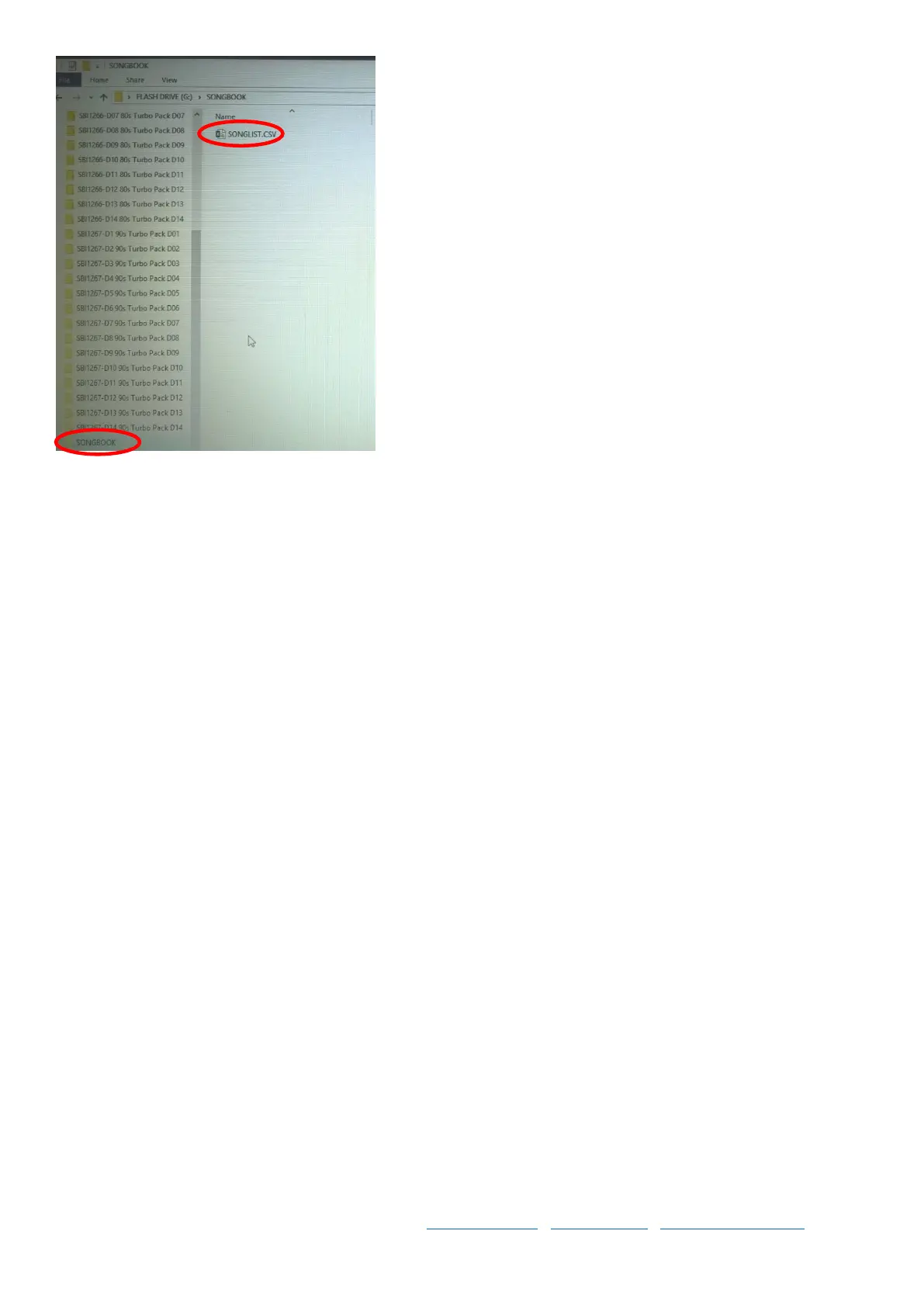
If you would like instructions on how to format the songbook in an
excel document to change the columns around, and format the list
by artist or by song title and clean up the list a bit further for a nice
printing song book, see page 8 for “How to Format a Song Book”.
How to Format a USB on a PC
Formatting to FAT32 in 5 Easy Steps… (On a PC)
Step 1 Plug the empty USB into your computer.
Step 2 Go to “My Computer” or “This PC” where you should see the name of the USB stick.
Step 3 Now, do a right click on the USB Stick’s icon. You will see a few options, a few options down you will see
“Format”, click this one.
Step 4 A small screen will appear, be sure to select “File System: FAT32 (Default)”. And hit the “start” button.
Step 5 When it says it is complete, you are ready to move on. Add your songs and start singing. Should you ever find
you have an issue with your USB not reading in the machine, come back and do this. Remember to keep a copy of
your songs on your computer prior to wiping the stick though. *Even if the hard drive is new out of the box, it still
must be formatted.



 To Next Page